Automate Order Documents
Automatically create, send, and archive invoices and more. Save valuable time, avoid errors, and keep an overview of all your channels—set up in just a few minutes.
Centralized Order Documents for All Your Sales Channels
Automatically create invoices, packing slips, and more for orders from all your online stores and marketplaces—always matching your individual branding.

Invoices
Automatically generate invoices for every order and send them effortlessly to your customers—in your branding.
Order Confirmations
Create professional, customized order confirmations with minimal effort for a consistent customer experience.

E-Invoicing
Automatically create and send e-invoices in ZUGFeRD format to effortlessly meet legal requirements.

Cancellations & Credit Memos
Create cancellation invoices and credit notes with just a few clicks—directly from the order.
Quotes
Flexibly adjust quotes and send them directly to your customers from a centralized system.
Packing Slips
Create and customize packing slips to communicate delivery details clearly and professionally.


Create, Send, and Archive Documents Faster


Generate invoices and more with just a few clicks or fully automated—zero manual effort required.
Automatically send order documents to your customers using personalized email templates.
Automatically archive your order documents in a connected cloud storage immediately after creation.
Create Professional and Consistent Order Documents
Design order documents that perfectly match your branding for a consistent, professional appearance.
Set up unique, sequential number ranges for each document type or seamlessly continue existing ones.
Provide an optimal experience for international customers with linguistically adapted documents in the correct currency.


Simplify Your Pre-Accounting
Transfer outgoing invoices directly to DATEV via the Data Transfer Service or as an export in DATEV format for simplified accounting.
Export all tax-relevant data for your One-Stop-Shop (OSS) reporting as a CSV with just a few clicks—directly from Billbee.
Save time through seamless integration with popular tools and transfer all documents fully automatically.


Order Document Features in Detail
Billbee started as an invoice automation tool for DaWanda, which is still reflected today in our wide range of features for your order documents.
Setting Up Billbee Is a Breeze
You can get started with Billbee today, even without technical know-how. Our tutorials, extensive documentation, and more will help you with the setup.
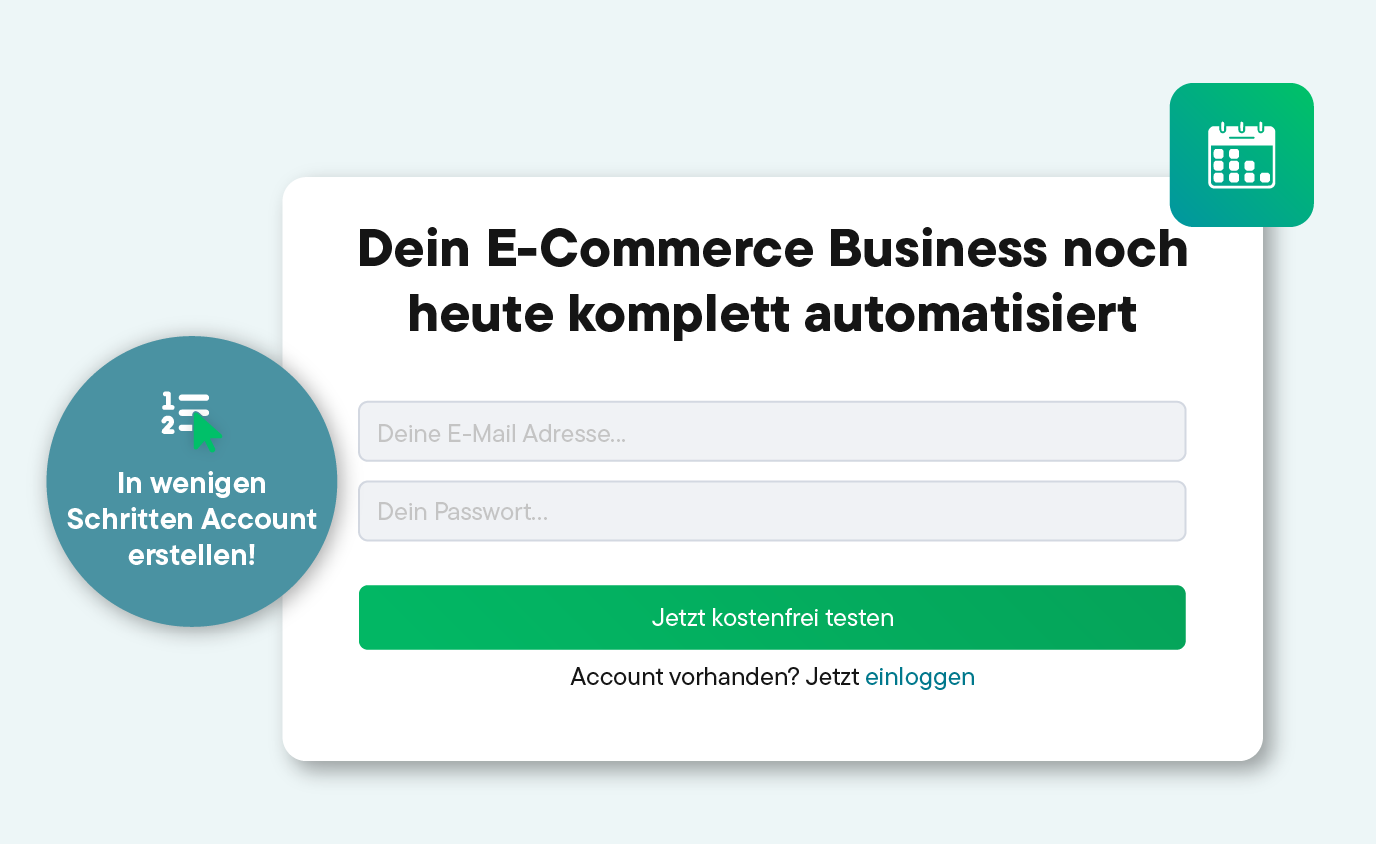
Register for your Billbee account and start your trial without entering payment details. The trial ends automatically without you having to cancel!
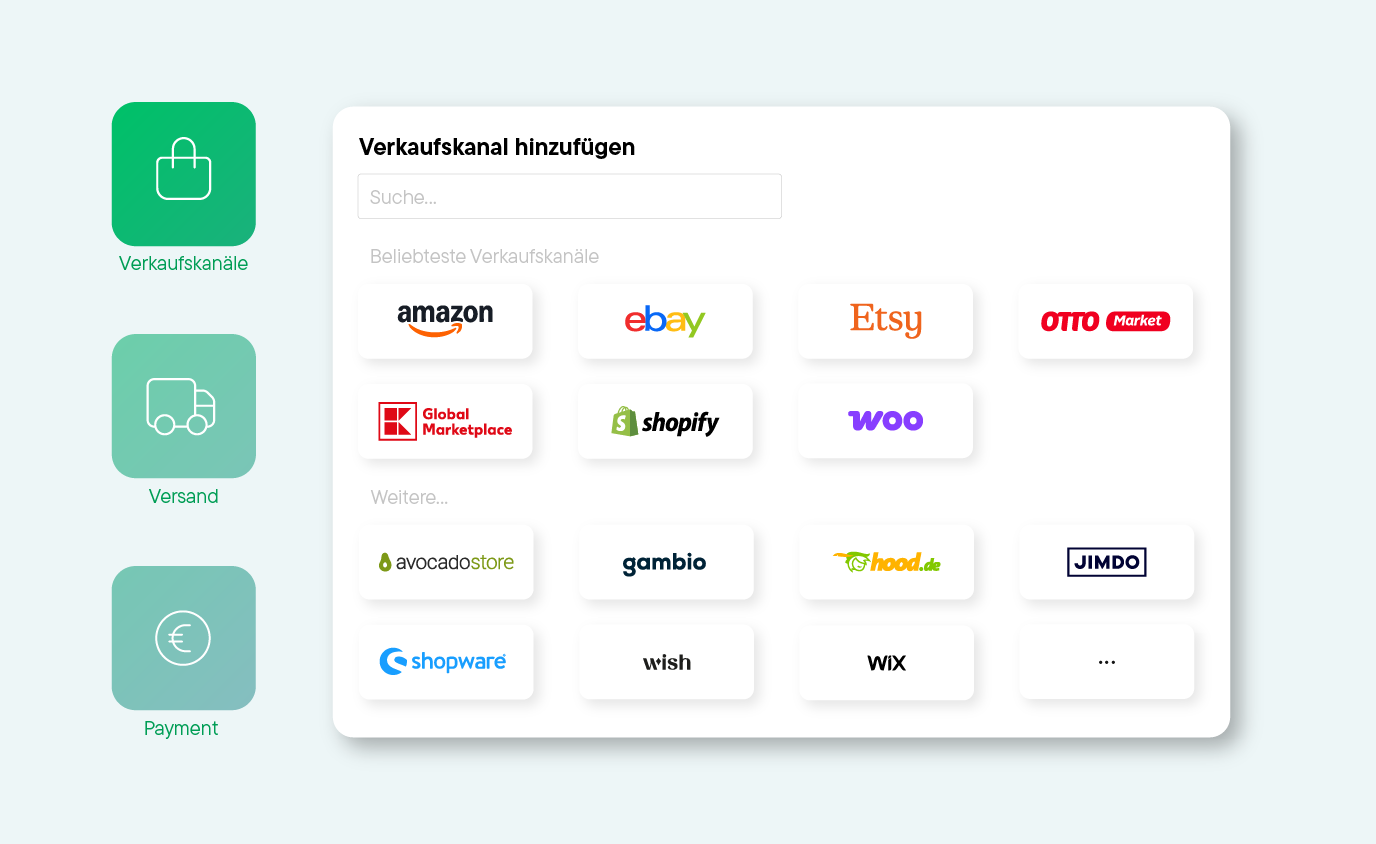
Connect your online stores, marketplaces, shipping carriers, and other tools to Billbee, and start importing your orders.
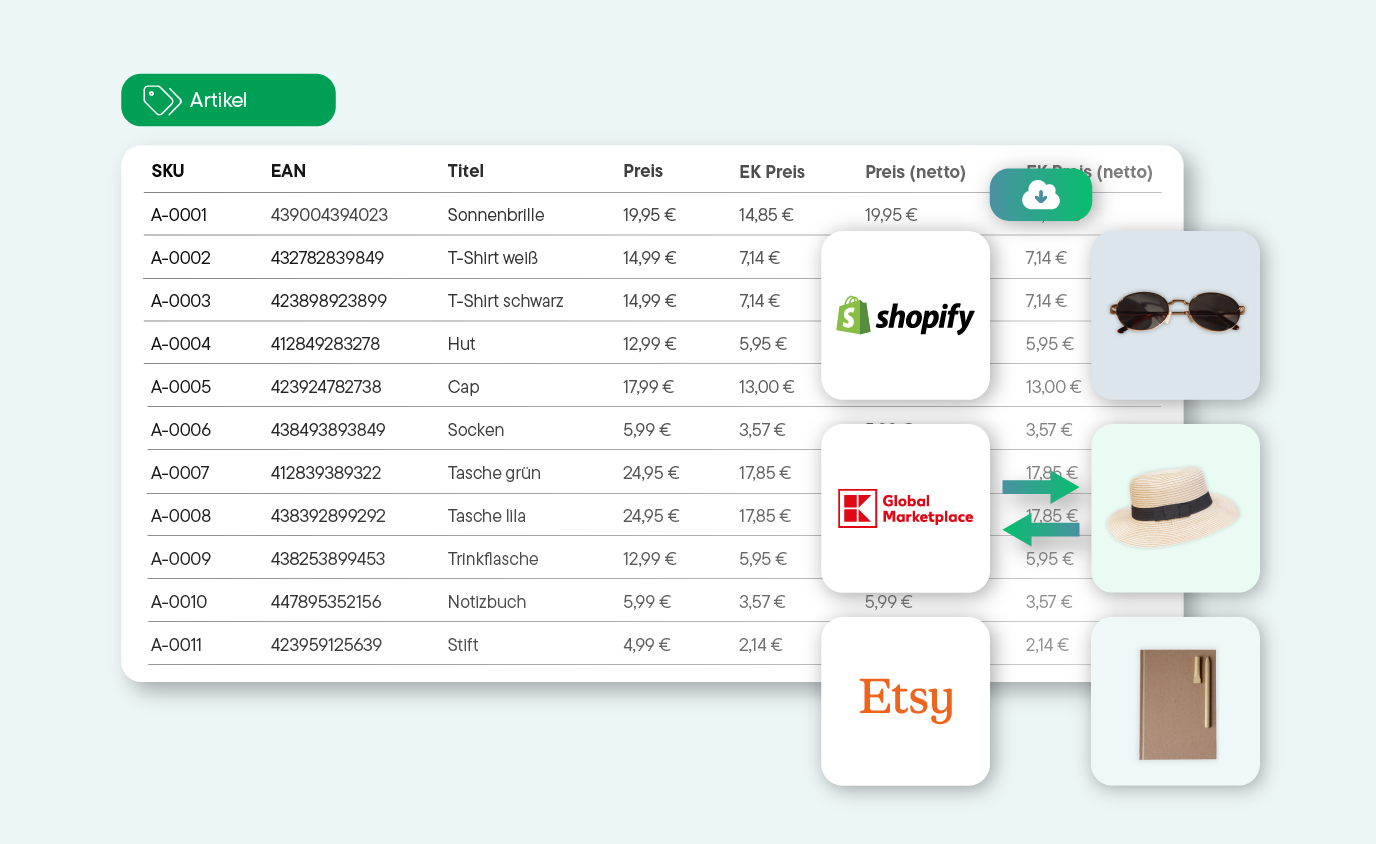
Whether manual or automated: Start managing your products and processing orders right away. See for yourself how much time you can save with Billbee!
Discover Our Network of Certified Partners!
We offer a broad network of certified, independent partners to help set up and optimize your Billbee account.
Find a Setup Partner
Häufig gestellte Fragen
Hier findest du Antworten auf die wichtigsten Fragen rund um die Bestellabwicklung mit Billbee. Wenn noch etwas offenbleibt, hilft dir unser Support oder unsere Community gerne weiter.
Welche Auftragsdokumente kann ich mit Billbee automatisieren?
Mit Billbee kannst du folgende Dokumente automatisieren:
- Angebote
- Auftragsbestätigungen
- Rechnungen, auch Stornorechnungen und Gutschriften
- Lieferscheine
- Versandlabels
- Zahlungserinnerungen sowie Mahnungen
Richte dafür einfach individuelle Regeln ein. So erstellt Billbee nicht nur die Auftragsdokumente, sondern sendet sie auch direkt an deine Kund:innen.
Kann ich die Auftragsdokumente an mein Branding anpassen?
Ja, du kannst das Layout deiner Rechnungen, Lieferscheine, Auftragsbestätigungen, Angebote, Etiketten und Stornorechnungen über einen Editor mit einer Vorschaufunktion in vielen Einzelheiten ganz deinen Wünschen anpassen. Lade zum Beispiel ein eigenes Logo hoch, ändere die Schriftart und Größe und baue deine eigenen Textblöcke ein, damit die Auftragsdokumente deinem Corporate-Design entsprechen.
Wie kann ich die Auftragsdokumente meinen Kund:innen zur Verfügung stellen?
Billbee kann die erzeugten Dokumente als PDF herunterladen, deinen Kund:innen über das Kundenportal zur Verfügung stellen oder per Mail zustellen.
Kann ich die Dokumente auch automatisch drucken?
Ja, über einen angeschlossenen Cloud-Drucker und einen Cloudprinting-Dienst, wie z. B. comrce cloudprint, kannst du die erzeugten Dokumente auch vollautomatisch ausdrucken.
Kann ich die Dokumente fortlaufend nummerieren?
Ja, du kannst für jeden Dokumenttyp und optional für jede Shopverbindung eigene Nummernkreise definieren.. Neben der fortlaufenden Nummerierung der Dokumente kannst du auch noch Kürzel mithilfe von Platzhaltern oder weiteren Text, z. B. die aktuelle Jahreszahl, integrieren.