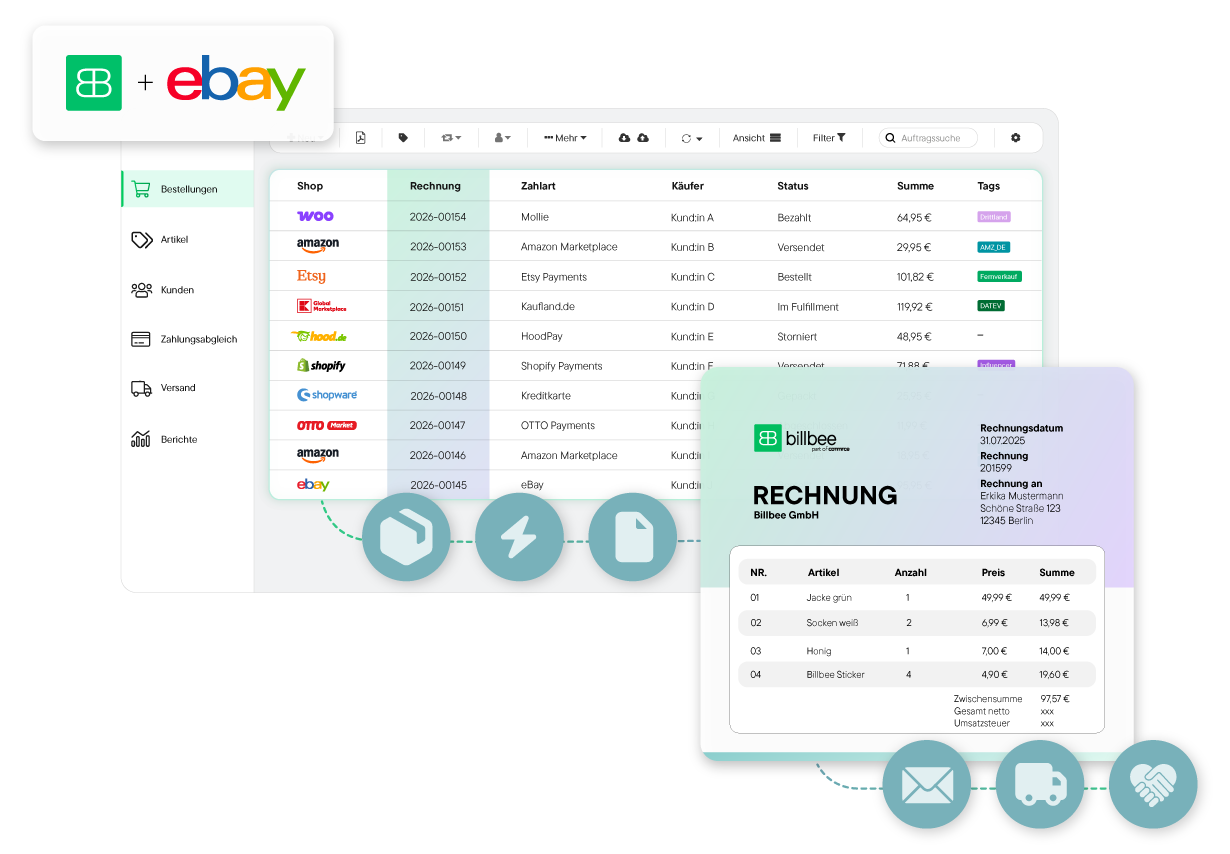
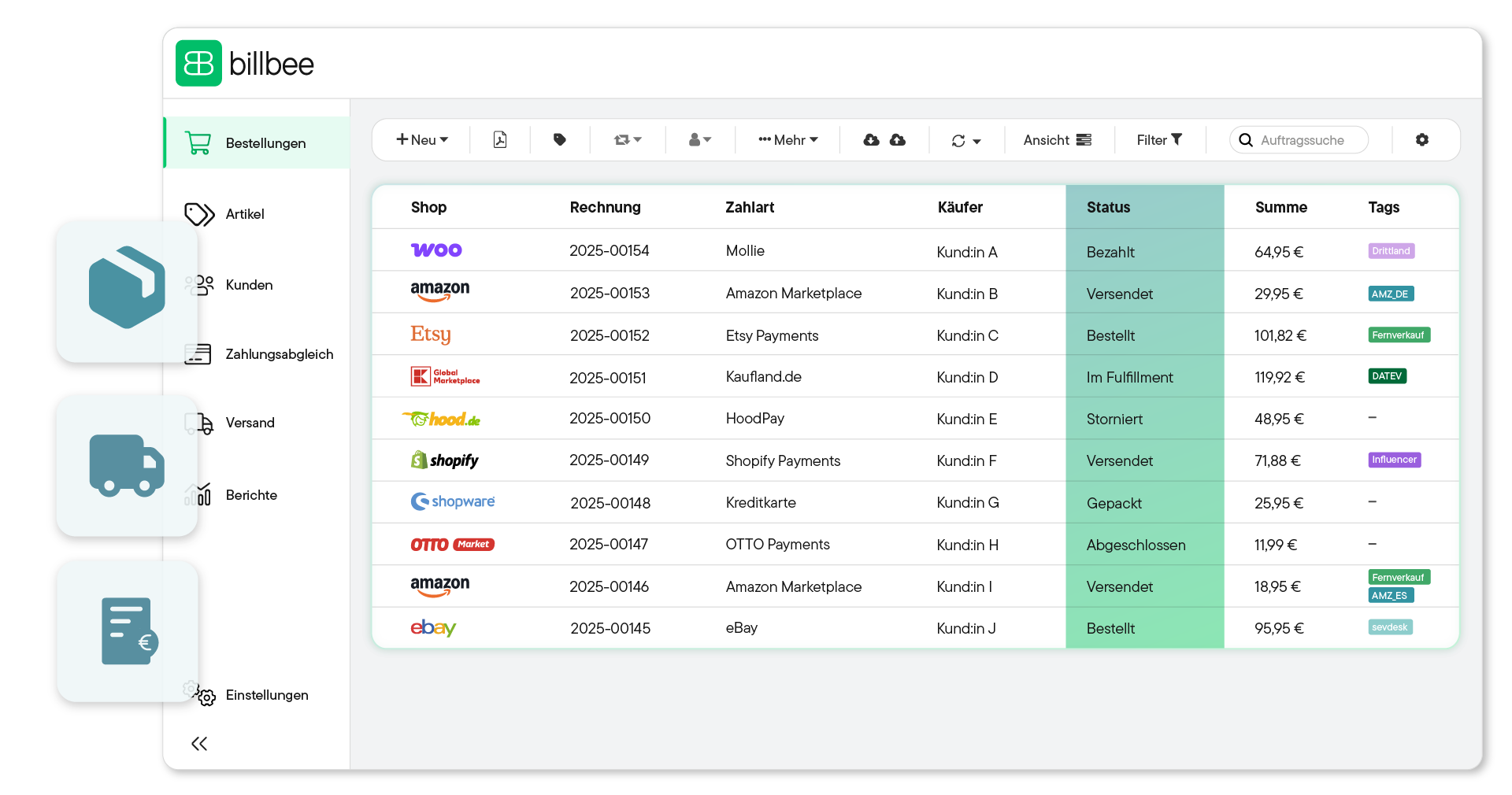
Whether new items, collectibles, or refurbished products: automatically generate a legally compliant invoice for every eBay sale. Billbee eliminates the manual creation of PDF documents and ensures all mandatory tax information is correctly included on the document.
eBay customers expect speed. With Billbee, you send invoices fully automatically immediately after purchase or payment receipt. Use personalized placeholders to address your buyers by name and increase your chances of positive reviews.
Brand recognition is important even on a marketplace. Use the flexible layout editor to place your logo, brand colors, and custom footers on your eBay invoices. This way, you appear professional and reputable from the very first moment.
On eBay, partial refunds or complete cancellations are commonplace. With Billbee, you create the appropriate correction documents with just two clicks. The sequential invoice numbering is preserved, and your inventory is immediately corrected upon request.
Billbee automatically makes generated invoices available to your eBay buyers and archives them legally compliant in your cloud. This ensures you can always provide information for inquiries, fully automatically fulfill your legal retention obligations, and maintain a professional image through quick document provision.
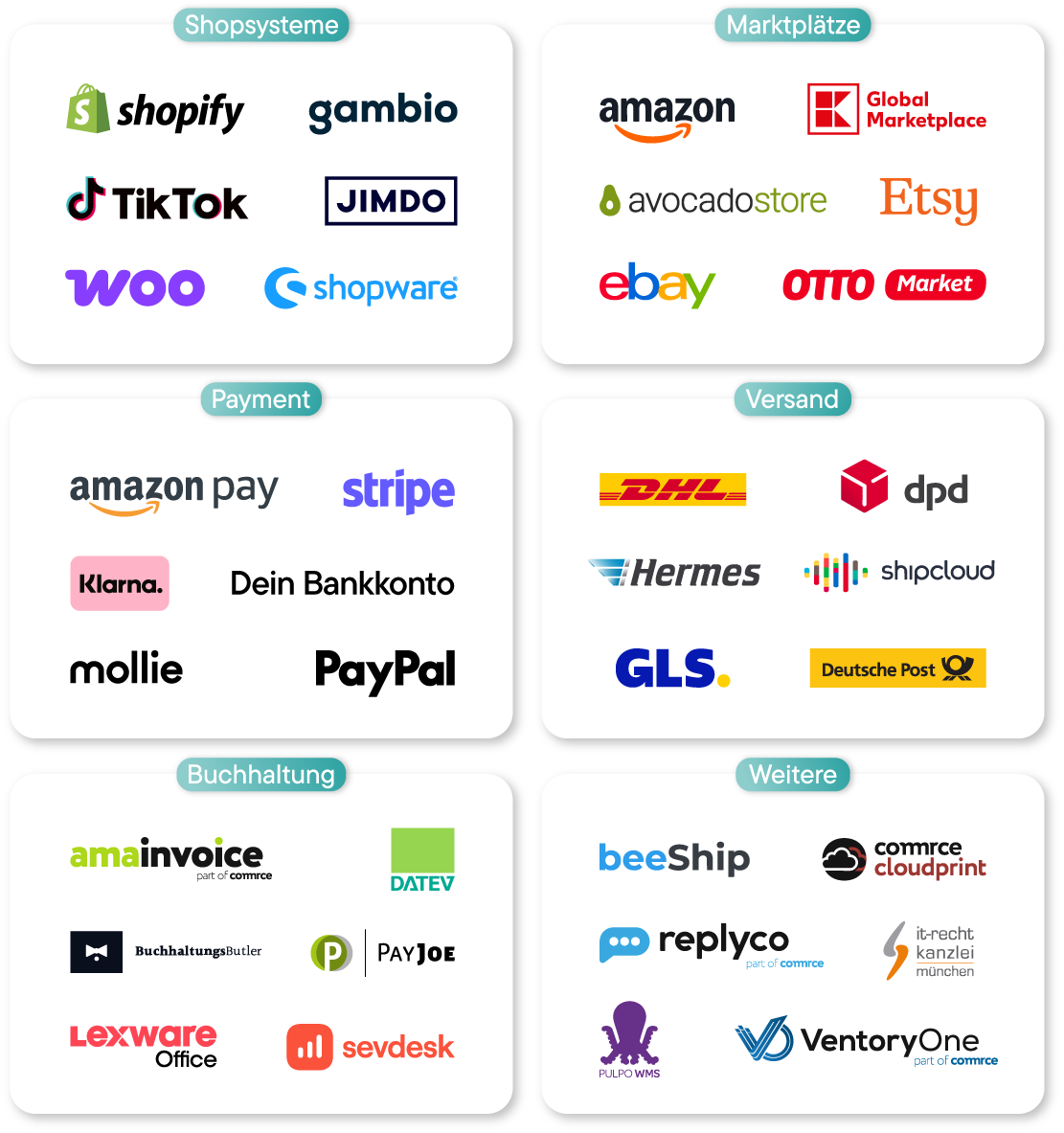
Billbee bundles your sales and invoices and prepares them for transfer with a click to DATEV, sevdesk, Lexware Office (or any other accounting program). This avoids accounting chaos and noticeably saves time.

You don't need any IT knowledge to automate your invoicing with Billbee. Get started right away and save valuable time.
Before you get started, go to Settings to upload your logo, enter your company information, and select your preferred font. Once you've set these up, Billbee will automatically use this template for all future invoices.

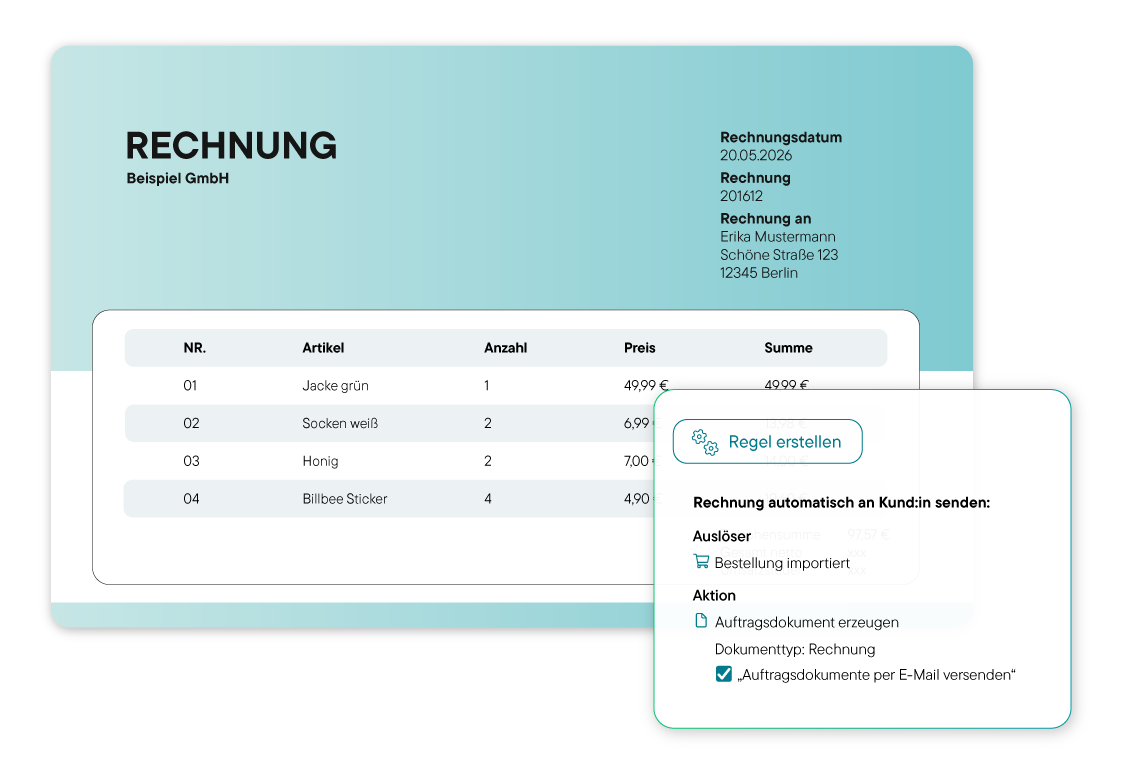
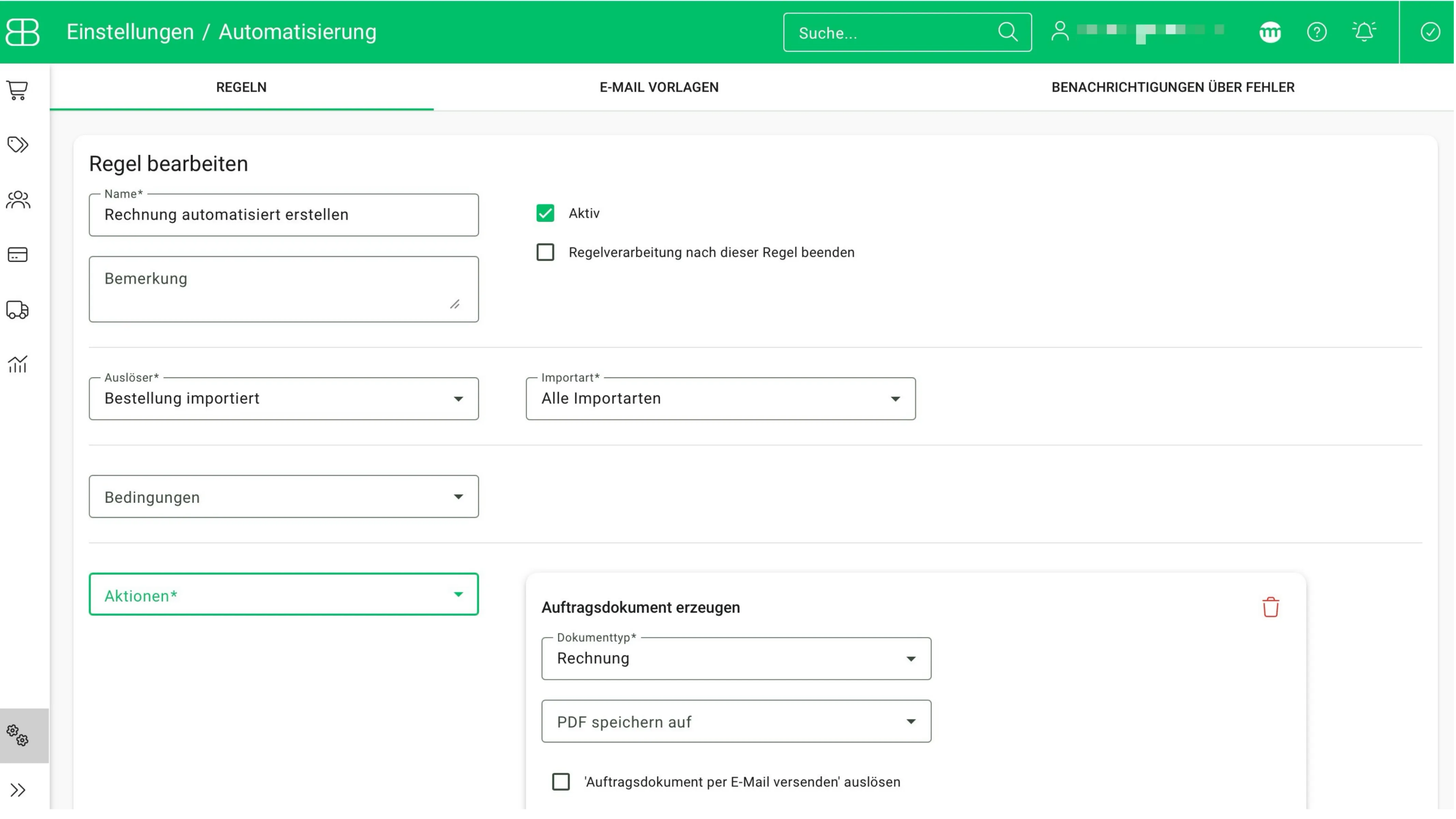
In Billbee, automations always run based on rules. So, to have your invoices generated automatically from now on, you’ll need to create a custom rule for this. Simply create it under “Automation” in the “Rules” tab. Here, set the trigger to “Order imported” and the action to “Create order document” with “Invoice” as the document type. This way, the system knows exactly when to create an invoice.

Step 2 ensures that your invoices are generated automatically, but it does not yet ensure that they are sent to your customers automatically. To do this, first create a custom notification message. To do so, go to the “Automation” section under “Email Templates,” create a custom message, and save the template.

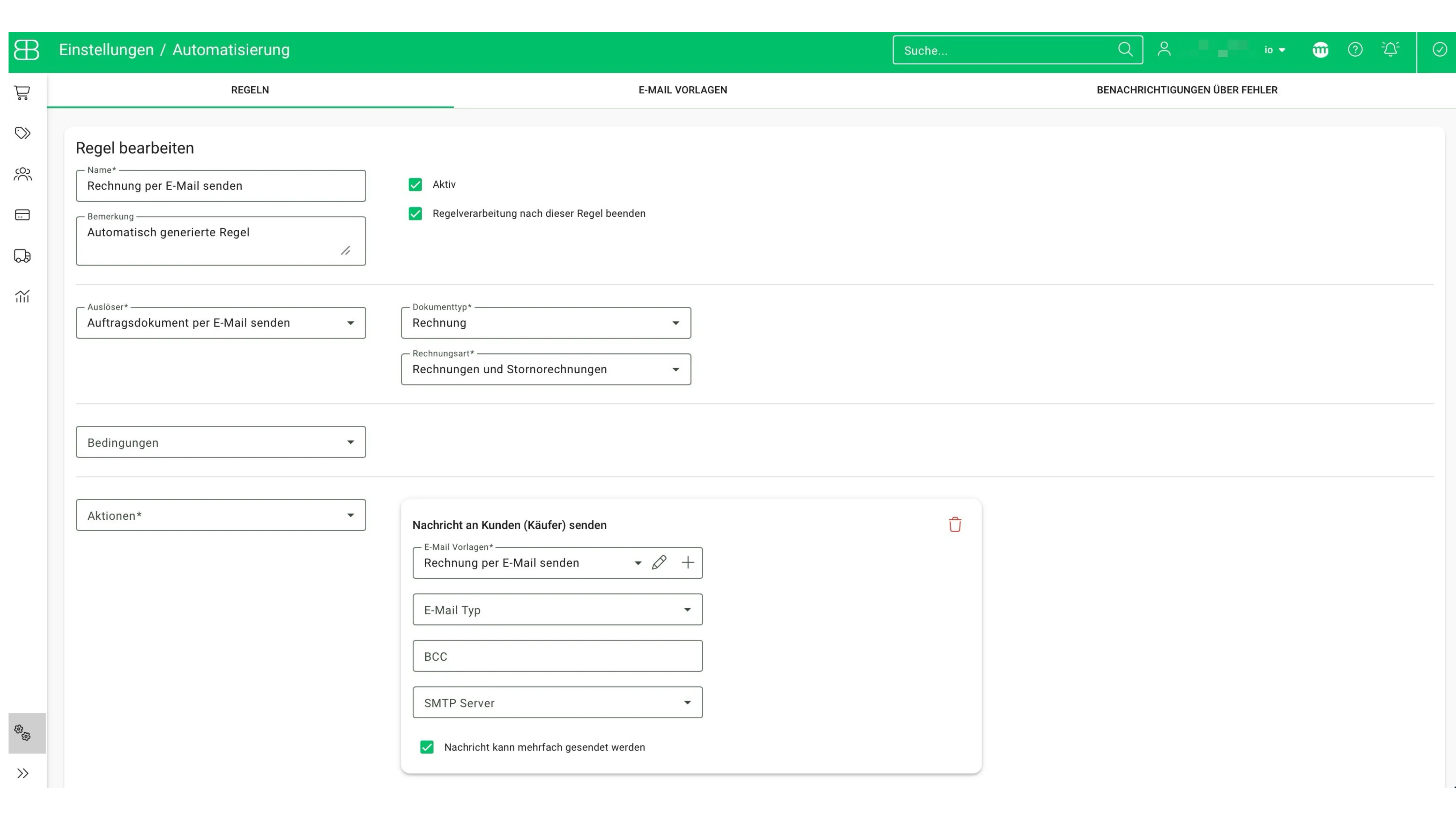
Next, create a second rule for automatically sending your invoices. A rule like this is already set up by default in your Billbee account. However, you can still customize it—for example, by linking the notification text you created earlier and specifying a BCC email address that receives all sent invoices.

Billbee goes beyond mere invoicing for eBay. The multichannel software automates all processes of your order fulfillment – from payment receipt to shipping – and saves time in the after-sales process.
Connect Billbee directly to your eBay account. The system imports all sales and reconciles them with payment providers like PayPal or bank accounts. The result: A complete data foundation that makes your monthly closing a breeze.
Generate shipping labels for DHL, UPS, DPD, or GLS with just a few clicks. As soon as the label is printed, Billbee automatically reports the "Shipped" status, including the tracking number, back to eBay. This keeps your customers informed and helps you maintain your excellent service status on eBay.
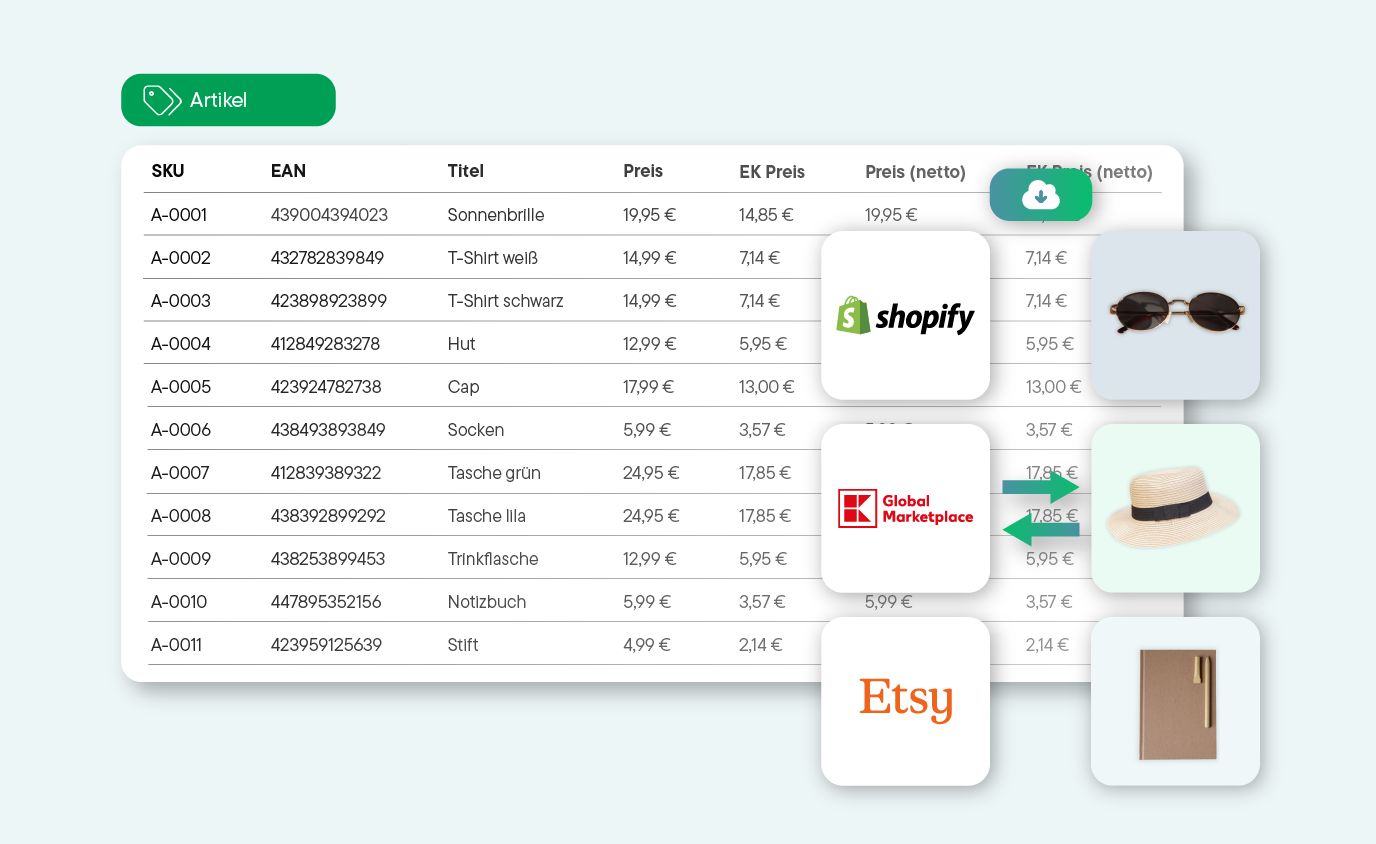
Billbee also serves as a merchandise management system for your eBay business. If an item is sold on eBay, the inventory on eBay and all other connected channels is immediately adjusted. This prevents overselling and negative reviews.
eBay might just be the beginning. With Billbee, you can effortlessly scale to Amazon, Etsy or your own online shop. You manage all inventory and invoices across platforms in a single dashboard.


Billbee grows with you. Your month. Costs are purely usage-based — perfect to set the course for your growth.
With Billbee, you can get started today—even without any technical know-how. Our tutorials, comprehensive documentation, and more will help you get set up.
Sign up for your Billbee account and start the trial period without providing any payment information. The trial period ends automatically—no need to cancel!

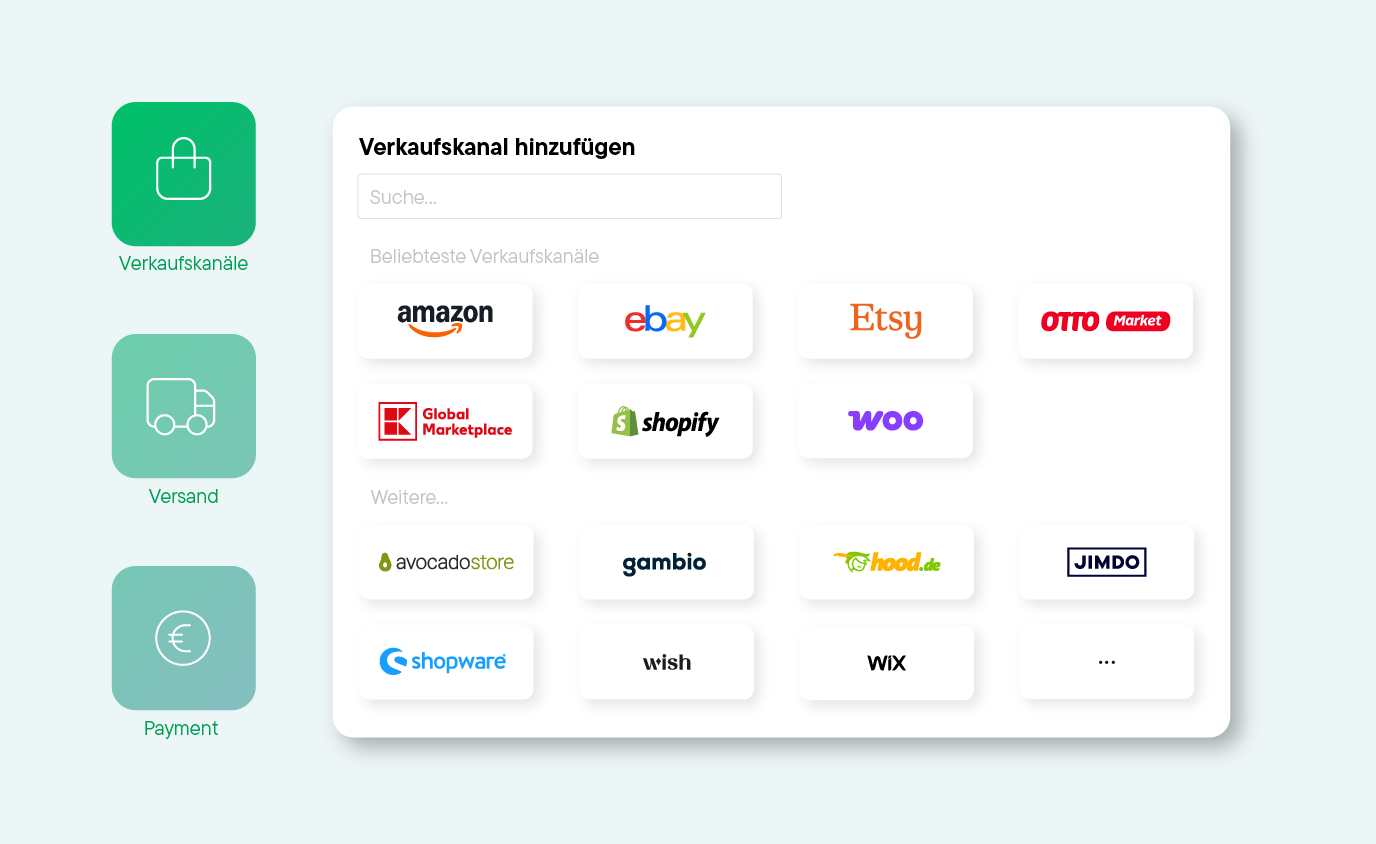
Connect your online stores, marketplaces, shipping providers, etc., to Billbee and start importing your orders.

Whether manually or automatically: Start managing your products and processing orders right away. See for yourself how quickly you can save time with Billbee!


"Billbee effortlessly bundles our orders from all channels, providing us with the exact workflows we need as a growing children’s label. The automations make our day-to-day operations noticeably easier, giving us more time for what we love most: turning simple IKEA products into cherished favorites for families everywhere.

We’ve been using Billbee for a while now and are truly impressed. The user interface is clearly designed and intuitive to use—even new team members find their way around quickly. We are especially convinced by the automation: orders, invoices, and inventory management run smoothly and save us a tremendous amount of time in our daily operations.

We’ve been using Billbee since 2017 and have truly grown alongside the platform. It is incredibly easy to onboard new employees, and Billbee has allowed us to scale our operations seamlessly.

When I first became subject to sales tax, I was worried I’d have to spend hours every week manually writing invoices. Fortunately, Billbee takes care of everything: invoices are created and sent to customers automatically, and tracking numbers are transmitted directly back to Etsy and Shopify.

As a small company, we grew fast—and Billbee simply grew with us, completely behind the scenes. No bells and whistles, just a system you can truly rely on.
Here you'll find answers to the most important questions about invoicing and Billbee as an invoicing program with eBay integration. If you still have questions, our support team or community will be happy to help.
For commercial sellers in Germany, certain mandatory details are essential on an invoice:
Special note for small business owners: If you use the small business regulation (Section 19 UStG), you must not show VAT. A note such as 'VAT-exempt due to small business regulation' is then mandatory.
Special note for international sellers: For sales across the EU, the respective tax rates of the destination country must be taken into account.
eBay only provides a 'Purchase Details' overview, which, however, does not replace a complete, legally compliant invoice under German tax law. Commercial sellers are obliged to issue a correct invoice upon request (and always for B2B sales). Billbee fully automates this process.
But there's more: Billbee also supports the margin scheme, which is particularly important for eBay sellers in the used goods/antiques sector.
First, connect your eBay shop with Billbee. Thanks to the official eBay interface, this usually only takes a few minutes. After that, you can automate your invoice management in just a few clicks. This also usually takes no more than an hour:
Yes, if a purchase is cancelled, you can create a cancellation invoice with just a few clicks. Billbee automatically links it to the original document, ensuring your accounting remains accurate.
Partial credit notes (e.g., for a partial return) are also easily possible, including automatic rebooking into inventory.
Yes! If you sell internationally via eBay, Billbee helps you comply with the One-Stop-Shop (OSS) regulations. The system identifies which EU country the delivery is going to, applies the valid tax rate for that country, and correctly displays it on the invoice. This saves you tedious manual corrections for international orders.
The basic fee is 9 € per month. Additionally, there is a small fee per processed order. This means you only pay more if you sell more.
The fees include the full scope of Billbee. So you can not only automate your invoicing, but also your entire order processing, manage and control your inventory, and handle shipping automatically.