Get your 30-day trial

Automate Shopware order processing

Automate Shopware orders
Manage invoices, shipping, and more from one central hub
Save time & avoid errors
Start your free trial
No credit card required. Trial ends automatically.
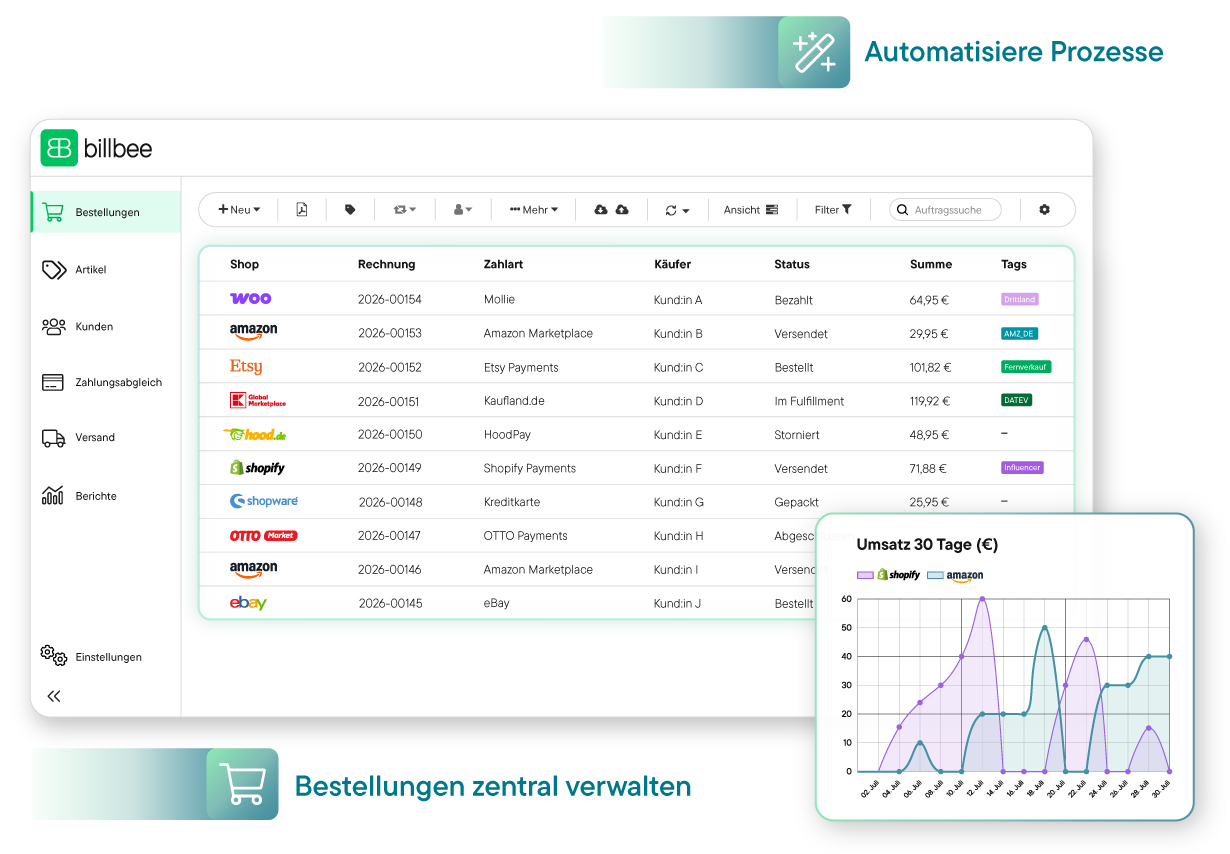
Billbee user interface showing a table of orders from various shops, including invoice number, payment method, buyer, status, total, and tags; next to it, a bar chart with reports for Thu and Fri.
Over 20,000 Online Sellers Use Billbee
Automate order processing, save time

Billbee is the ideal order processing software for your Shopware shop

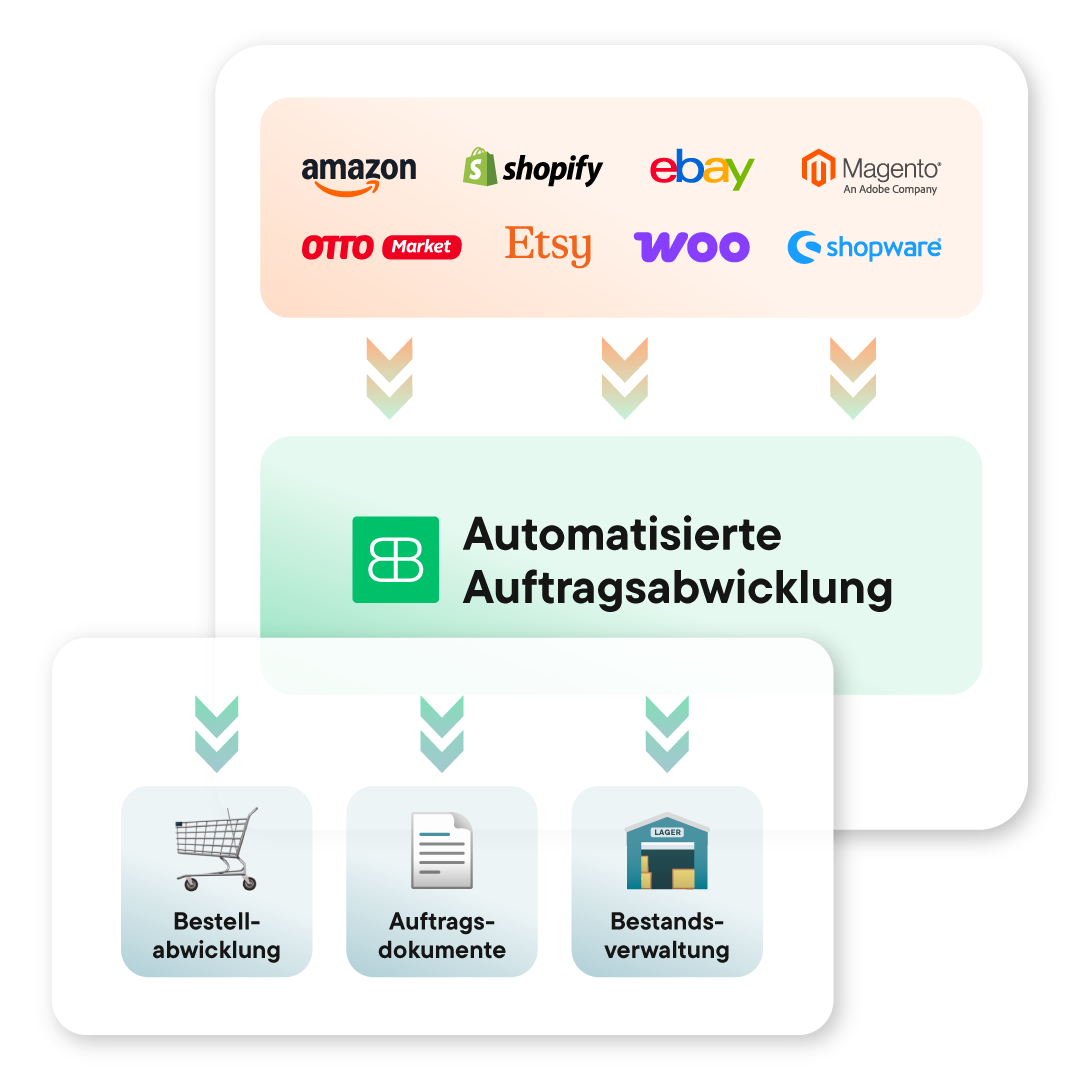
Logos von Amazon, Shopify, eBay, Magento, Otto Market, Etsy, Woo, Shopware führen zu automatisierter Auftragsabwicklung.
Manage all orders centrally

Get a better overview: Billbee consolidates your orders from Shopware and all connected marketplaces into one central interface. This allows you to check, process, and ship your orders faster.

Synchronize inventory automatically

Keep your stock levels up to date automatically: The integrated Shopware ERP syncs your item quantities and transmits available stock directly to Shopware and your other sales channels.

Create & send invoices automatically

Save valuable time every day with Billbee: Generate invoices, credit notes, and payment reminders for Shopware and all other channels automatically and send them directly to your customers.

Reconcile payments automatically

Simplify your payment reconciliation: Billbee imports incoming payments from connected accounts and payment services, matches them to the correct orders, and automatically marks them as paid.

Organize shipping automatically

Reduce errors with automated shipping processing for Shopware and all other channels. Create shipping labels automatically and notify your customers directly about the shipment of their order.

Update status notifications automatically

Avoid unnecessary manual steps: Billbee automatically transmits status updates to your Shopware shop and your connected marketplaces.

Manage returns with ease

Simplify your returns management by using Billbee to automatically generate return labels and automate status updates.

Manage customer communication centrally

Keep your customers informed without any extra effort: automatically send invoices, status updates, and other order documents via email. This reduces inquiries and ensures a more pleasant shopping experience.

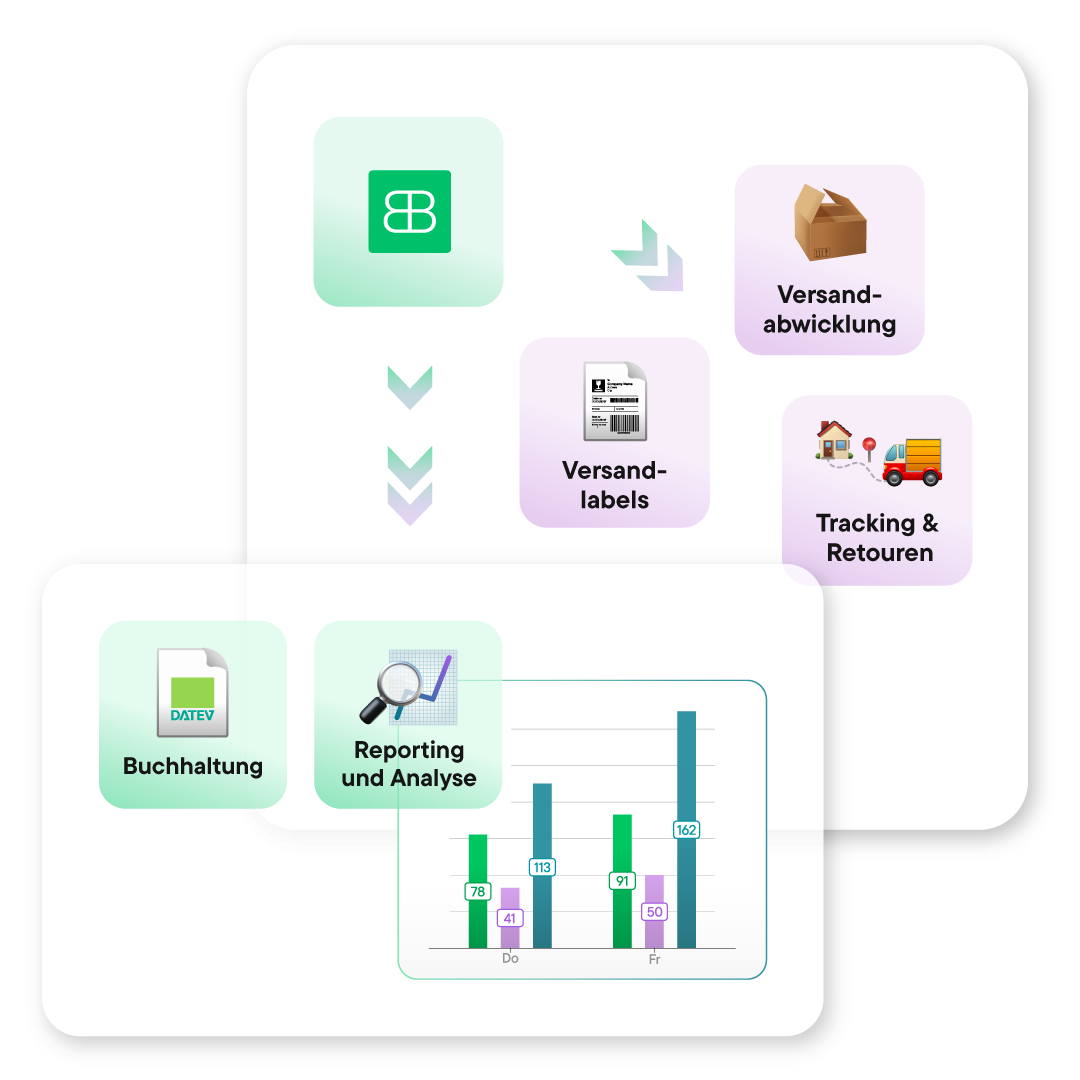
Diagramm zeigt Versandabwicklung mit Billbee-Logo, Versandlabels, Versandabwicklung, Tracking & Retouren, sowie Buchhaltung und Reporting mit DATEV-Logo.
Try now, no obligation, for
30 days!
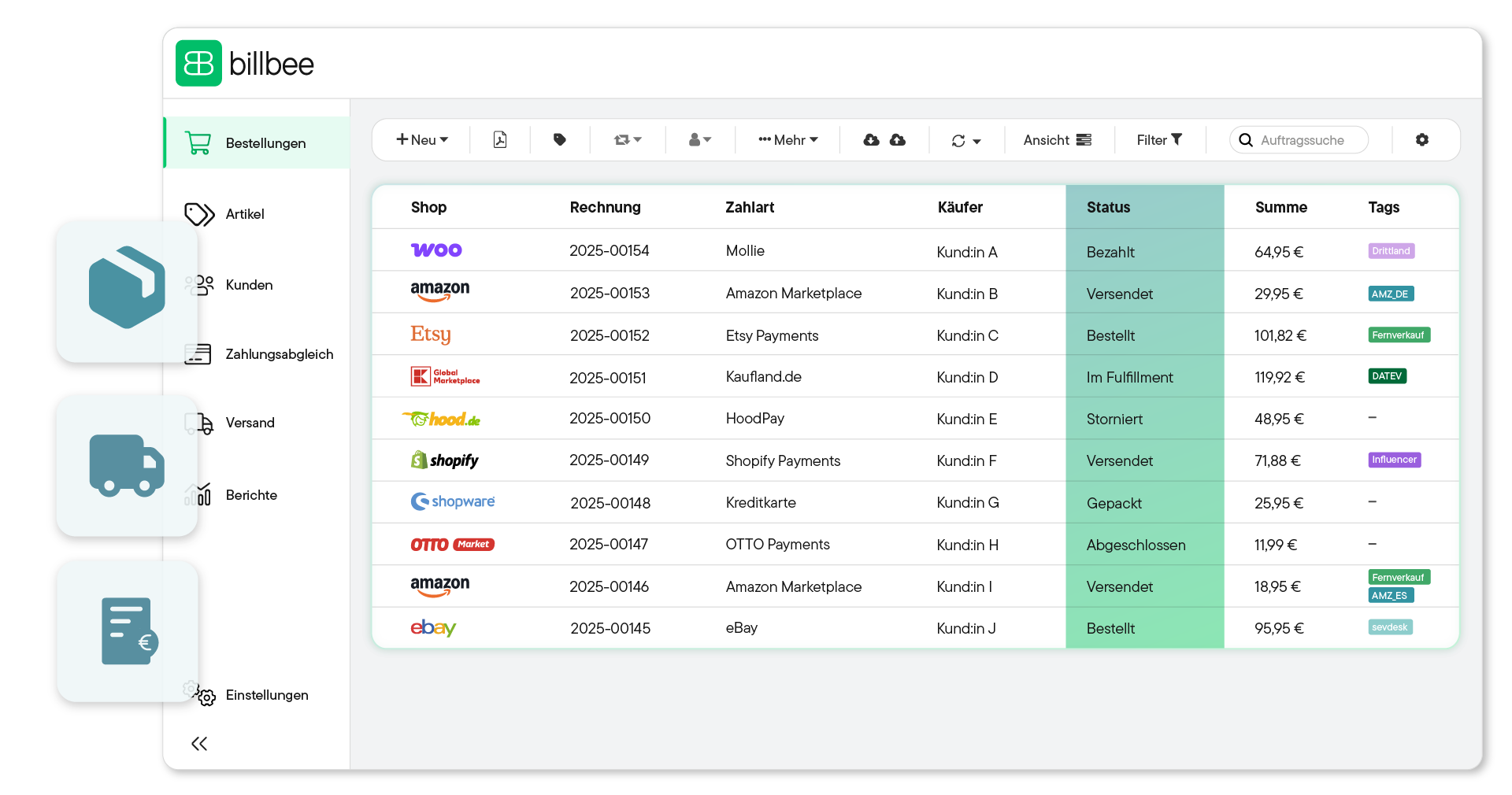
Bestellübersicht in der billbee Software mit Shops, Rechnungsnummern, Zahlarten, Käufern, Bestellstatus, Summen und Tags.
Get started today

Automate your orders in three simple steps

With Billbee, you can get started today, even without any technical expertise. Our tutorials and comprehensive manual will guide you through the setup process.

1. Create account & connect channels

First, create your Billbee account and connect your Shopware shop to Billbee using the existing interface. Your incoming orders will then be automatically imported into the system. If you also sell through channels like Amazon, eBay, and others, you can connect those directly as well.

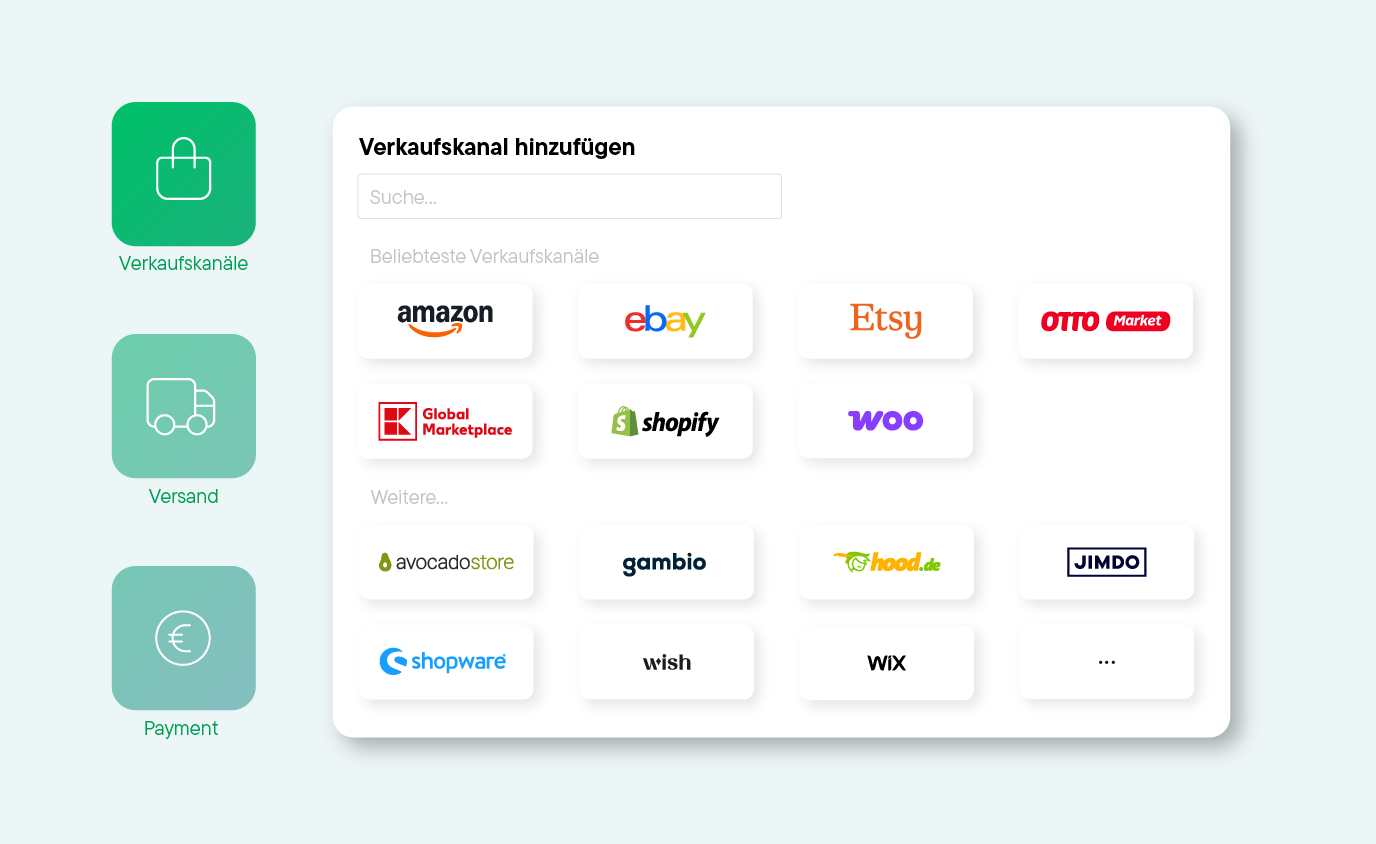
Bildschirmansicht zum Hinzufügen von Verkaufskanälen mit Logos von Amazon, eBay, Etsy, OTTO Market, Global Marketplace, Shopify, Woo, Avocado Store, Gambio, hood.de, Jimdo, Shopware, Wish und Wix.
2. Set up automation

Set up Billbee to match your workflows: activate automatic inventory synchronization, automate your invoicing processes and payment matching, and define shipping rules. Our tutorials and manual will guide you through the setup and help you automate your order processing for Shopware and all other channels today.

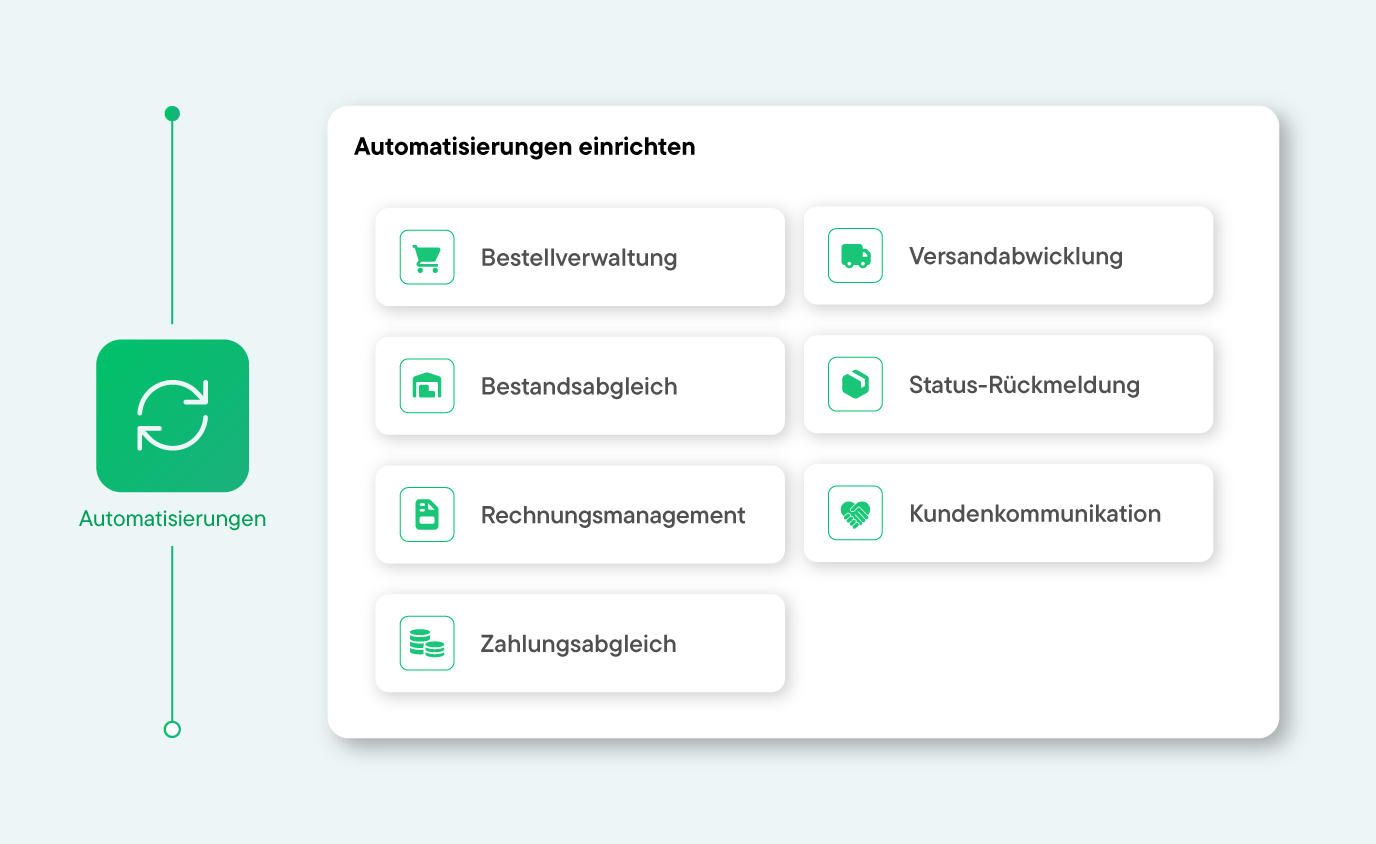
Übersicht zu Automatisierungen mit Symbolen und Bereichen wie Bestellverwaltung, Versand, Rechnungsmanagement.
3. Process orders automatically

From now on, your orders from Shopware and all other sales channels will be automatically imported into Billbee and processed according to your rules. This saves you valuable time every day and prevents manual errors that cause unnecessary costs.

Registrierungsformular mit dem Text 'Dein E-Commerce Business noch heute komplett automatisiert', Felder für E-Mail-Adresse und Passwort, grüner Button für 30 Tage kostenlosen Test und Hinweis auf Kontoerstellung in wenigen Schritten.
Connect Billbee to over 150 interfaces
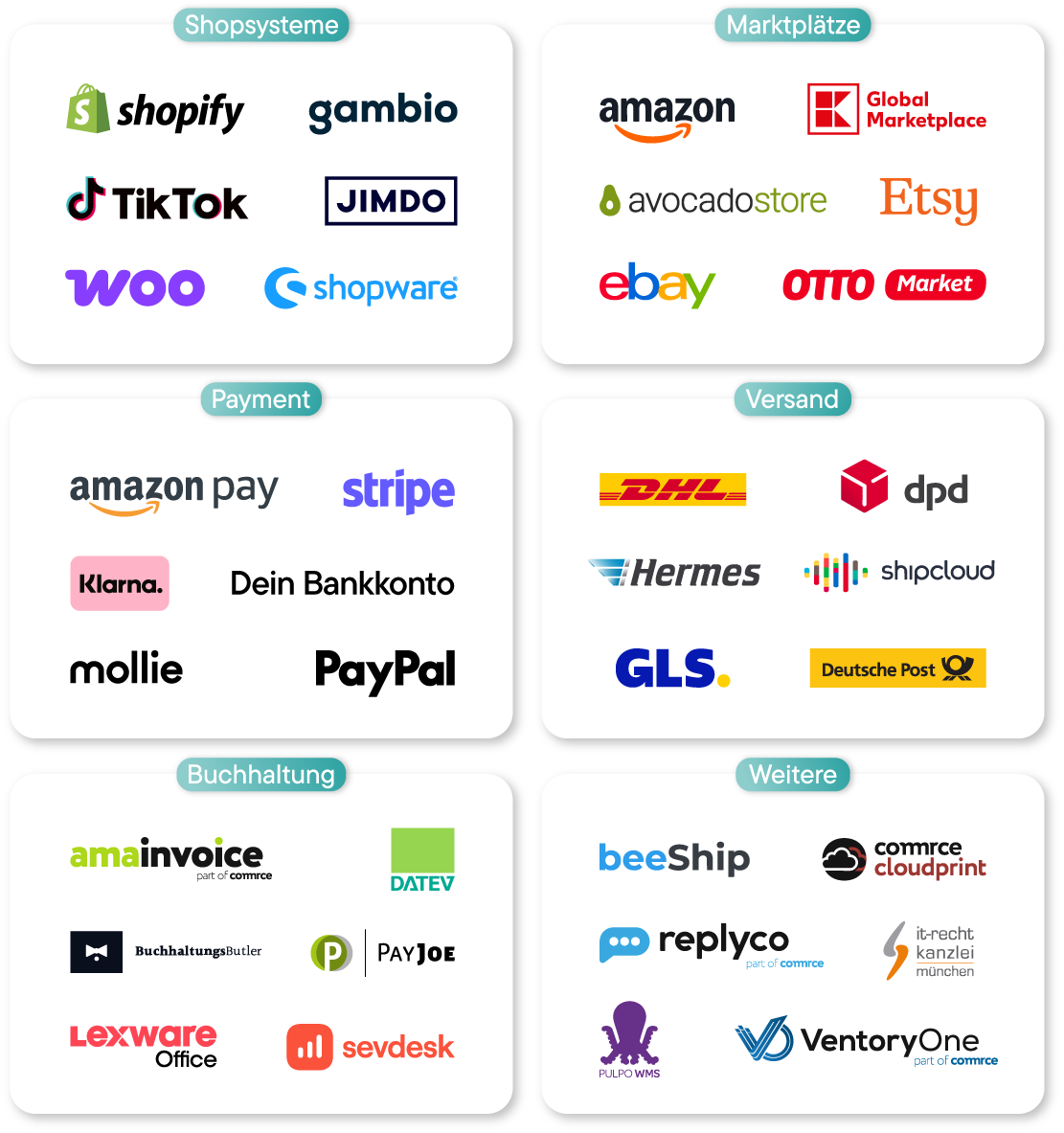
Grafik zeigt ein Laptop mit Billbee Bestellübersicht, umgeben von Kategorien mit Logos: Shopsysteme (Shopify, Shopware, Gambio, Jimdo, TikTok, Woo), Marktplätze (Amazon, eBay, Global Marketplace, Otto Market, Etsy, Avocado Store), Payment (Bankkonto, Klarna, Stripe, PayPal, Mollie, Amazon Pay), Buchhaltung (BuchhaltungsButler, Amainvoice, Datev, Sevdesk, Lexware, PayJoe), Versand (DHL, Shipcloud, Hermes, GLS, Deutsche Post, DPD) und Weitere (beeShip, Commerc Cloudprint, IT-Recht Kanzlei München, Pulpo WMS, Replyco, VentoryOne).Logos von Shopsystemen, Marktplätzen, Zahlungsanbietern, Versanddienstleistern, Buchhaltungssoftware und weiteren Dienstleistern in sechs Kategorien.

Billbee pricing: simple, fair and without fine print

Billbee grows with you. Your month. Costs are purely usage-based — perfect to set the course for your growth.

All inclusive: All features & interfaces can be used immediately
Fair: No minimum term, cancellable on a monthly basis
There for you: Support with guaranteed initial response time
Flat rate: Unlimited number of users at no extra cost
Tool upgrade: Billbee is part of the comrce software hub. Depending on the number of orders, you can therefore use additional tools for free!

How many orders do you have
per month?

Bestellanzahl
i
Bestellungen werden als alle in Billbee angelegten oder importierten Bestellungen und Erstattungen, Stornorechnungen & Gutschriften definiert.
0
0
Total price per month: 9€
From 200 orders, you also get:
Tools for inventory management & customer support.
Test now without obligation
No credit card required · Trial ends automatically
In addition to Billbee, you have depending on the number of your months. Orders additional tools included
Billbee Starter

up to 200 orders

Billbee in full
  • All functions & interfaces included
  • Can be cancelled monthly (no minimum term)
  • Unlimited number of users
  • Free email support with service promise
  • 24/7 cloud availability
additionally included
Amainvoice - Amazon Accounting
If Amainvoice is actively connected, Billbee does not charge any fees for your Amazon orders.
Billbee Growth

from 200 orders

Billbee in full
  • All functions & interfaces included
  • Can be cancelled monthly (no minimum term)
  • Unlimited number of users
  • Free email support with service promise
  • 24/7 cloud availability
additionally included
Amainvoice - Amazon Accounting
If Amainvoice is actively connected, Billbee does not charge any fees for your Amazon orders.
VentoryOne - warehouse & inventory management
You get full access to VentoryOne for your warehouse management at no extra charge.
Replyco - E-Commerce Help Desk
Replyco is available to you free of charge as a software solution for customer support.

What Billbee users are saying

"In our opinion, Billbee is by far the most efficient all-in-one tool for order processing and accounting for small and medium-sized retailers."
Dennis on OMR Reviews
"I've been using Billbee for my online shop for a few months now and I have to say: the tool really takes a lot of work off my hands. Order processing, invoices, and shipping all run smoothly. The automations, in particular, save me time that I previously lost in day-to-day operations."
Tom on OMR Reviews
"Billbee is fully automated. It makes order processing much easier. This allows me to invest more time in my business."
Mark on OMR Reviews
Try Billbee Today, Completely Risk-Free

Frequently asked questions

How can I process Shopware orders automatically?

With Billbee, you can achieve automation in three simple steps: create an account, connect your Shopware shop as well as additional sales channels, shipping providers, and payment gateways, and then define your individual rules for order processing. Billbee will then automatically import your Shopware orders into the central dashboard and manage the entire process. This means Billbee automatically creates and sends your invoices, generates shipping labels for incoming orders, reconciles payments, and updates the respective status in Shopware as well as on all other connected channels.


When does an order processing software solution make sense?

At the latest, when you spend more time transferring addresses, creating invoices, and manually reconciling inventory than you do on developing your Shopware shop. A solution like Billbee is worth it as soon as you process orders regularly or sell across multiple channels. This is because Billbee saves you time, reduces errors, and improves customer satisfaction.

Which sales channels does Billbee support?

Billbee provides you with interfaces to all common sales channels – from well-known marketplaces to specialized niche platforms like Amazon, eBay, Etsy, Kaufland, OTTO Market, or Avocadostore. In addition to Shopware, other shop systems like Shopify or WooCommerce can also be connected. All orders are consolidated in one central dashboard.

How long does it take to set up Billbee and automate Shopware order processing?

The technical connection between your Shopware shop and Billbee is usually established within a few minutes. For the complete setup—including invoice templates, shipping integration, and custom automation rules—you should set aside a few hours. This allows you to tailor the automations to your specific processes and gives you enough time to test the workflow.

How much does Billbee cost as an order management system for Shopware?

The monthly base fee is €9. In addition, there is a small fee for each order actually processed. The base fee already includes all features, automations, and interfaces—with no hidden extra costs.