One tool, all channels
Shopify & DATEV Integration

Seamlessly connect Shopify & DATEV
Prepare your accounting without manual effort
Numerous automations for Shopify stores
No credit card required. Trial period ends automatically.


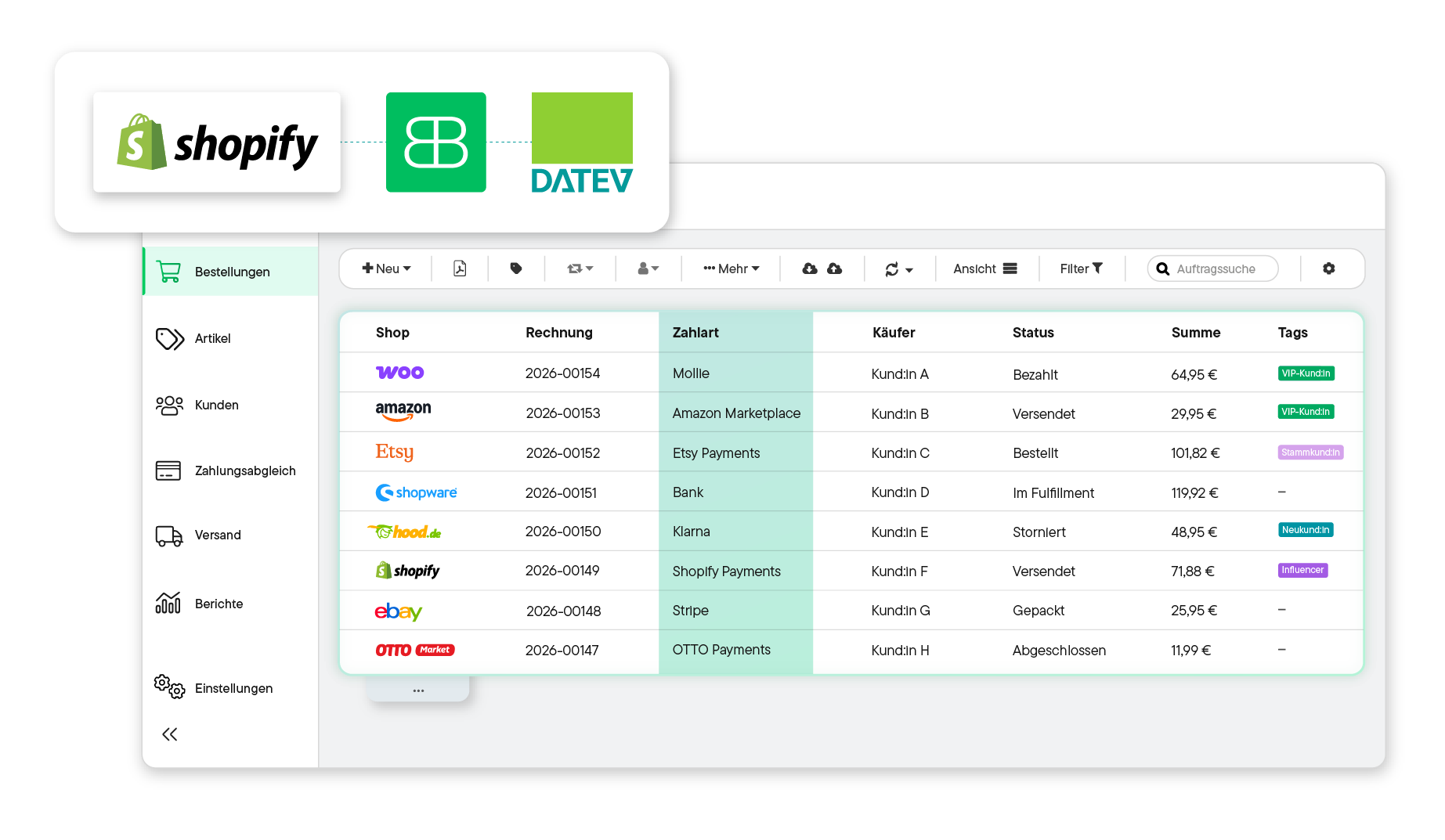





Automatically generate an invoice in Billbee for every incoming Shopify order. If you wish, Billbee can also automatically email the invoice to your customers and archive it in your cloud storage.
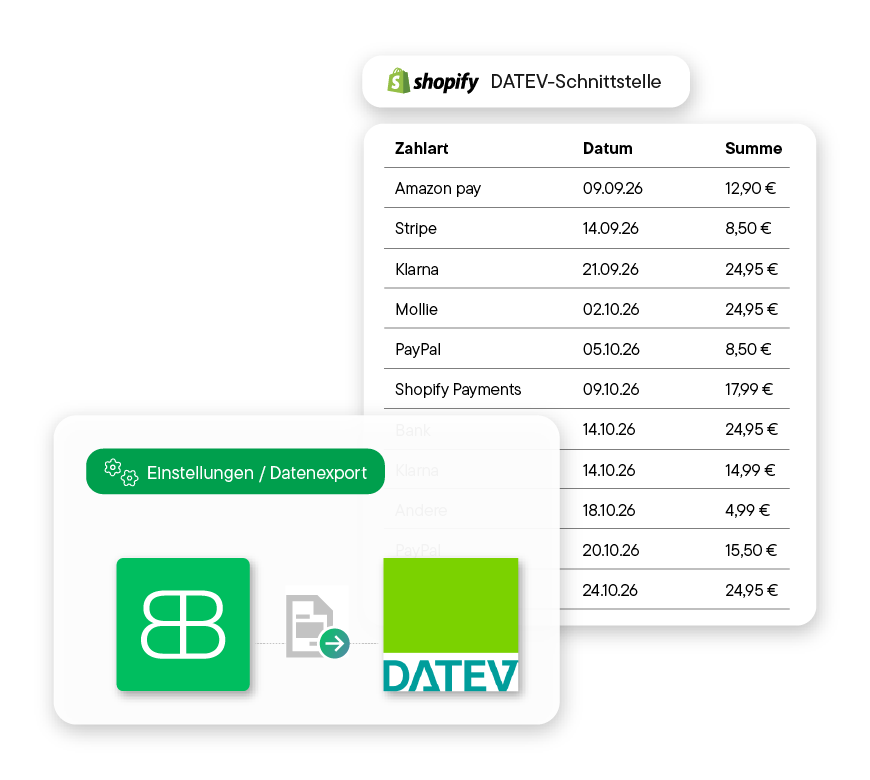
Transfer your accounting data and invoice documents manually as a DATEV export or fully automatically via the DATEV accounting data service.
Billbee accounts for the correct tax rates for your orders and supports you with EU distance sales via the One-Stop Shop (OSS) procedure. You can automatically tag OSS-relevant orders and analyze them for your reports.


You can get started with Billbee today, even without technical expertise. Our tutorials and comprehensive manual will help you with the setup.
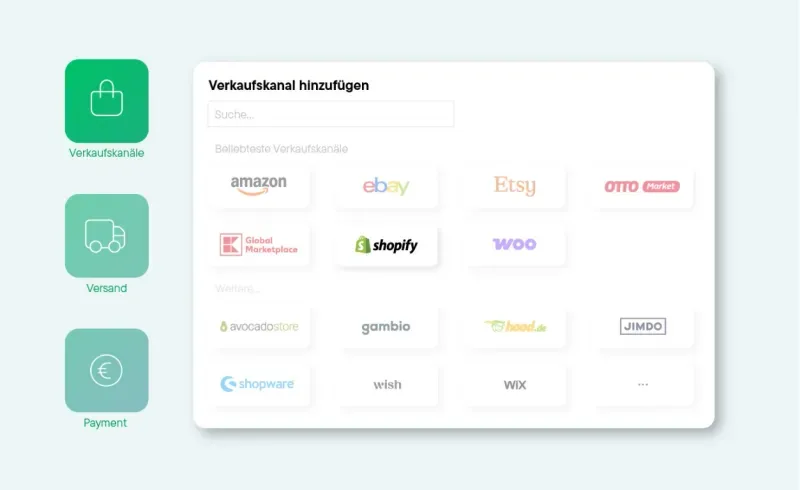
Log in to Billbee and add Shopify as a new shop under settings. Simply enter your shop URL and authorize access.
To use the connection to the DATEV booking data service, you must first apply for it with DATEV. As soon as the DATEV booking data service is activated by DATEV, you can get started right away. For the actual connection, you will need your consultant number and client number. If you are already using the DATEV revenue export, you can use the numbers from there. Otherwise, you can get them from your tax advisor.
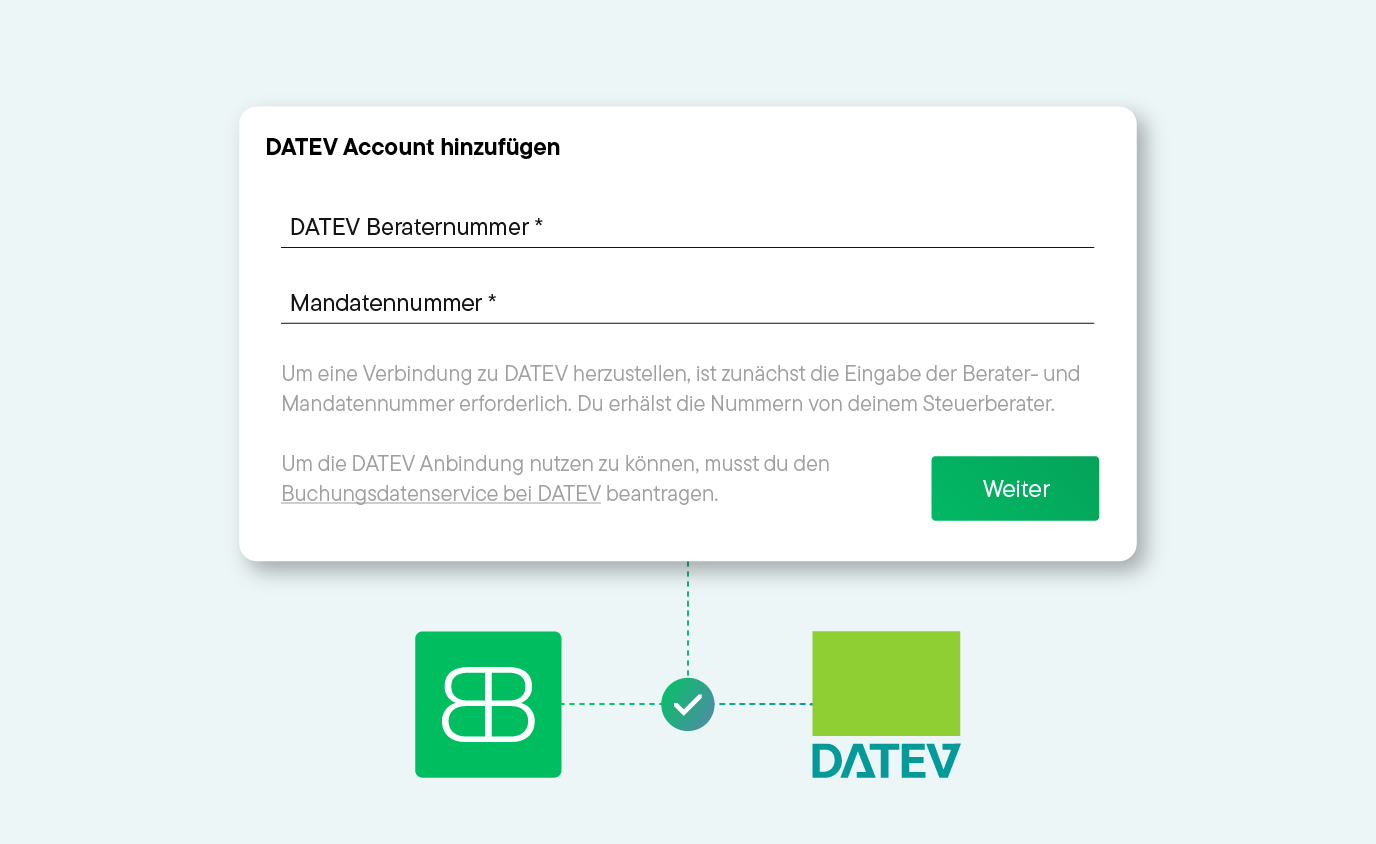
Once Shopify and DATEV are connected to Billbee, communication between your shop system and DATEV is established. This allows you to automatically transfer your documents to DATEV – and easily automate many other processes.
Billbee is a simpleERP for Shopify and all other connected sales channels. This means you can easily automate all your e-commerce processes – from invoice creation and accounting preparation to shipping. This saves you valuable time every day.

In addition to Shopify, connect all your other sales channels (e.g., Amazon, eBay, Etsy, OTTO Market, or Kaufland) to Billbee. This brings all your orders together in one central location.
Let Billbee handle your invoice management for Shopifyand all other channels: The system automatically creates invoices, sends them to your customers, archives them in your cloud storage, and uploads them to your marketplaces.
Automate yourShopify shipping: Print shipping labels with just a few clicks and automatically send tracking codes to your customers with a personalized message.

Stay on top of your finances: Billbee automatically reconciles incoming payments from bank accounts, PayPal, or Klarna with your open orders.

Use Billbee as your central inventory management system for Shopifyand all other sales channels. The tool bundles orders, inventory, and items into a single interface. This allows you to keep track of everything at all times without having to switch between systems.

Use automated email templates for customer communication. All relevant documents and order information are stored centrally in the system.
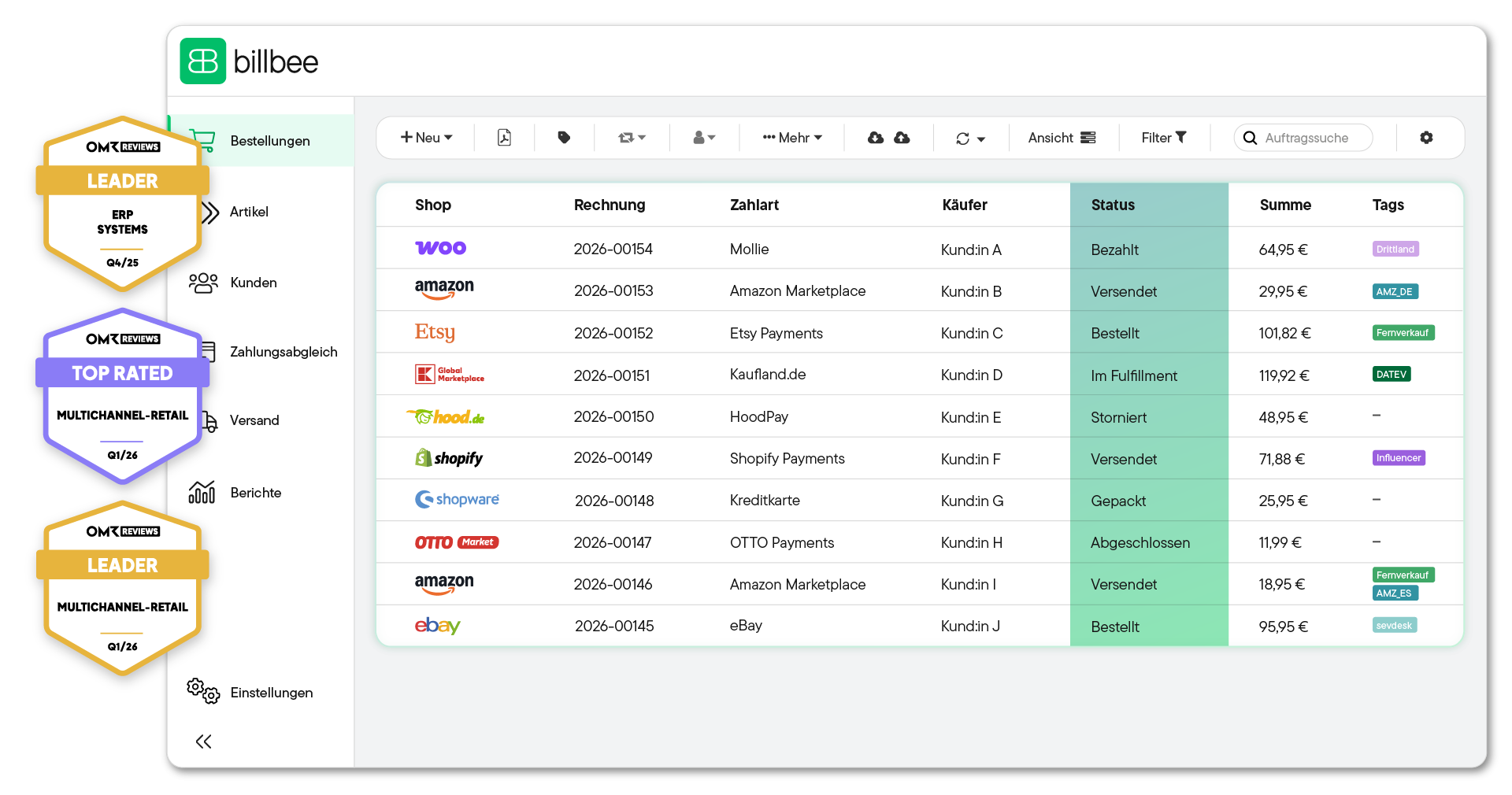
Billbee grows with you. Your month. Costs are purely usage-based — perfect to set the course for your growth.

With Billbee, you can do this in three simple steps: first, connect Shopify to Billbee, then link the DATEV accounting data service, and finally configure the settings in Billbee.
Theoretically, yes: DATEV offers its own payment data service for Shopify, which automatically transfers payment data into DATEV accounting software. However, this service only transfers payments and fees, not the actual invoice or sales entries for the items themselves. You will still need an upstream invoicing tool that also handles tax assessments (e.g., for OSS). For many merchants, middleware like Billbee is a more practical solution: it allows you to consolidate all your sales channels, automate your invoicing and payment reconciliation, and automatically transfer your data to DATEV.
The integration usually takes just a few minutes, as there are direct interfaces for both Shopify and DATEV. Please note that you must first apply for access to the DATEV accounting data service through DATEV. Once it has been activated, you can connect DATEV directly using your consultant and client numbers.
For payment reconciliation, you can connect bank accounts via finAPI, as well as PayPal, Amazon, Amazon Pay, Klarna, Stripe, Shopify Payments, and Mollie, among others.
Billbee offers you several options: you can export your accounting data as a DATEV revenue export or your payments as a DATEV payment export from Billbee and then import them into DATEV. If you use the DATEV accounting data service, revenue and invoice documents can also be transferred automatically.
Billbee is not an accounting tool. The system serves as an interface to DATEV (or other accounting solutions like Lexware Office or sevdesk), meaning it handles the correct preparation of your documents so you can easily import them into DATEV or transmit them automatically. In this way, Billbee simplifies your accounting, brings order to the chaos, saves time, and prevents costly errors.
Billbee starts at €9 per month. There is also a small fee per processed order. The base fee includes all features and interfaces. This means you can use Billbee not only as middleware for DATEV but also for other sales channels or shipping service providers to automate your entire e-commerce operation.