★ 4.7 out of 5 stars on OMR Reviews
Connect Shopware & Amazon

Manage all sales and processes centrally
Automate workflows across all channels
Reliably connect Shopware & Amazon to Billbee
No credit card required. Trial period ends automatically.


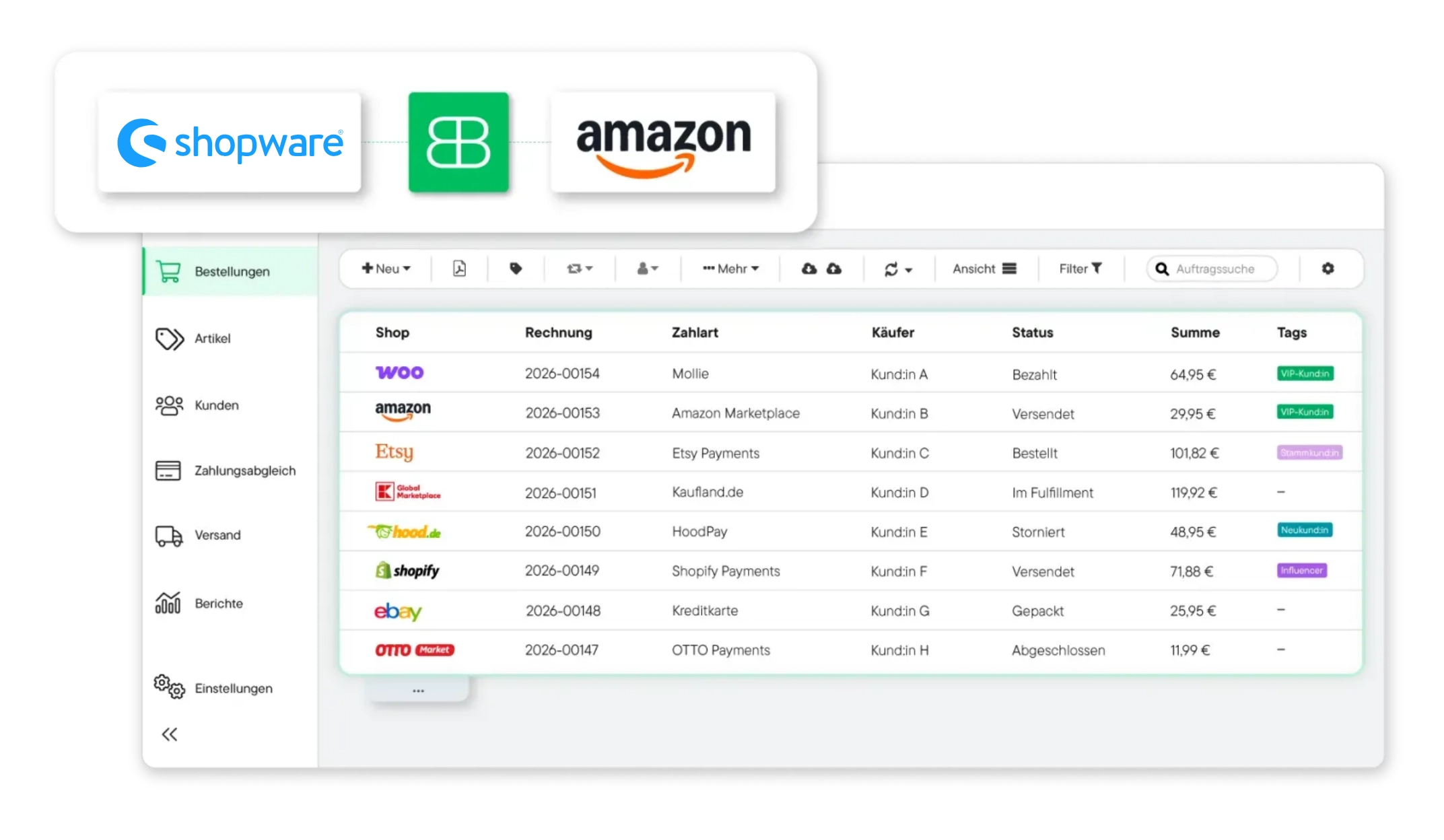





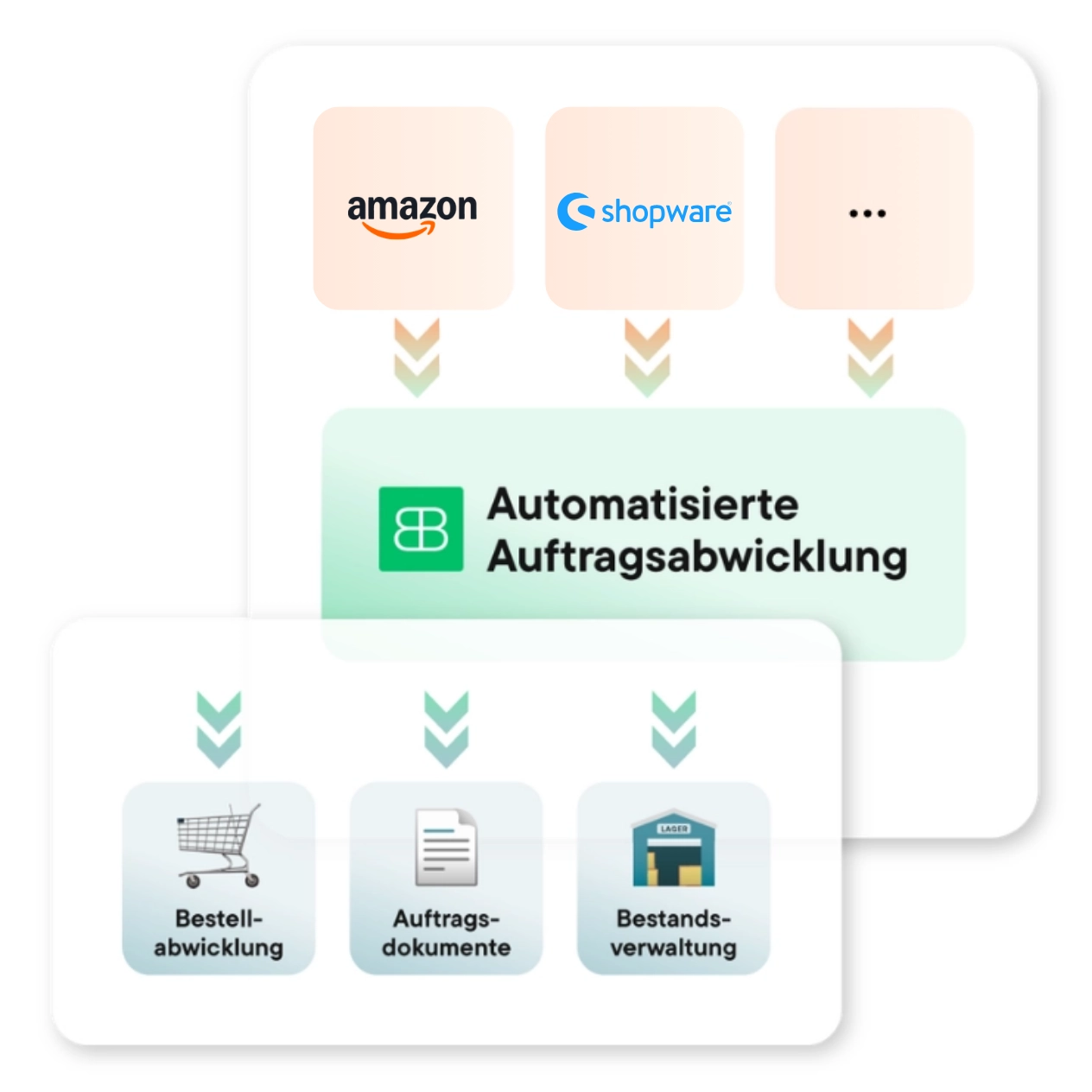
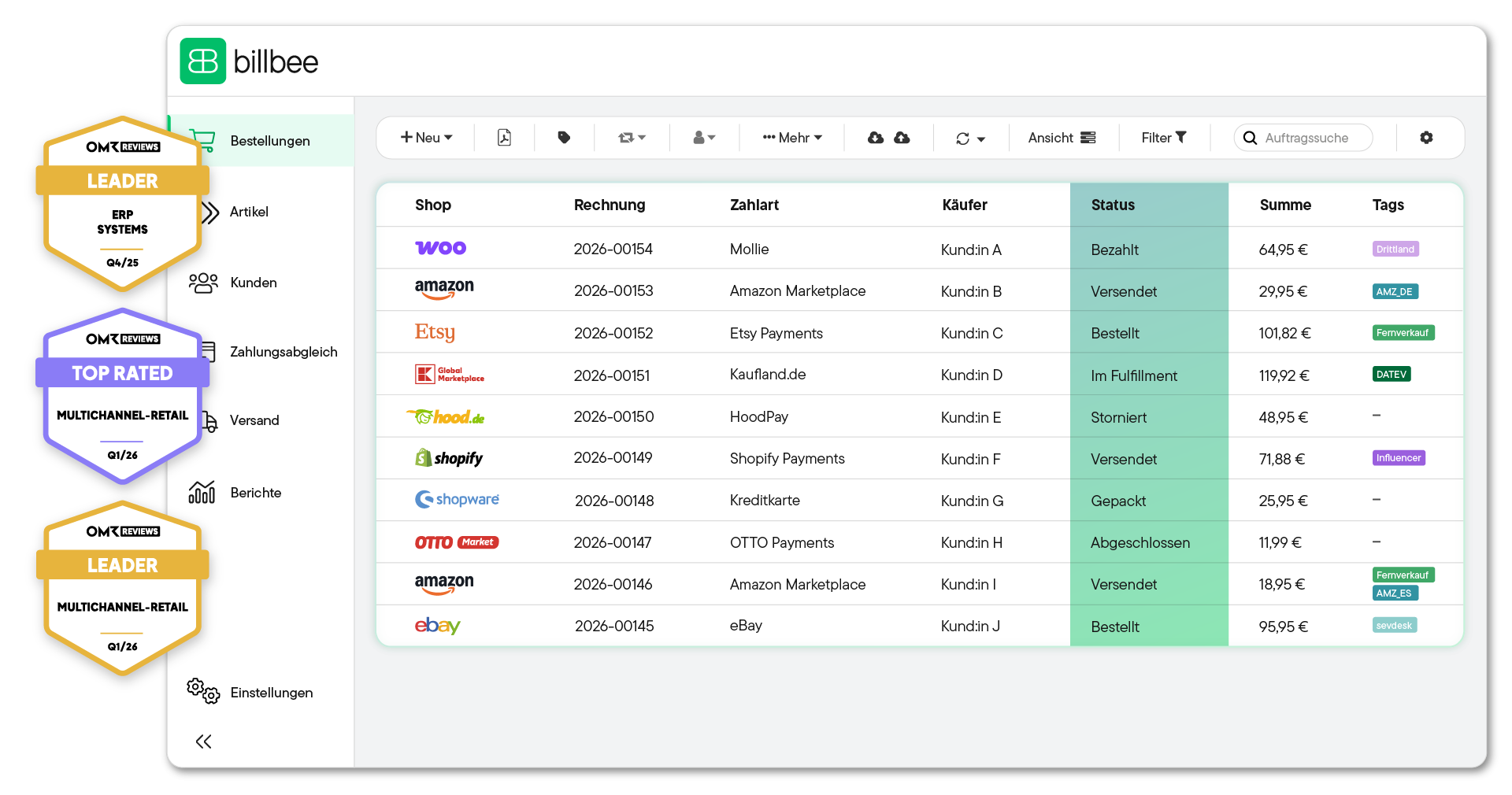
Manage your Shopware and Amazon orders in one tool and automate order processing for both channels directly from Billbee. Orders from Shopware and your Amazon marketplaces are regularly imported into Billbee and consolidated in one central location.
Billbee automatically creates a compliant invoice for every incoming order from Shopware or Amazon and sends it to your customers. For Amazon, you can also have Billbee automatically upload invoices to European marketplaces so your customers can access them directly within Amazon.
Let Billbee handle inventory synchronization between Shopware and Amazon: as soon as your stock level changes in Billbee, the available quantity is updated across your connected sales channels. This means you don't have to manually adjust stock after every sale, reducing the risk of overselling.

You can get started with Billbee today, even without technical expertise. Our tutorials and comprehensive manual will help you with the setup.
Open the settings in Billbee, add Shopware as a new shop, enter your shop URL, and authorize access.
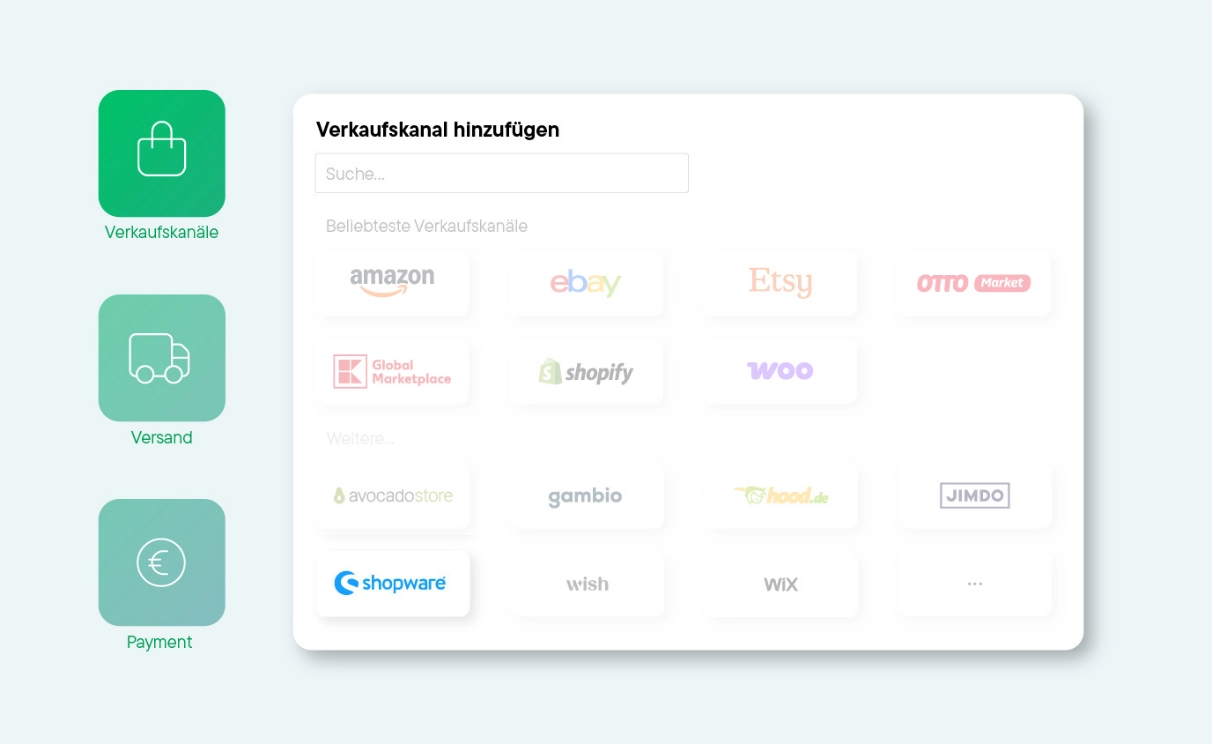
In the same section, add Amazon as a marketplace. Billbee will redirect you directly to your Amazon Seller Central account. Grant the necessary permissions, and the connection is established.
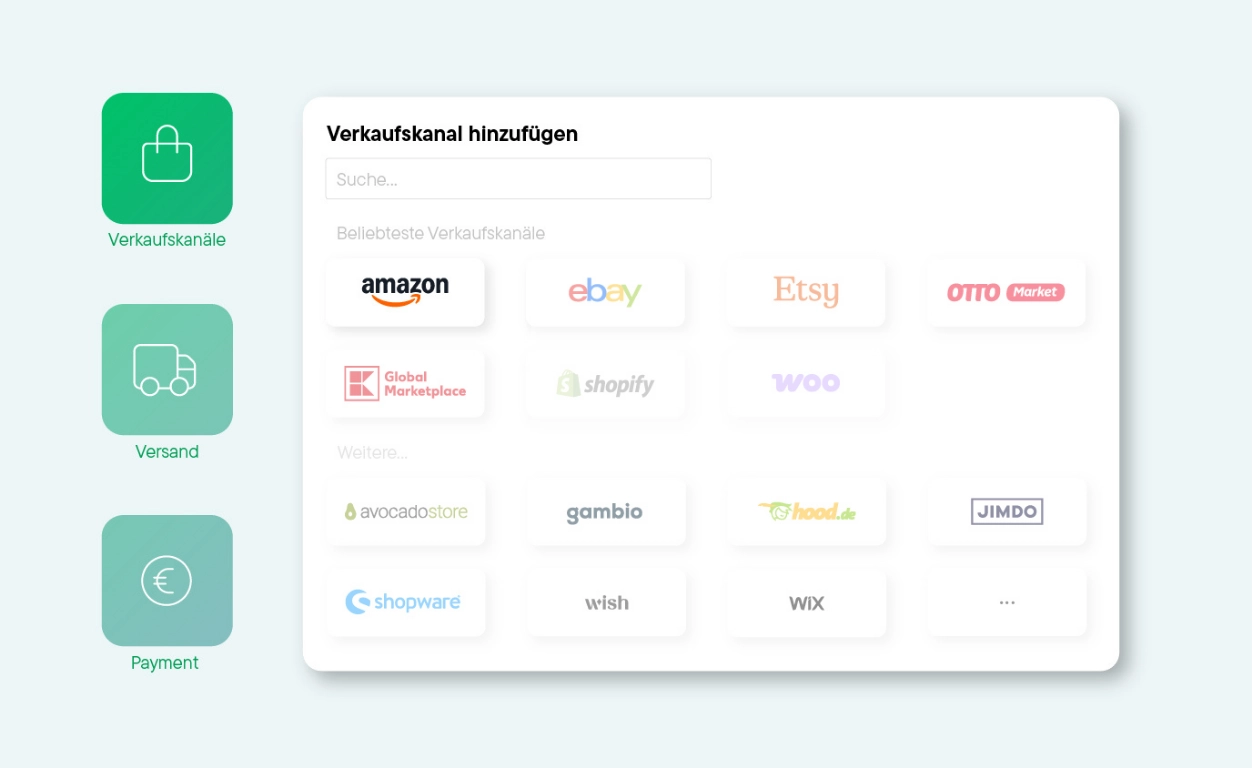
In the third step, configure how everything should work together, such as when shipping confirmations are sent back or when your customers receive their invoices. These automations not only save you time but also optimize your seller performance.

Billbee serves as a simple ERP for Shopware, Amazon, and all other sales channels. This means you can easily manage, control, and automate all your processes in Billbee—from generating invoices and customer communication to preparing your accounting. This saves you valuable hours every single day.

Use Billbee as your central inventory management system for Shopware, Amazon and all other sales channels. The tool consolidates orders, inventory, and products into a single interface. This allows you to keep track of everything at all times without having to switch between your Shopware admin panel and Amazon Seller Central.

Generiere automatisch Versandlabels für alle gängigen Versanddienstleister (z. B. DHL, DPD oder Hermes) direkt aus Billbee und lass sie via Cloudprint automatisch drucken. Die Trackingnummer wird automatisch erfasst und an deine Kund:innen übermittelt.

Stay on top of your finances: Billbee automatically reconciles incoming payments from bank accounts, PayPal, or Klarna with your open orders.

Vereinfache deine Finanzbuchhaltung. Billbee bereitet alle relevanten Transaktions- und Zahlungsdaten für den einfachen und fehlerfreien Export (z. B. im DATEV-Format) für dein Steuerbüro vor.

Use automated email templates for customer communication. All relevant documents and order information are stored centrally in the system.
Billbee grows with you. Your month. Costs are purely usage-based — perfect to set the course for your growth.

With Billbee as your middleware, it takes just three simple steps: First, set up your Shopware connection, then connect your Amazon Seller Central account, and finally, configure your settings. For example, you can specify whether you want to retrieve all Amazon orders, or only FBA or FBM orders, and customize your invoice layouts and shipping notifications.
The setup usually takes just a few minutes because Billbee already has built-in interfaces for both Shopware and Amazon. You simply need to connect your shops, authorize access, and you are ready to go.
Inventory synchronization happens automatically. As soon as your stock levels change in Shopware, Billbee automatically updates them on Amazon. The same applies in reverse. This helps you avoid overselling and out-of-stock situations.
You can create and manage your products centrally in Billbee to keep track of your inventory. You continue to maintain your actual product data, such as prices, descriptions, and images, in Shopware and Amazon.
The easiest and most reliable way is to import your products from Shopware and Amazon. This ensures that the sources and IDs from both systems are correctly stored in Billbee.
With Billbee, you can manage core e-commerce processes across all your sales channels. This includes order management, inventory synchronization, shipping workflows, invoicing, and recurring tasks. Tasks that previously required manual work in the Shopware admin panel and Amazon Seller Central are now automated within a single Billbee tool.