Smart WooCommerce inventory management system

Easily connect WooCommerce stores & marketplaces
Synchronize inventory in real time
Manage warehouses easily
No credit card details required. The test phase ends automatically.


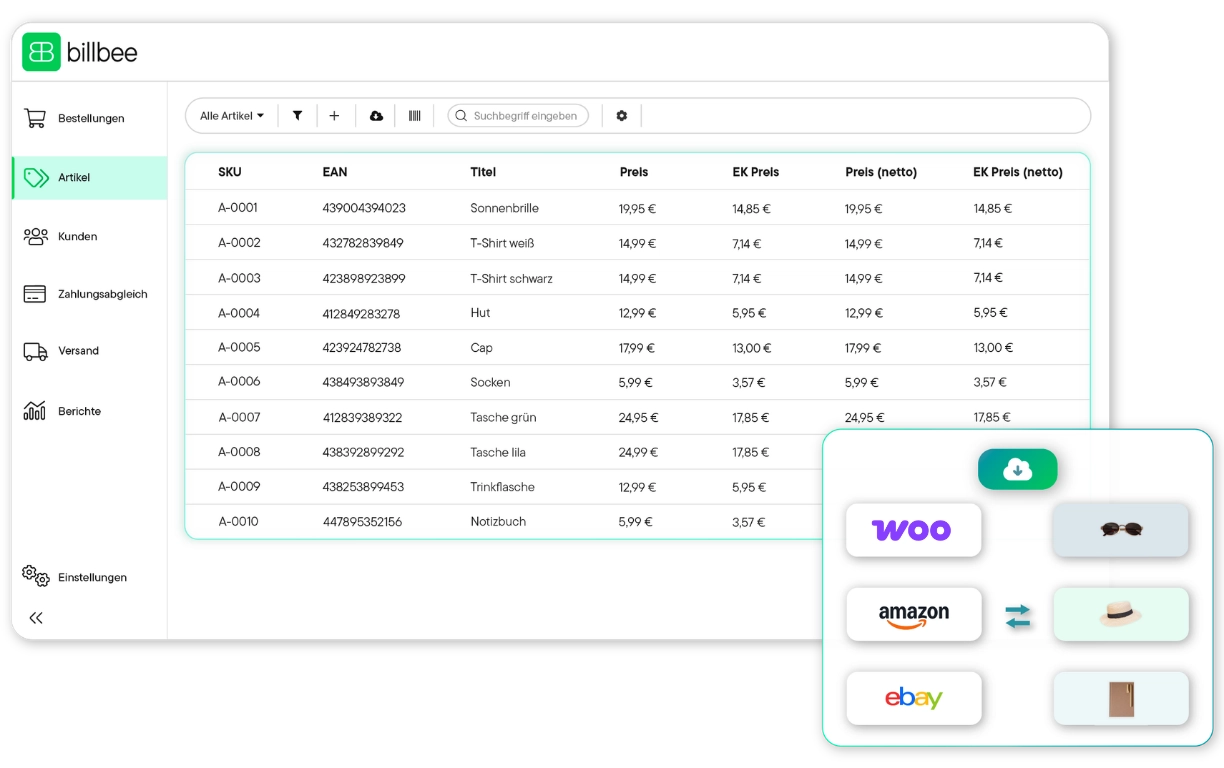






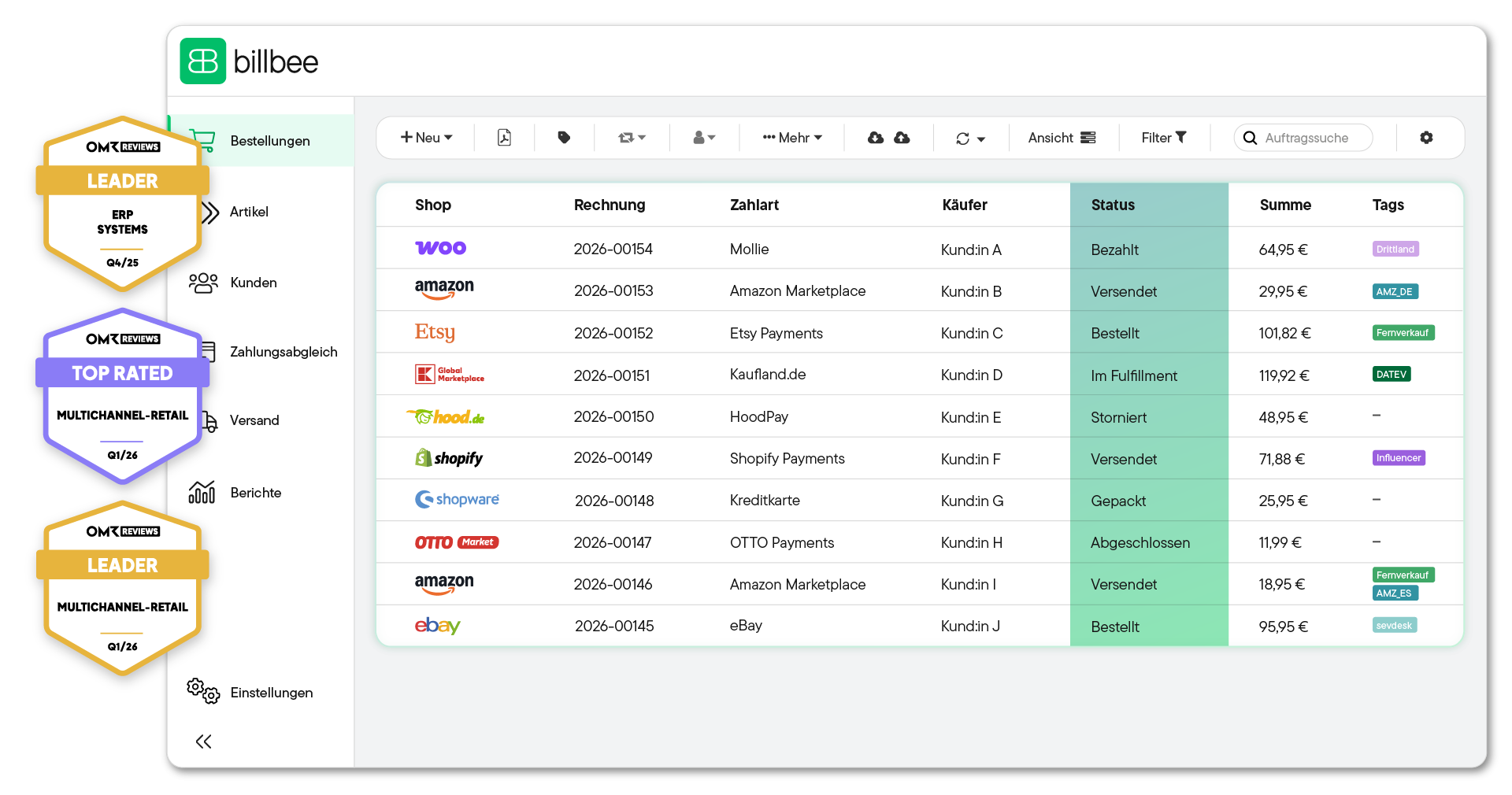
Thanks to a stable, direct connection to your WooCommerce shop, all orders and product data are automatically and error-free transferred to Billbee and processed centrally there.
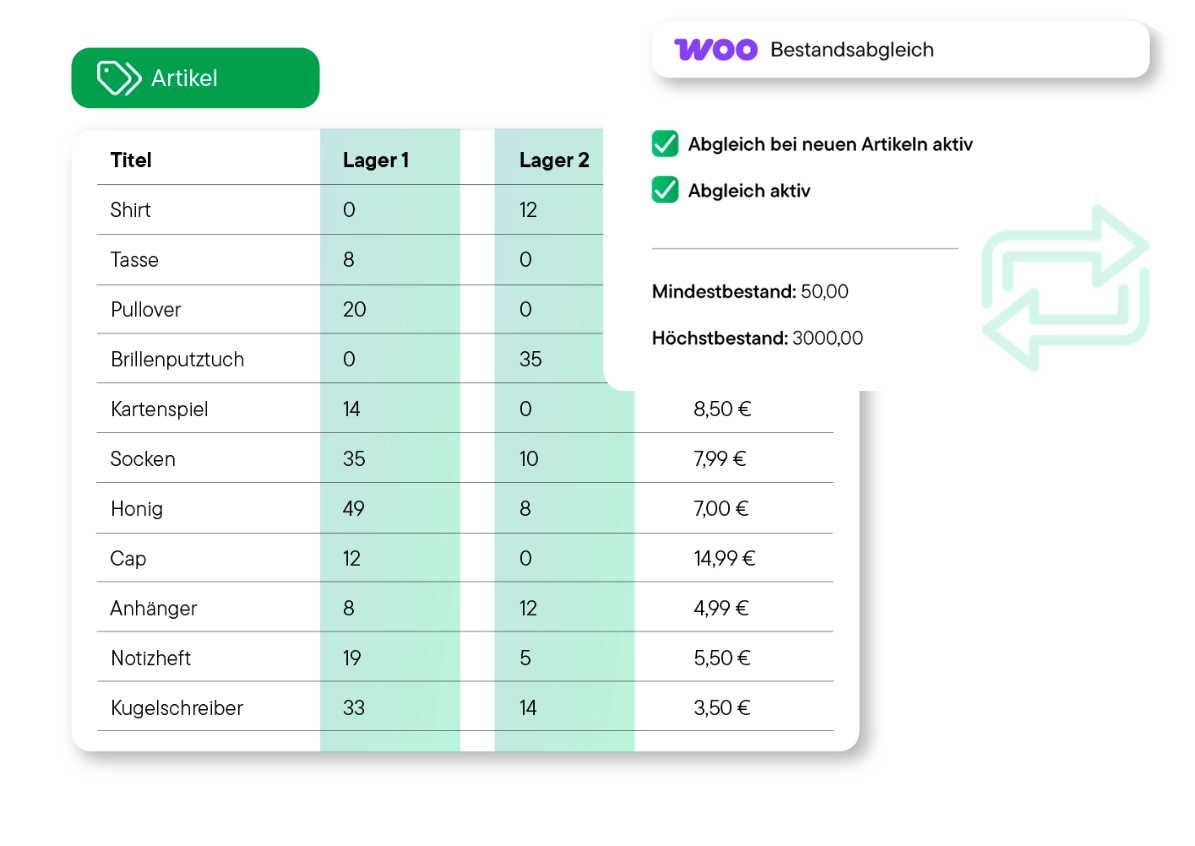
Forget about manual data reconciliation between your WooCommerce store and other channels. Billbee balances your inventory on all connected marketplaces. In this way, you effectively protect yourself from double sales and avoid out-of-stock.
Offer attractive product sets and bundles directly in WooCommerce — completely without warehouse chaos. Billbee takes over the logic in the background: The inventories of the individual components are precisely calculated and synchronized with every sale.
Regardless of whether you ship yourself or via a fulfillment partner, Billbee gives you full control over all storage locations. Billbee bundles your inventory data in one place and ensures transparency across your entire logistics chain.
Make smarter decisions for your product range. Thanks to the automatic range analysis, you know exactly when your WooCommerce bestsellers are running low on stock. This way you can reorder promptly and avoid slow-moving items.
Free yourself from error-prone Excel lists. Through automated processes, Billbee takes over all the annoying routine work. This gives you more time for your marketing and allows you to fully concentrate on growing your shop.
Like Billbee, VentoryOne is part of the comrce software hub — an ecosystem for e-commerce retailers with smart tools that make everyday life easier. VentoryOne in Billbee is free for orders over 200, so you can automate your goods management even more.

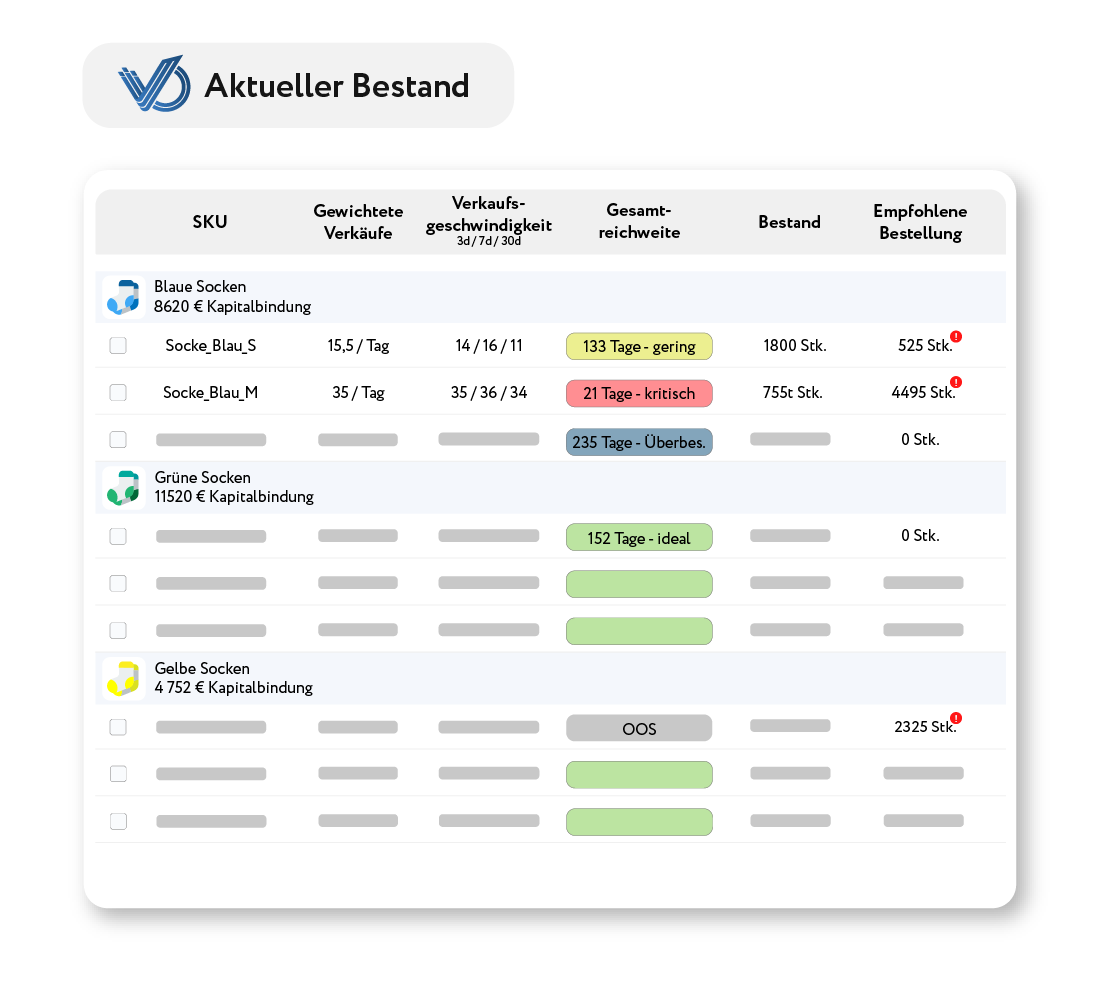
Keep an eye on your inventory even more efficiently, optimize your order quantities and automate reorders.
Create Amazon deliveries with just 3 clicks instead of tedious Excel lists and save valuable hours when preparing logistics.
Use automated reports on ranges and inventory movements to expand your product range in a targeted manner and without financial risk.
In addition to simple inventory management, Billbee offers you many other functions for your e-commerce. This allows you to automate your processes from A to Z.

Automate the creation and delivery of invoices, delivery notes and credit notes. This saves time and prevents errors.

Automatically generate shipping labels for all common shipping service providers (e.g. DHL, DPD or Hermes) directly from Billbee. The tracking number is automatically recorded and sent to your customers.

Keep your finances under control: Billbee automatically matches incoming payments from bank accounts, PayPal or Klarna with your pending orders.

Simplify your financial accounting. Billbee prepares all relevant transaction and payment data for easy and error-free export (e.g. in DATEV format) for your tax office.

Use automated email templates for customer communication. All relevant documents and order information are stored centrally in the system.

Billbee grows with you. Your month. Costs are purely usage-based — perfect to set the course for your growth.







"Billbee effortlessly bundles our orders from all channels, providing us with the exact workflows we need as a growing children’s label. The automations make our day-to-day operations noticeably easier, giving us more time for what we love most: turning simple IKEA products into cherished favorites for families everywhere.

We’ve been using Billbee for a while now and are truly impressed. The user interface is clearly designed and intuitive to use—even new team members find their way around quickly. We are especially convinced by the automation: orders, invoices, and inventory management run smoothly and save us a tremendous amount of time in our daily operations.

We’ve been using Billbee since 2017 and have truly grown alongside the platform. It is incredibly easy to onboard new employees, and Billbee has allowed us to scale our operations seamlessly.

When I first became subject to sales tax, I was worried I’d have to spend hours every week manually writing invoices. Fortunately, Billbee takes care of everything: invoices are created and sent to customers automatically, and tracking numbers are transmitted directly back to Etsy and Shopify.

As a small company, we grew fast—and Billbee simply grew with us, completely behind the scenes. No bells and whistles, just a system you can truly rely on.
With Billbee, you can start today even without any technical know-how. Our tutorials, extensive documentation, etc. will help you set it up.
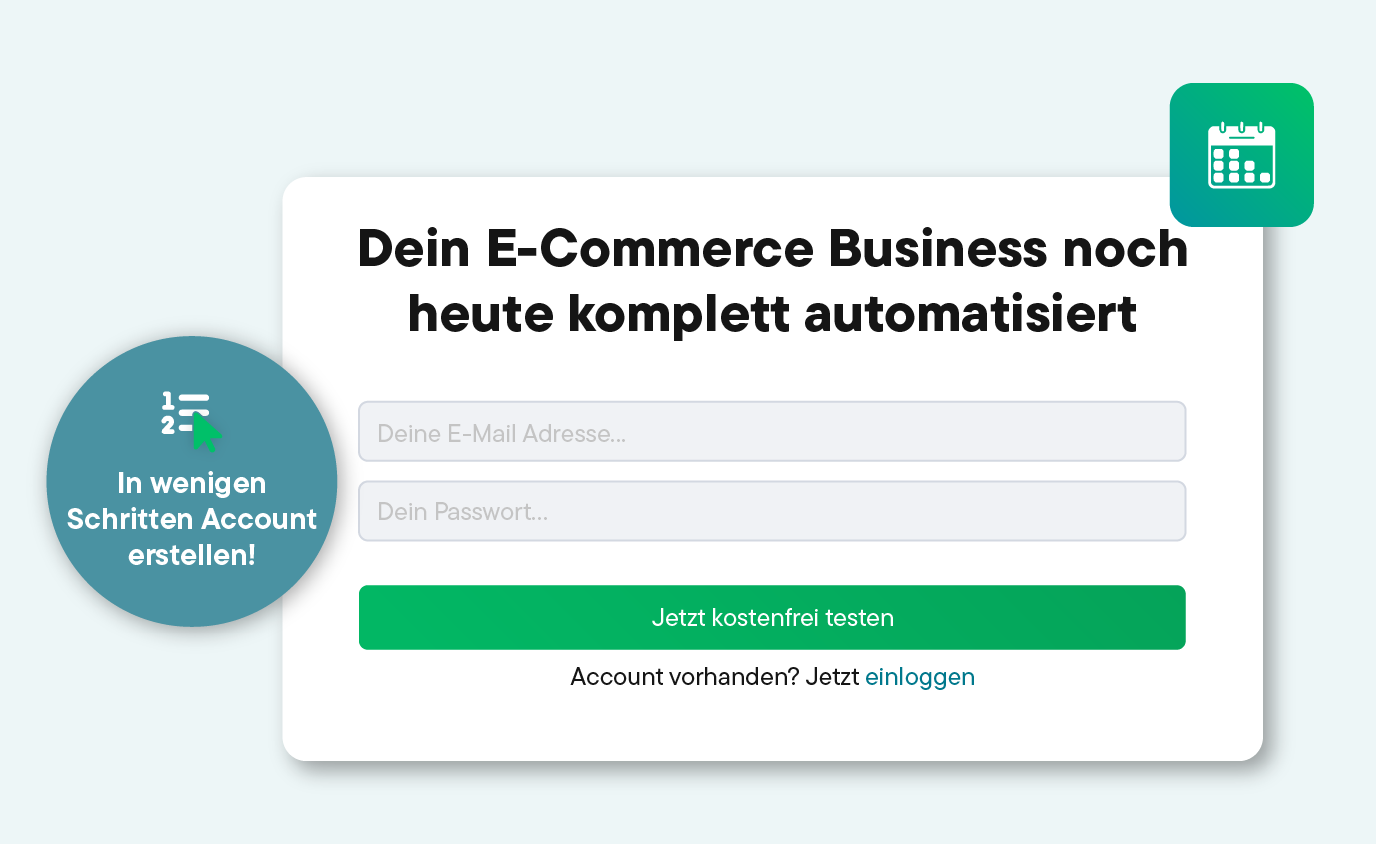
Sign up for your Billbee account and start the test phase without providing any payment information. The trial period ends automatically without you having to cancel!
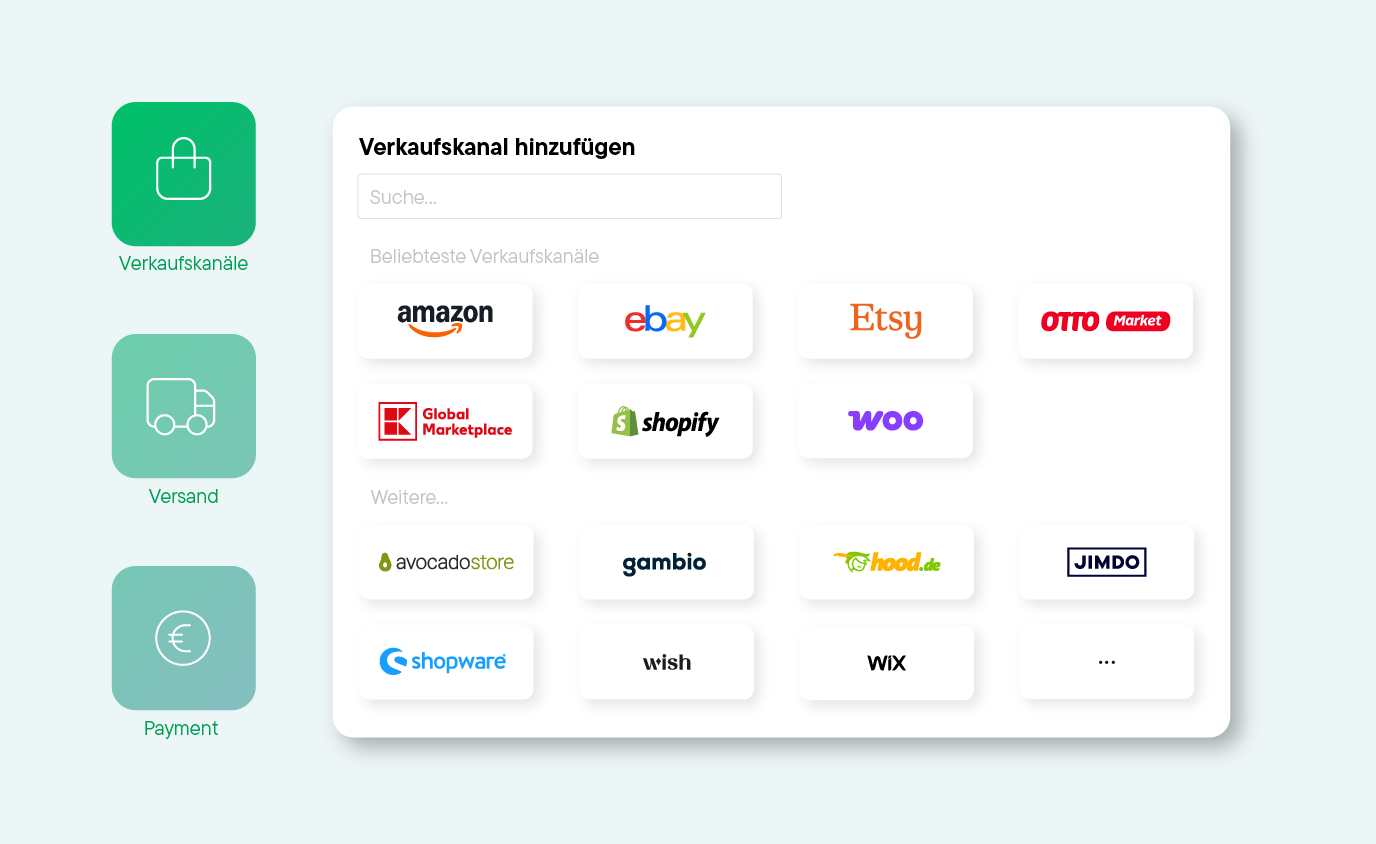
Connect your online shops, marketplaces, shipping service providers, etc. to Billbee and start importing your orders.
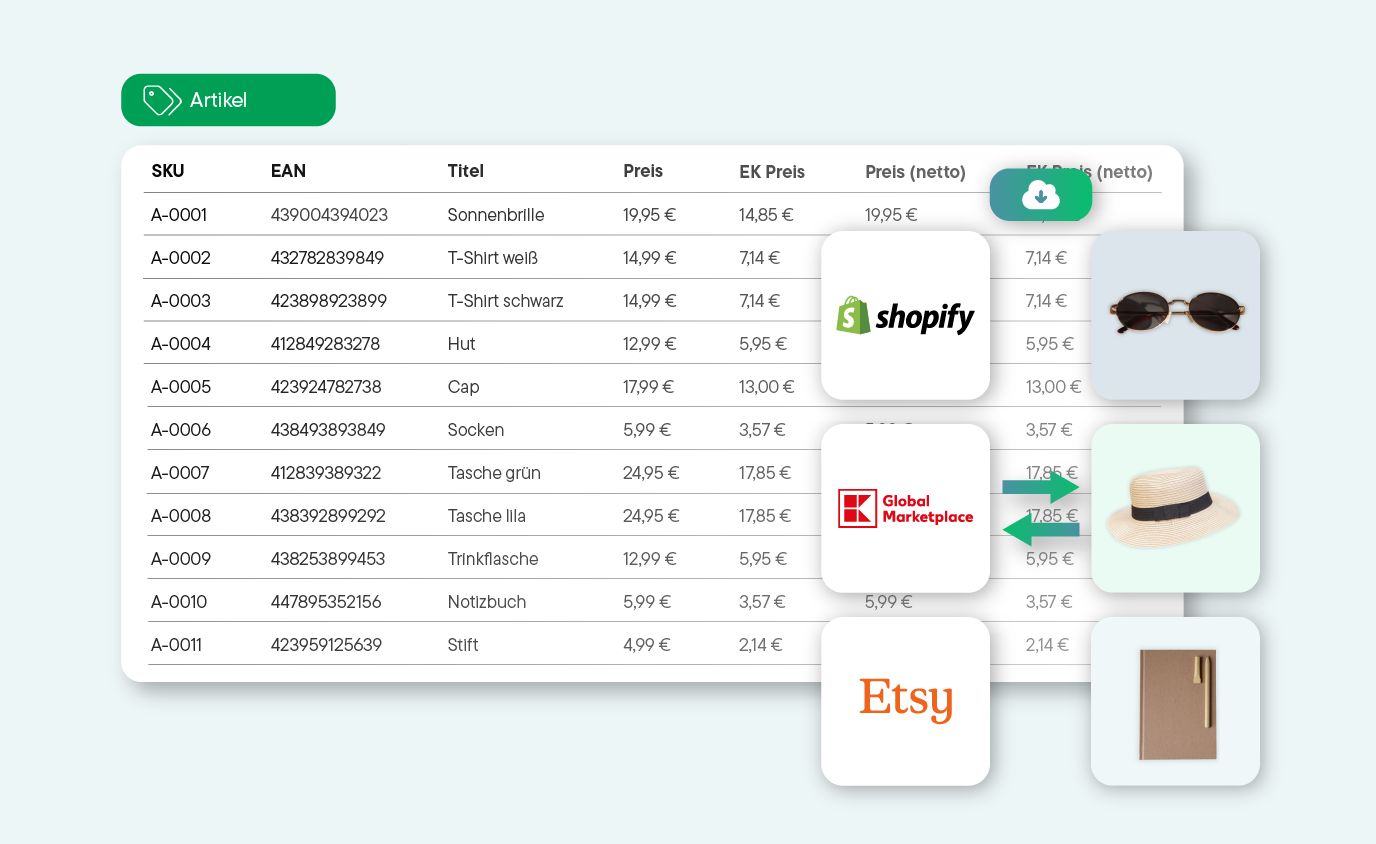
Whether manual or automatic: Start article management and order processing right away. See for yourself how quickly you can save time with Billbee!
Here you can find answers to the most important questions about inventory management for WooCommerce and Billbee. If anything remains unanswered, our support or community will be happy to help.
A WooCommerce inventory management system is the digital backbone of your e-commerce business. While WordPress and WooCommerce are responsible for the design and sales process in your shop, WaWi takes over all control in the background. It bridges the gap between your online store, your marketplaces, and your physical warehouse.
A merchandise management system is, so to speak, the central control station for all relevant areas:
WooCommerce is primarily an e-commerce platform, not a full-fledged inventory management system. While it offers basic inventory management features, it quickly becomes insufficient as your business grows. For instance, it doesn't support multichannel retail or invoicing. Theoretically, you could use additional plugins to continue managing your inventory within WordPress. However, these plugins are typically not optimized for large data volumes and can slow down your backend.
WooCommerce quickly reaches its limits—even with additional plugins—when you sell on other marketplaces. A WooCommerce inventory management system is designed precisely for this: it acts as a central control panel for all your sales channels, so to speak, and helps automate processes.
And that means:
By the way: From 30 to 50 orders per month, the time savings are usually so significant that the costs of an inventory management system are worthwhile. Also for small businesses An external solution can therefore be useful.
Both systems rely on continuous data exchange and aim to transfer information as automatically as possible to all connected systems, such as your WooCommerce shop, Amazon, eBay, etc. Inventory management focuses primarily on your orders, products, and their administration and processing. The clear focus is on your inventory movements and the after-sales process. An ERP (Enterprise Resource Planning) system is much more comprehensive and generally covers all business areas, including Customer Relationship Management (CRM), Human Resources, and Financial Controlling. It is therefore particularly suitable for large companies. For most online retailers An inventory management system is completely adequate.
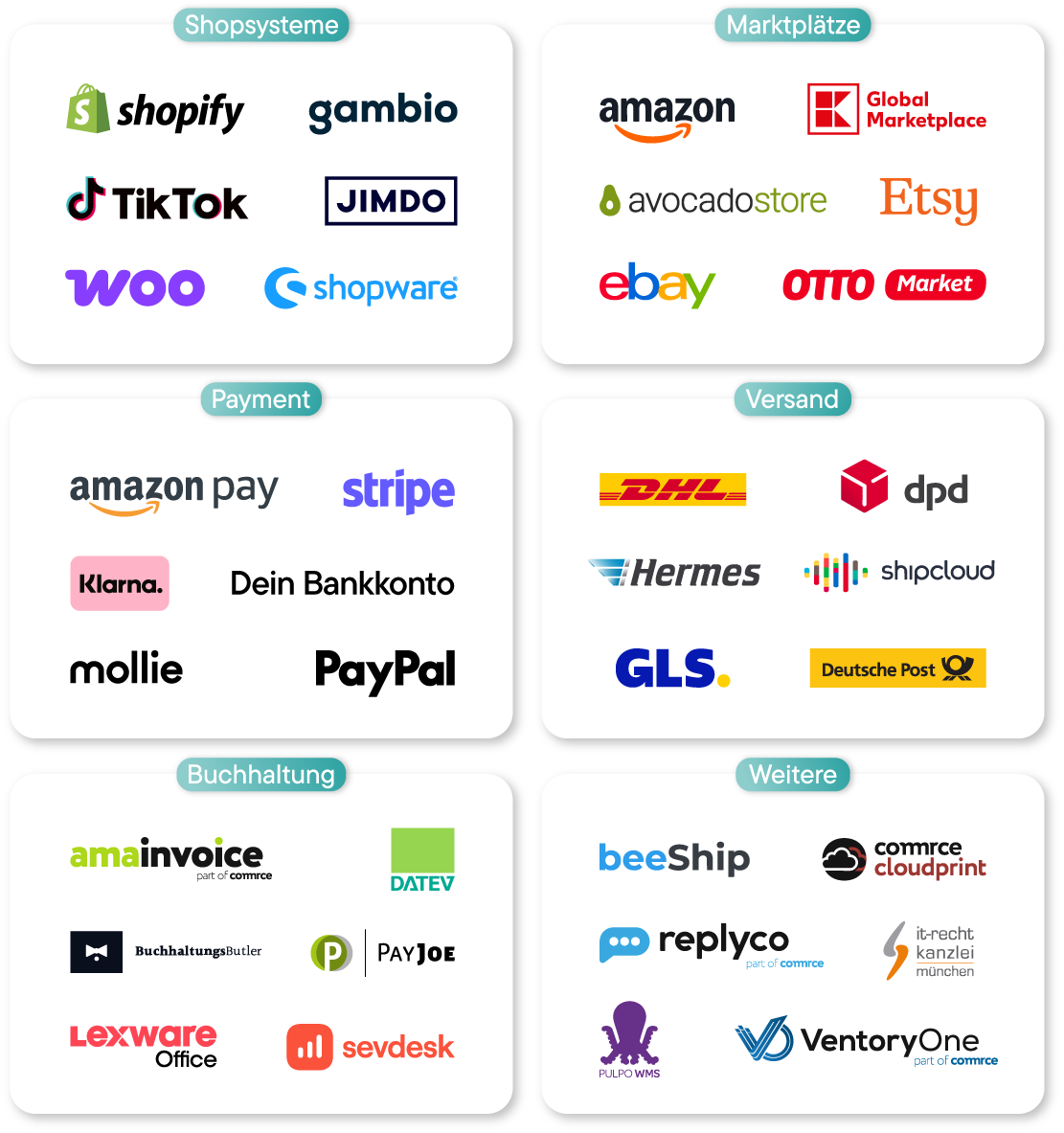
Billbee is your flexible solution: Billbee is a simple inventory management system specifically tailored to the needs of e-commerce retailers. With over 150 integrations from all relevant areas of e-commerce, it offers significantly more features than a pure inventory management system — from extensive automation to after-sales tools. This allows you to optimize your processes without having to contend with the complexity of a full-fledged ERP system.
Here's what to consider when choosing an inventory management system:
Billbee is billed according to a usage-based pricing model with a base fee of 9€ per month. This means you only pay for the orders you actually process. This makes Billbee affordable even for small WooCommerce retailers. You can try Billbee for free for 30 days beforehand.