

Payment reminder
With Billbee, you no longer need to keep track of your outstanding invoices yourself or manually send payment reminders to your customers. You can automate the entire process and remind your customers of their unpaid balance with a personalized message.
How can payment reminders be automated with Billbee?
To ensure payment reminders are sent automatically, Billbee triggers an event when your orders are imported that runs after a set period (e.g., two weeks). This event checks whether a payment has already been matched to the invoice for those orders. If not, a payment reminder is automatically sent to your customer.
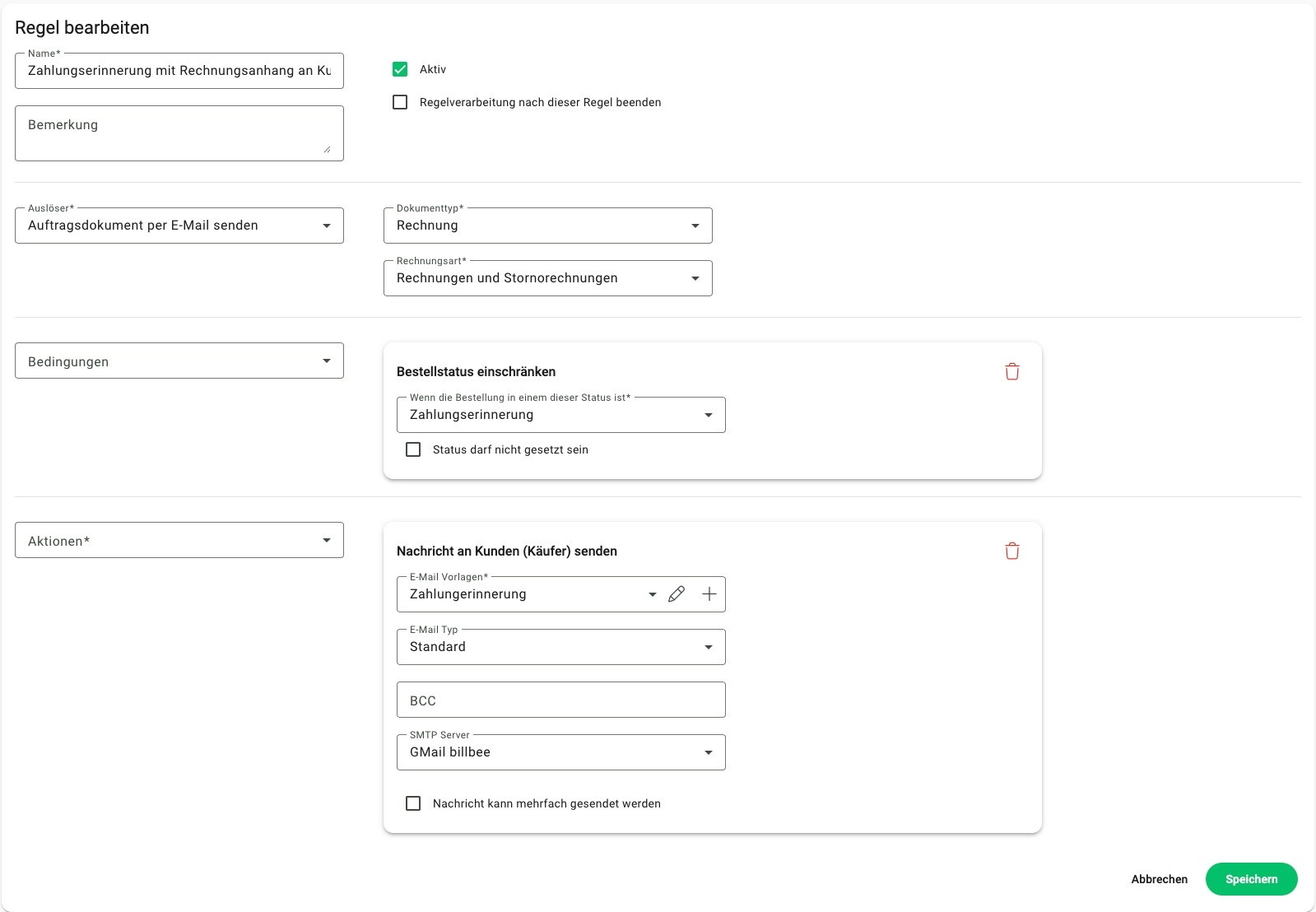
Send personalized payment reminders automatically
You can draft the payment reminder (the email text) yourself and use placeholders to personalize it. This ensures that all important information, such as the outstanding invoice amount, is included in the email.
You also decide whether Billbee sends the payment reminder with or without the invoice attached .