Tax settings
Tax calculation — all tax modes covered
Are you a small business owner? Are your items subject to differential taxation or are your items simply taxed by the rules? No matter which of these tax modes applies to you, with Billbee, you can easily do the tax calculation.
Sales tax settings made easy!
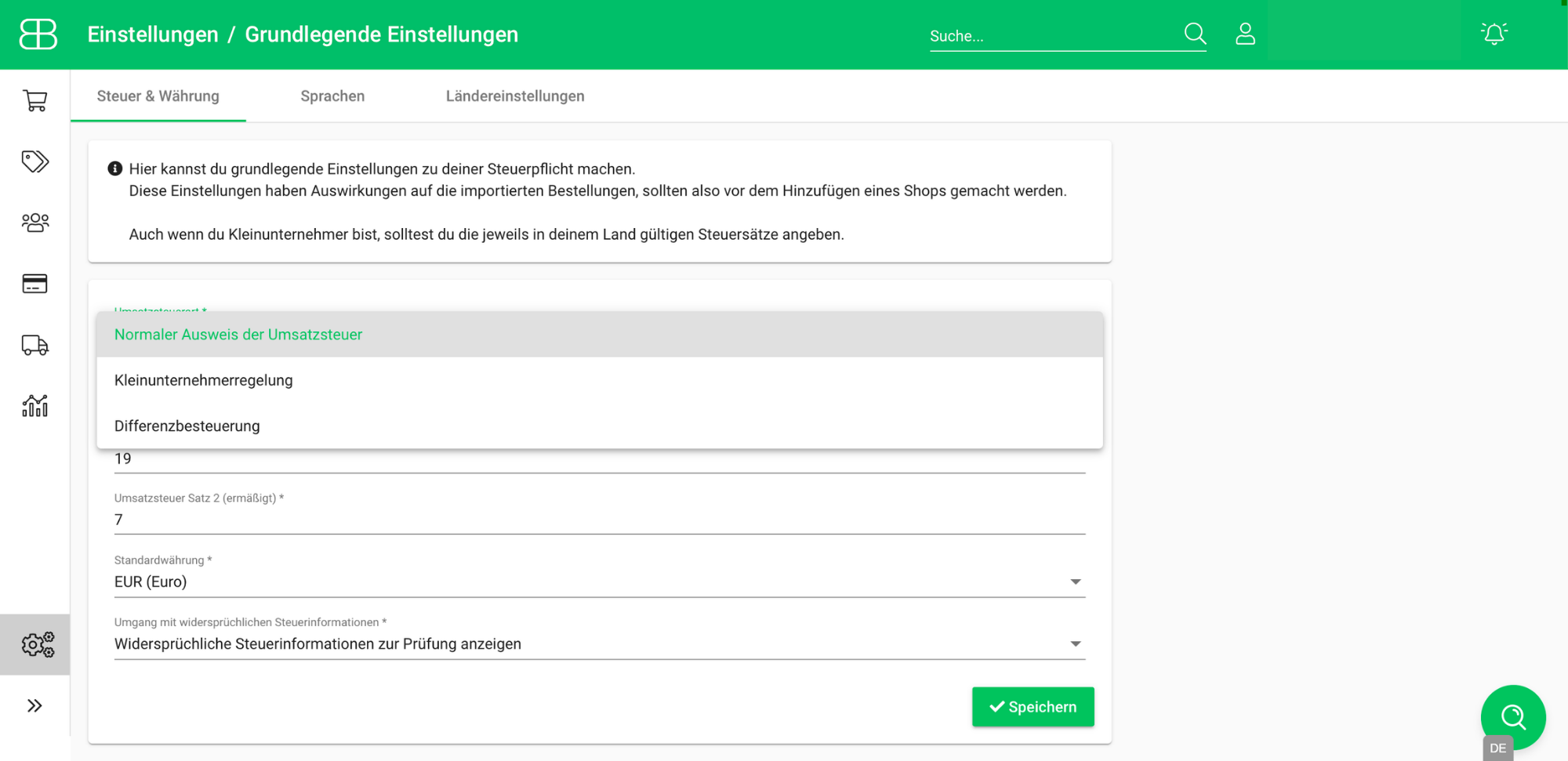
Determine how the sales tax should be set at various locations at Billbee. Save the settings for rule cases in your account and directly in your shop connection. In addition, you can individually determine which sales tax rate (reduced or not reduced) should be used in each item. This makes it easy to sell items with different tax rates!
Are you not regularly taxed, but fall under the small business regulation or do you sell items that are taxed on differentials? That is also no problem! Simply make the appropriate settings and you no longer have to worry about the correct VAT ID on your invoices Do it!
If you are not sure why a sales tax order was processed as stored in Billbee, then you can see the reason for the selected sales tax information directly in the order. So you are always on the safe side and have covered every eventuality with Billbee!
Ordering abroad couldn't be easier!
Regardless of whether you are new to online shops or an “old hand”, orders abroad are always special cases and seem complicated at first glance. But it doesn't have to be that way with Billbee.
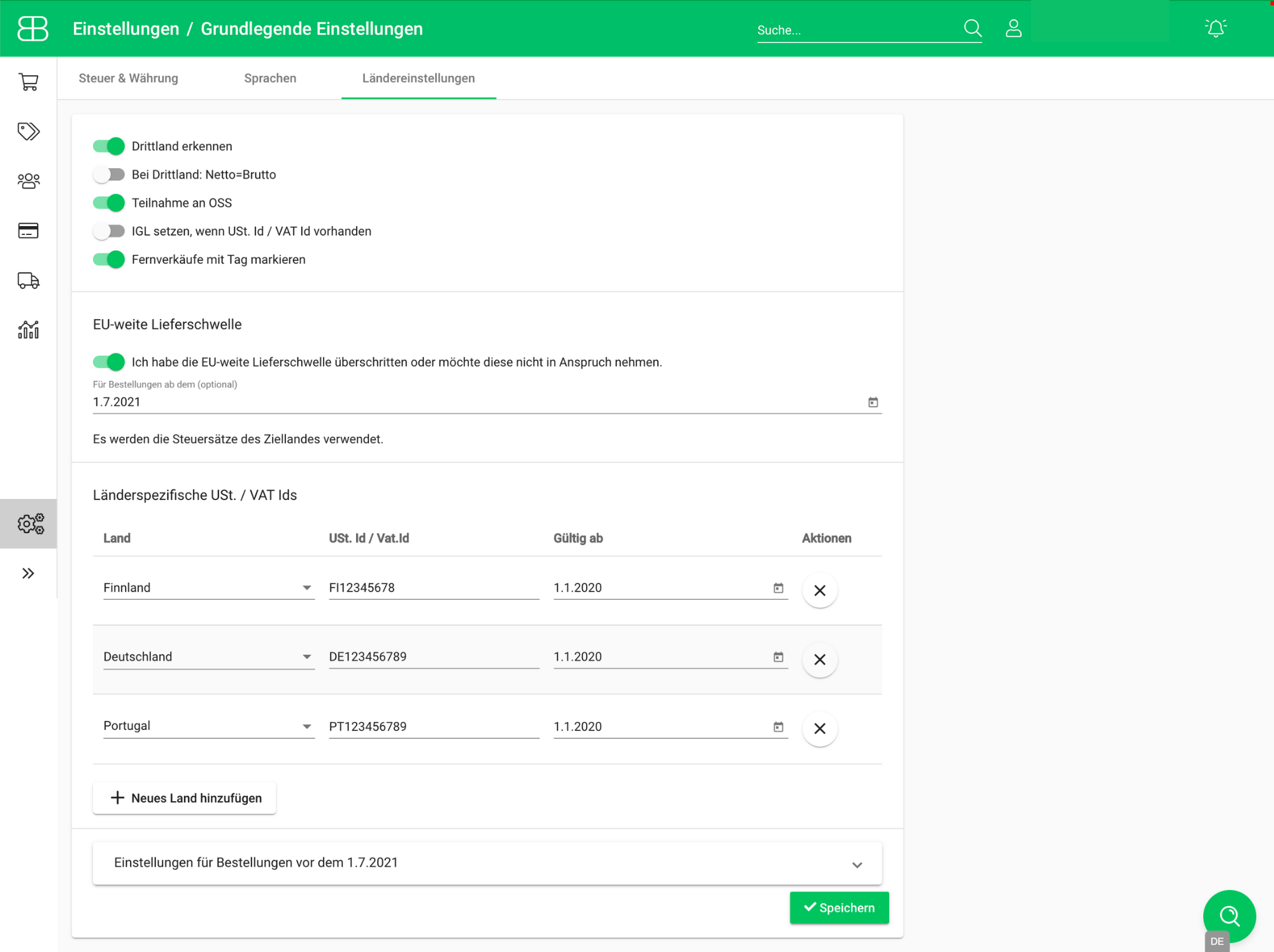
Using the settings for OSS Your remote sales will be child's play. You can easily make extensive settings in your account. Even if you are registered for VAT in several countries, you can simply enter your different VAT IDs from different countries and even add them to your Order documents Have it displayed!
If your sales do not go to direct end customers but to companies, then intra-community delivery is also easy with Billbee.