

DATEV export
You can set up the DATEV export in Billbee either via the classic DATEV revenue export (as a CSV file for your tax accountant) or via the direct interface to the DATEV accounting data service.
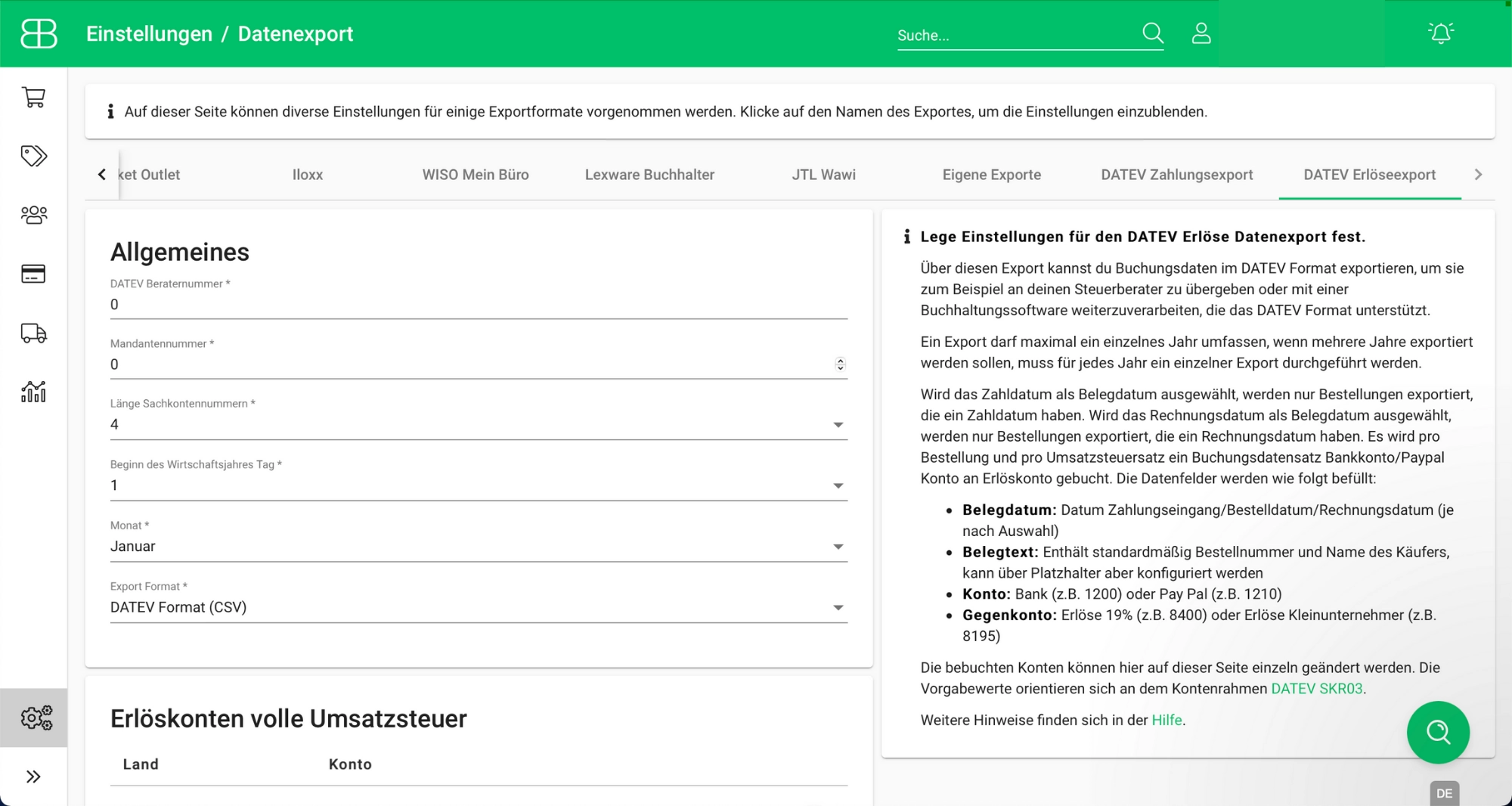
Option 1: Export DATEV file
- Configure the export: Define settings such as revenue and accounts receivable ledgers as well as the desired document date.
- Export your accounting data: Select the desired orders and create a DATEV file for import into DATEV or for forwarding to your tax accountant.
Option 2: Automatically transfer data to DATEV
You can automatically transfer your revenue and invoice documents from Billbee to DATEV via the interface to the DATEV accounting data service. To do this, set up the connection once using your DATEV consultant and client number.
Try Billbee Today, Completely Risk-Free