

Price groups
Price groups allow you to set different prices for different customer groups – for example, different pricing for retailers or loyal customers.
How can I create price groups in Billbee?
- Create a new price group under “Products / Price groups”. Here, you can name the price group and set the currency.
- Assign the price group to the customer so that the price group can be applied.
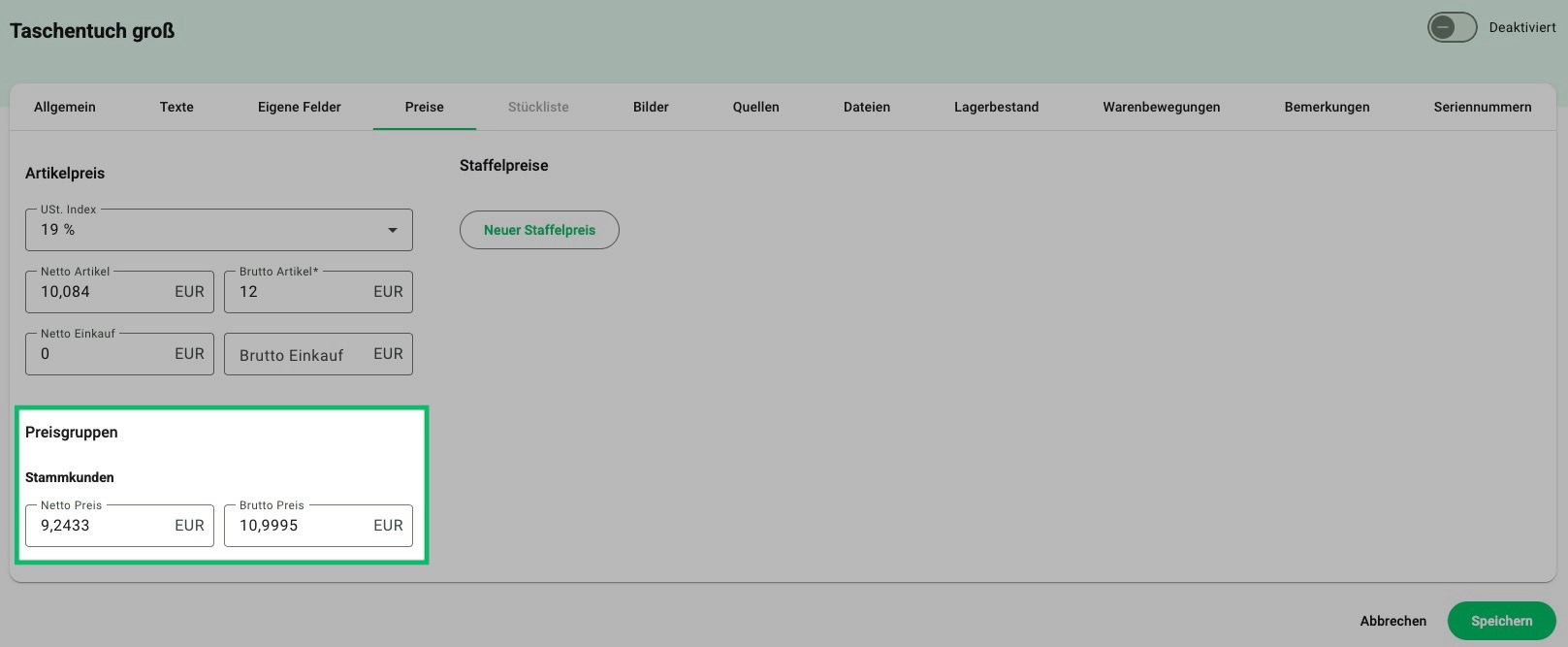
Please note: Price groups only apply when you create an order manually.
Frequently Asked Questions about Pricing Tiers
What are price groups?
Price groups are defined categories that allow you to manage different prices, discounts, or terms for specific customer segments. This enables you to set custom pricing for particular customers—for example, for wholesalers or loyal repeat customers.
How can I use price groups in Billbee?
Create your price groups under Items > Price Groups and then assign the appropriate prices to your items. To ensure these price groups are applied, assign the relevant price group to the customer. For example, if you want a regular customer to receive special pricing, you must select the created price group within their customer record.
Please note: Price groups only apply to manually created orders, not to orders imported from your shops.
When do price groups make sense?
Price groups are useful if you want to offer specific terms to different customer groups.