

Centralized Order Fulfillment
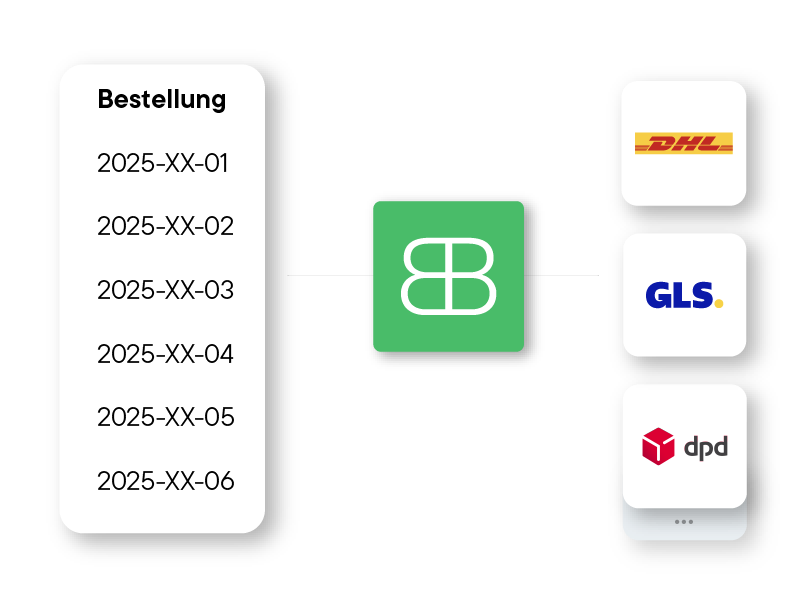
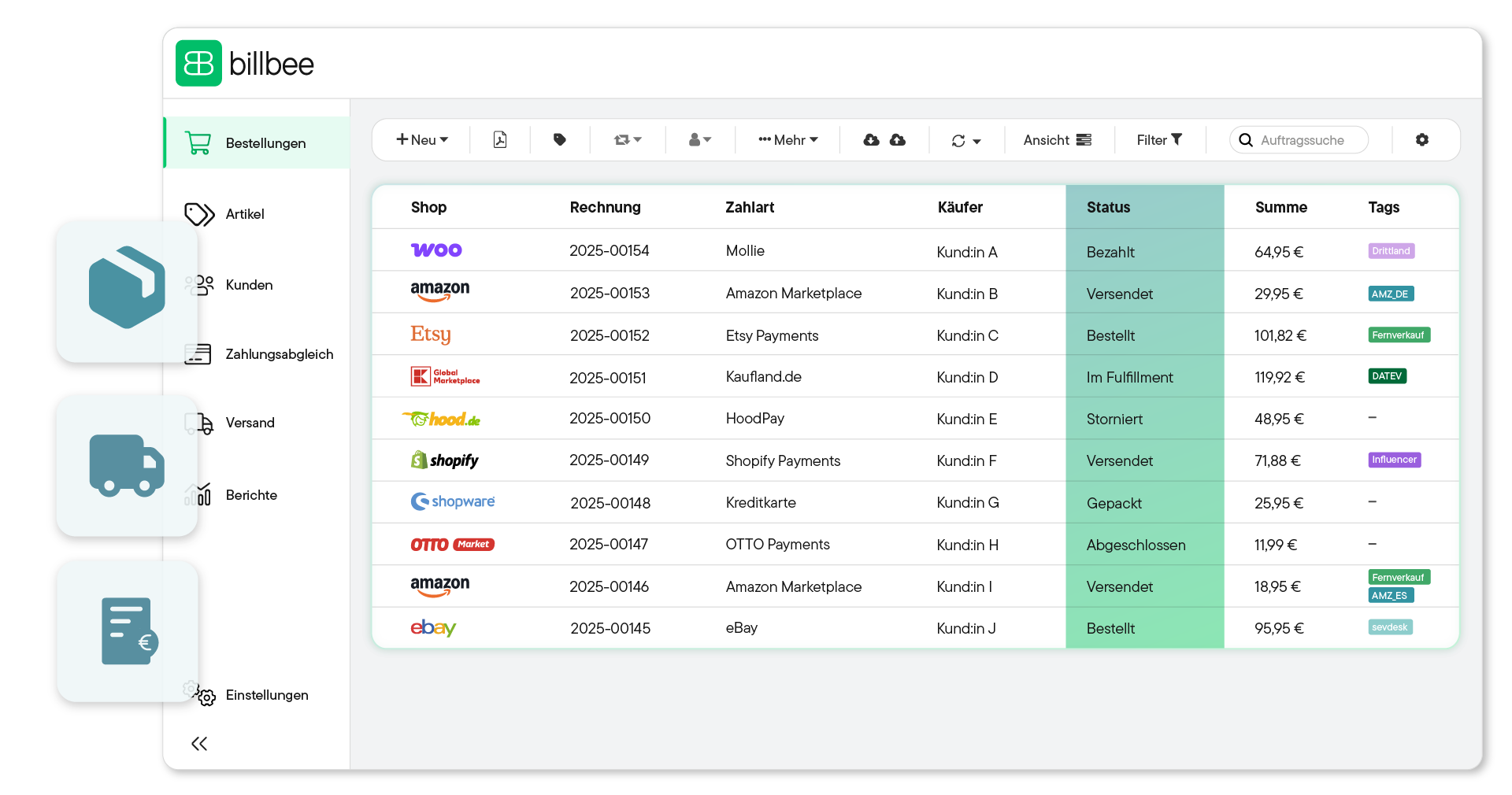
Import orders from all channels fully automatically. Manage every status centrally—from "paid" to "shipped."
Automated Order Fulfillment for Your Multichannel Business
Connect your online stores and marketplaces to Billbee and process your orders centrally in one software, regardless of the platform they come from.














Your Centralized Order Management with Billbee
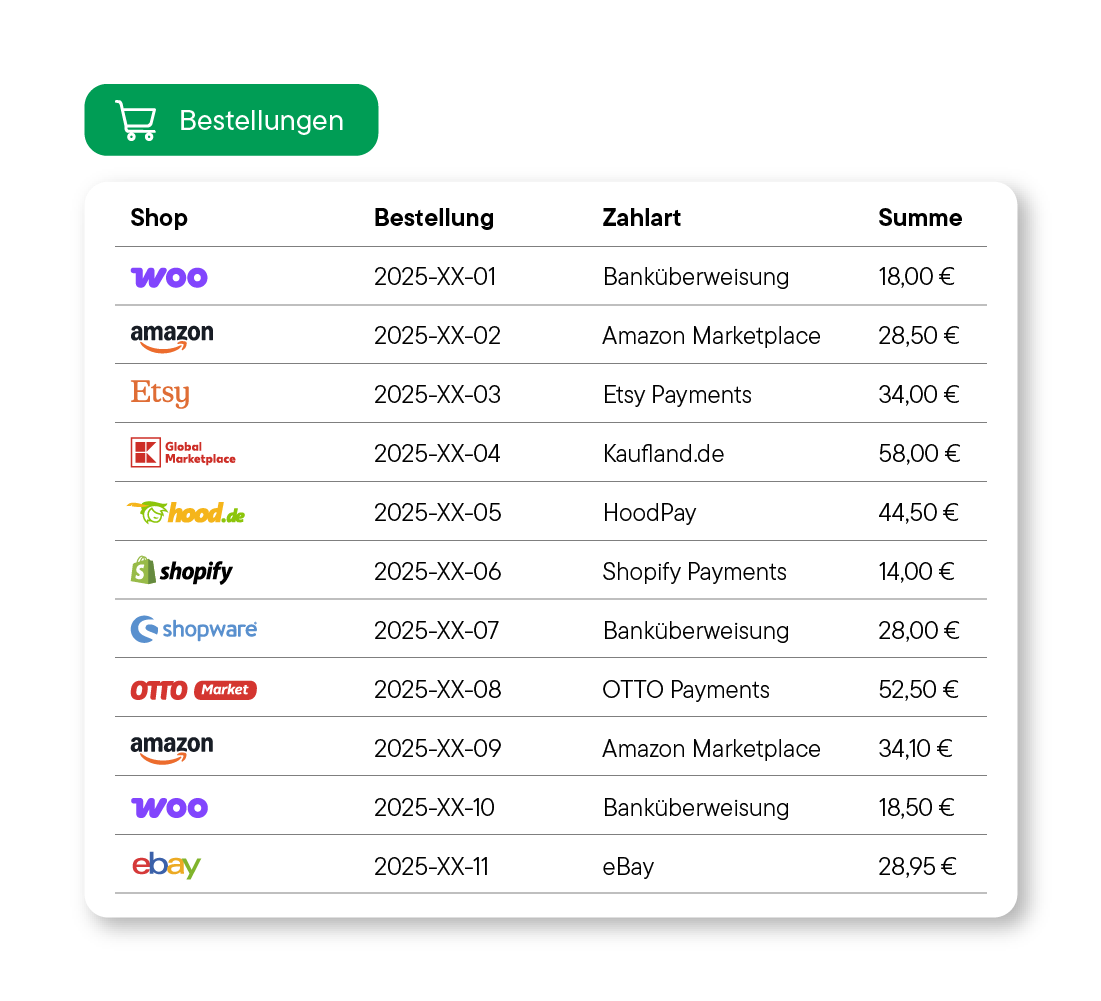
Forget manual data entry. Billbee automatically imports all orders from your online stores and marketplaces and collects them in one central location.
Maintain full control: Split orders, merge them, add products, or set statuses for smooth internal processing.
Save yourself the double work: Billbee automatically reports the "shipped" status, including tracking numbers, back to your marketplaces and online stores.
Automated Payment Reconciliation & Matching
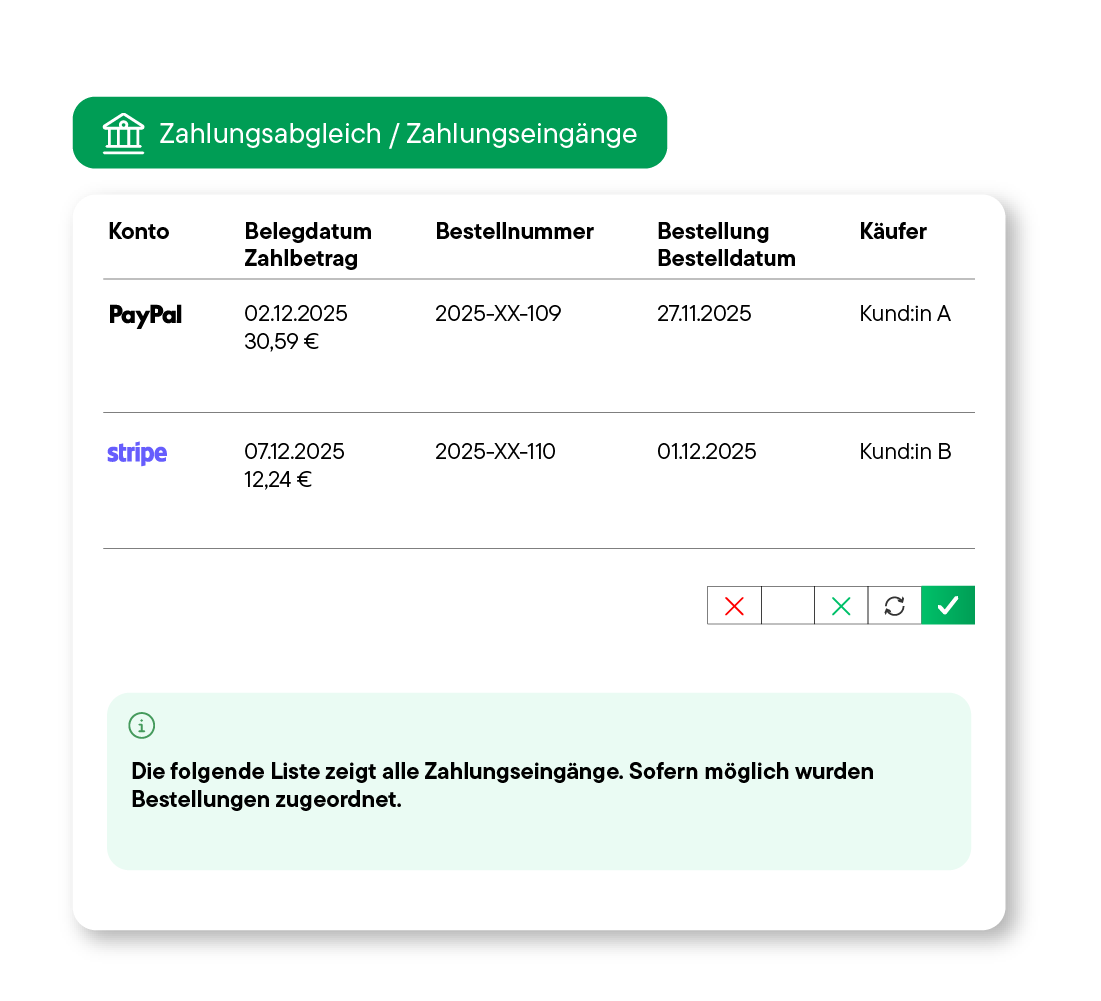
Connect your payment providers (e.g., Mollie, Shopify Payments, PayPal) directly to Billbee to import transactions automatically without having to export CSV lists.
Billbee intelligently "matches" imported payments with open orders, even if references or names vary slightly, and uses automations to update the order status.
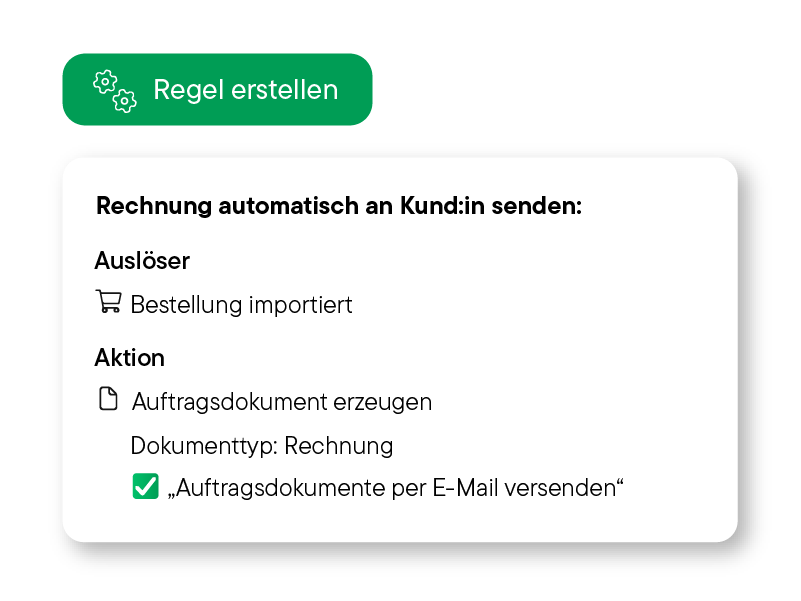
Use the "Paid" status as a dependable trigger for your automated workflows—from automatic invoice delivery to transmitting shipping data to your warehouse.
From Physical to Digital: Billbee Manages the Details

Physical Goods
Whether crafting supplies, sports equipment, or other physical goods: Handle your orders effortlessly and automatically from receipt to delivery.

Product Bundles & Bills of Materials (BOMs)
Manage complex sets and bundles with the Bill of Materials feature. Billbee automatically deducts stock for individual components.

Digital Products & Downloads
Automate the delivery of digital items (e.g., e-books, licenses) immediately after payment—for a perfect, high-speed customer experience.
Put Your Customers First
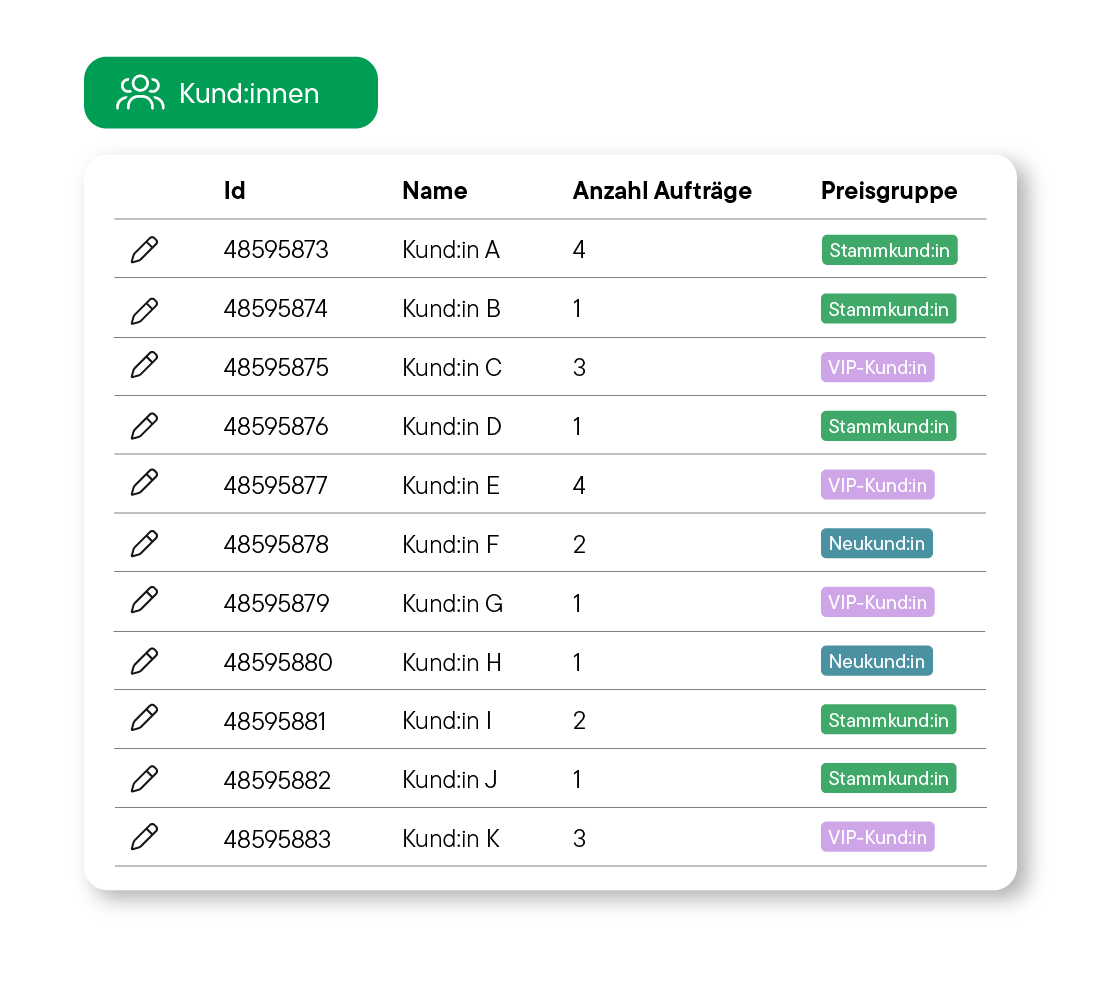
From shipping addresses to order history: All customer data is bundled centrally and clearly in one place per customer record.
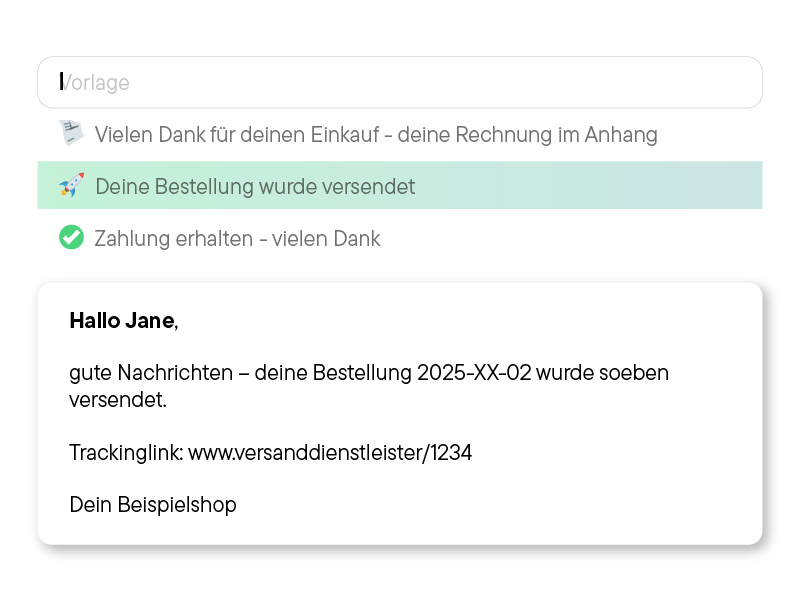
Send automated emails for every order: personalized with placeholders for professional communication.
Reduce support requests: Offer your customers their own portal for invoices and digital downloads.
Organize Your Billbee Account for Maximum Efficiency
Organize team tasks more effectively with separate accounts and individual access rights in Billbee.
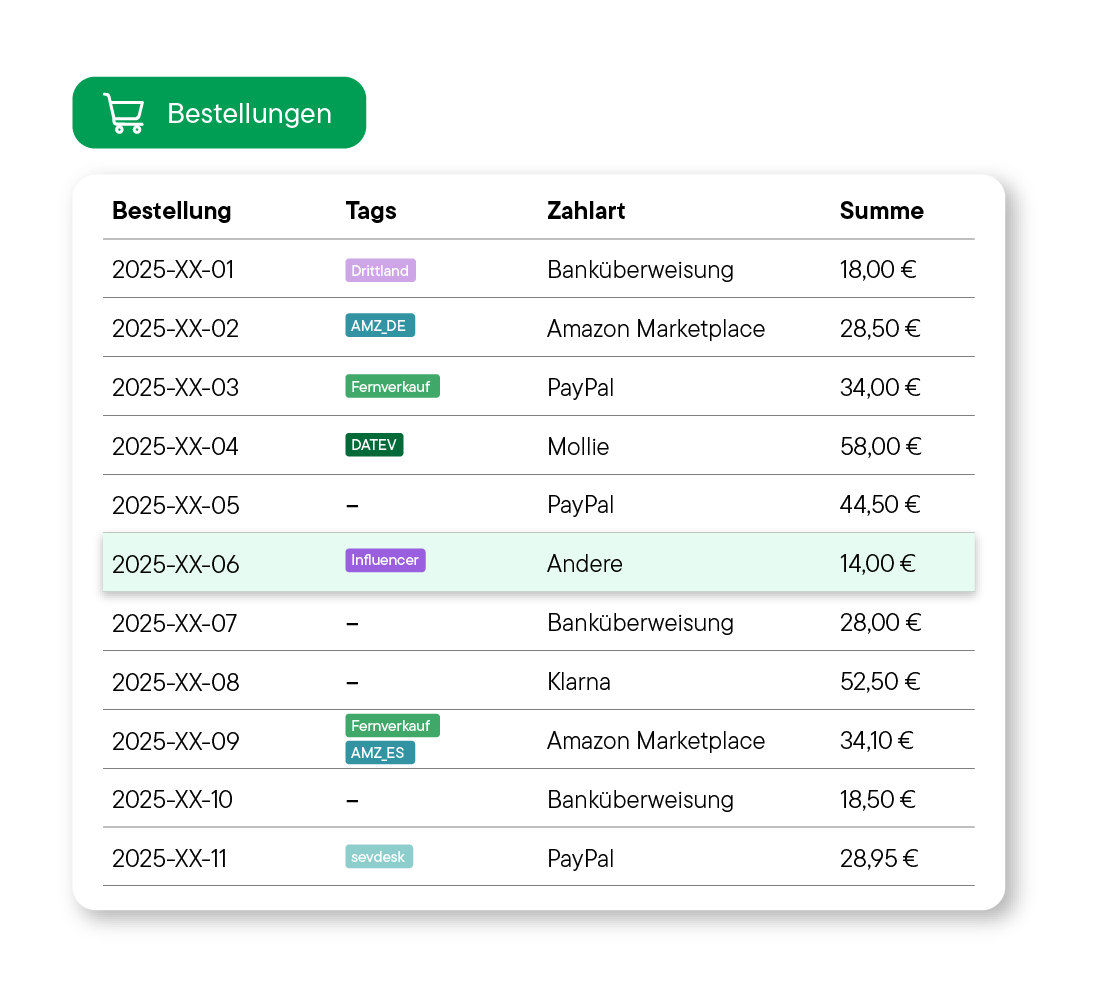
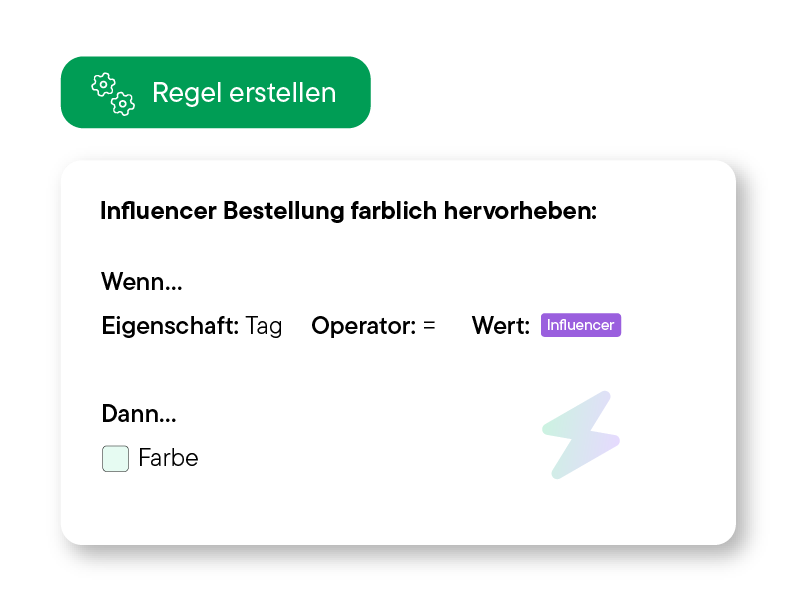
Automatically assign tags to orders (e.g., "Express," "Return") to trigger complex automations and follow-up processes.
Use colors to identify order statuses directly in the overview (e.g., "Urgent," "Awaiting Payment," "Ready to Ship").
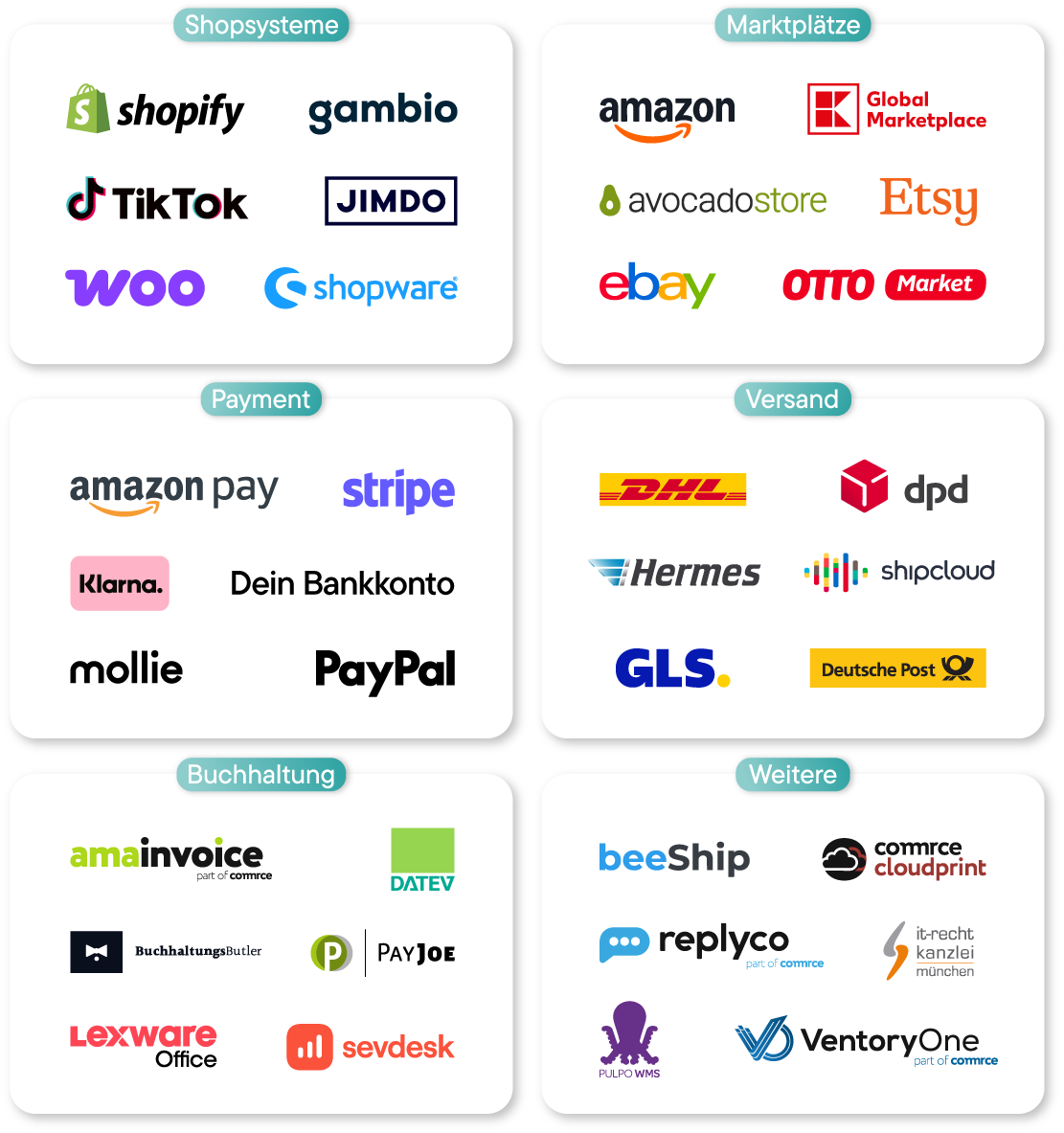
More Than 150 Integrations for Your E-Commerce Business







All Order Fulfillment Features in Detail
Billbee’s core business remains order fulfillment and invoicing—a focus clearly reflected in our extensive range of features.


Setting Up Billbee Is a Breeze
You can get started with Billbee today, even without technical know-how. Our tutorials, extensive documentation, and more will help you with the setup.
Register for your Billbee account and start your trial without entering payment details. The trial ends automatically without you having to cancel!
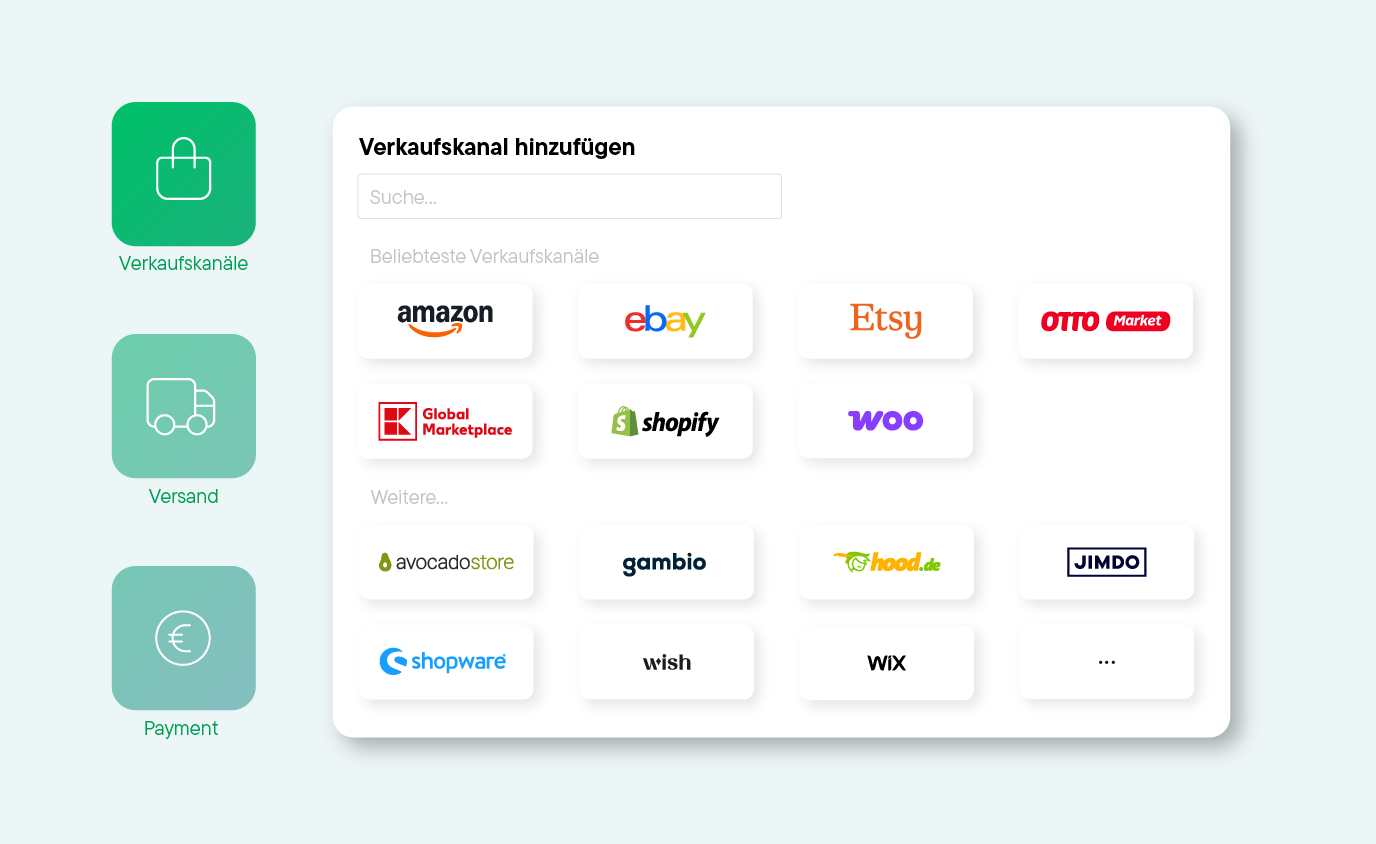
Connect your online stores, marketplaces, shipping carriers, and other tools to Billbee, and start importing your orders.
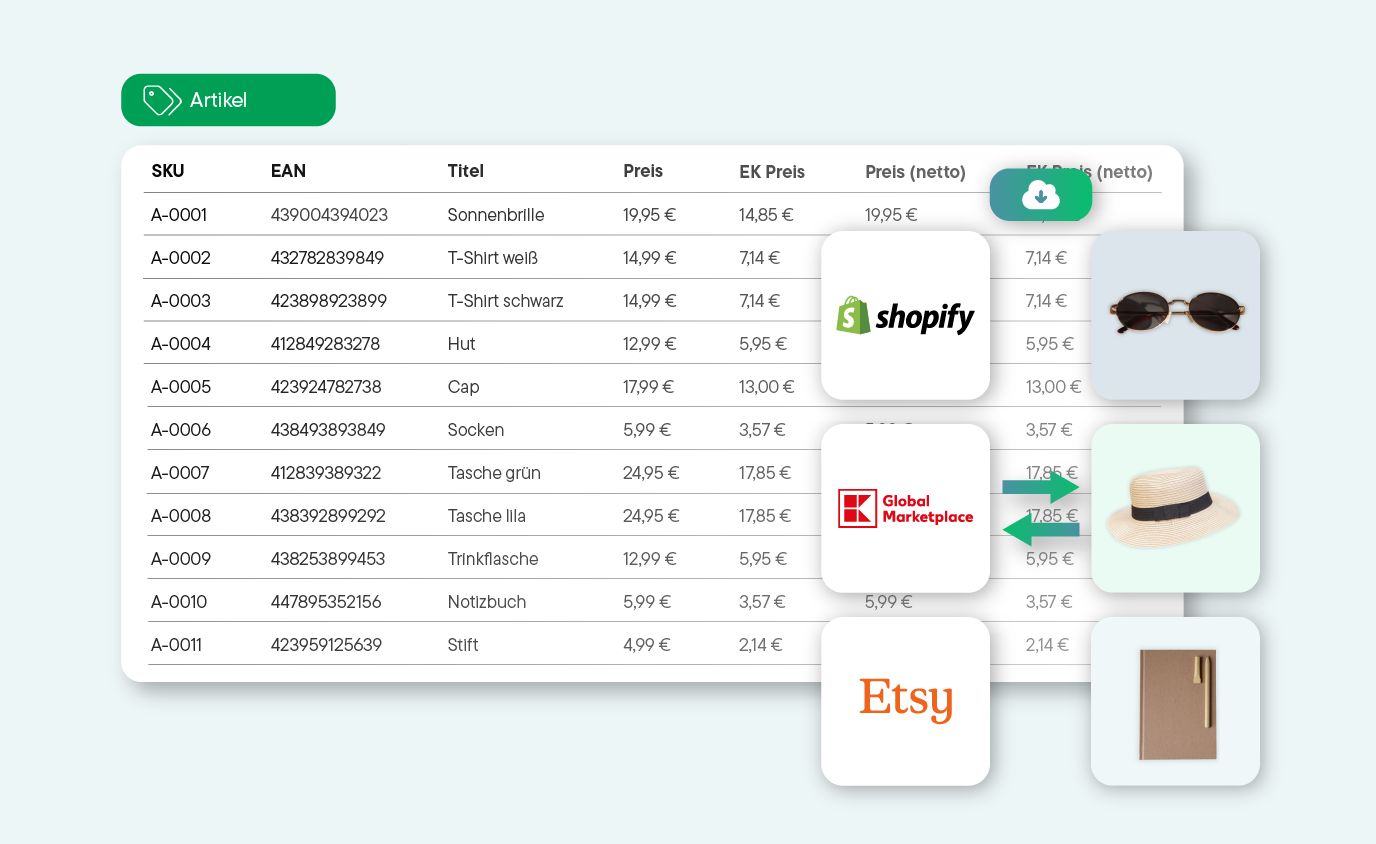
Whether manual or automated: Start managing your products and processing orders right away. See for yourself how much time you can save with Billbee!
Discover Our Network of Certified Partners!
We offer a broad network of certified, independent partners to help set up and optimize your Billbee account.
Find a Setup Partner
Frequently asked questions about order processing
Here you will find answers to the most important questions about order processing with Billbee. If anything remains unclear, our support team or our community will be happy to help.
What does shipping processing involve?
Order processing includes every step from the moment an order is placed until it is shipped. In detail, these are:
- Receive orders from shops and marketplaces
- Verify order data, payment, and shipping address
- Pick items and prepare them for shipment
- Create invoices, packing slips, and other order documents
- Select a shipping provider and send the order
- Keep customers informed about their order and shipping status
- Report shipping status back to the shop or marketplace
Billbee centralizes these processes, so you no longer have to switch between different systems and can easily automate many individual steps.
How does order processing work with Billbee?
When you are just starting out with Billbee, first connect your sales channels, shipping carriers, and payment providers to Billbee. Once connected, all incoming orders will be imported automatically.
From now on, you will see all orders from all your sales channels in Billbee, where you can create invoices and shipping labels, update order statuses, and send shipping notifications.
If you want to automate the process, you can set up automation rules, for example, for automatic invoice generation, automatic shipping, and automatic status updates.
Which shop systems and marketplaces does Billbee support?
Billbee supports all popular sales channels, including marketplaces like Amazon, eBay, OTTO Market, Kaufland, and Etsy, as well as shop systems like Shopify, WooCommerce, Shopware, Magento, and Gambio.
Which fulfillment providers does Billbee support?
By automating the individual steps of your order processing. Set up custom automation rules that fit your workflow:
- Manage order data centrally: All your orders are centralized in Billbee. This keeps you in control at all times and allows you to process orders faster. This is also practical if your customers contact you later, for example, because they entered the wrong delivery address or want to add an item to their order.
- Check incoming payments automatically: Activate automatic payment reconciliation so that incoming payments are immediately matched to the correct order.
- Update status automatically: Set up a rule so that Billbee automatically reports the "Shipped" status of your orders back to your marketplaces and shops.
- Automate invoicing: Create a rule for automatic invoice generation and delivery so you no longer waste time on order documents.
- Automate shipping: Create a rule for automatic shipping so that a shipping label is automatically generated and printed for every single order.
- Automate customer communication: Send messages to your customers automatically. Use placeholders to personalize your emails even when using automation.
How do I get started and process my orders with Billbee?
Getting started with Billbee is easier than you might think: Create your account and connect your sales channels, payment providers, and shipping carriers to Billbee using our built-in integrations. Then, decide whether you want to process your orders fully automatically or manually.
If you choose automatic order processing, set up the corresponding automation rules. Our manual will guide you through the process step by step.