

Customer management
All customer information at a glance
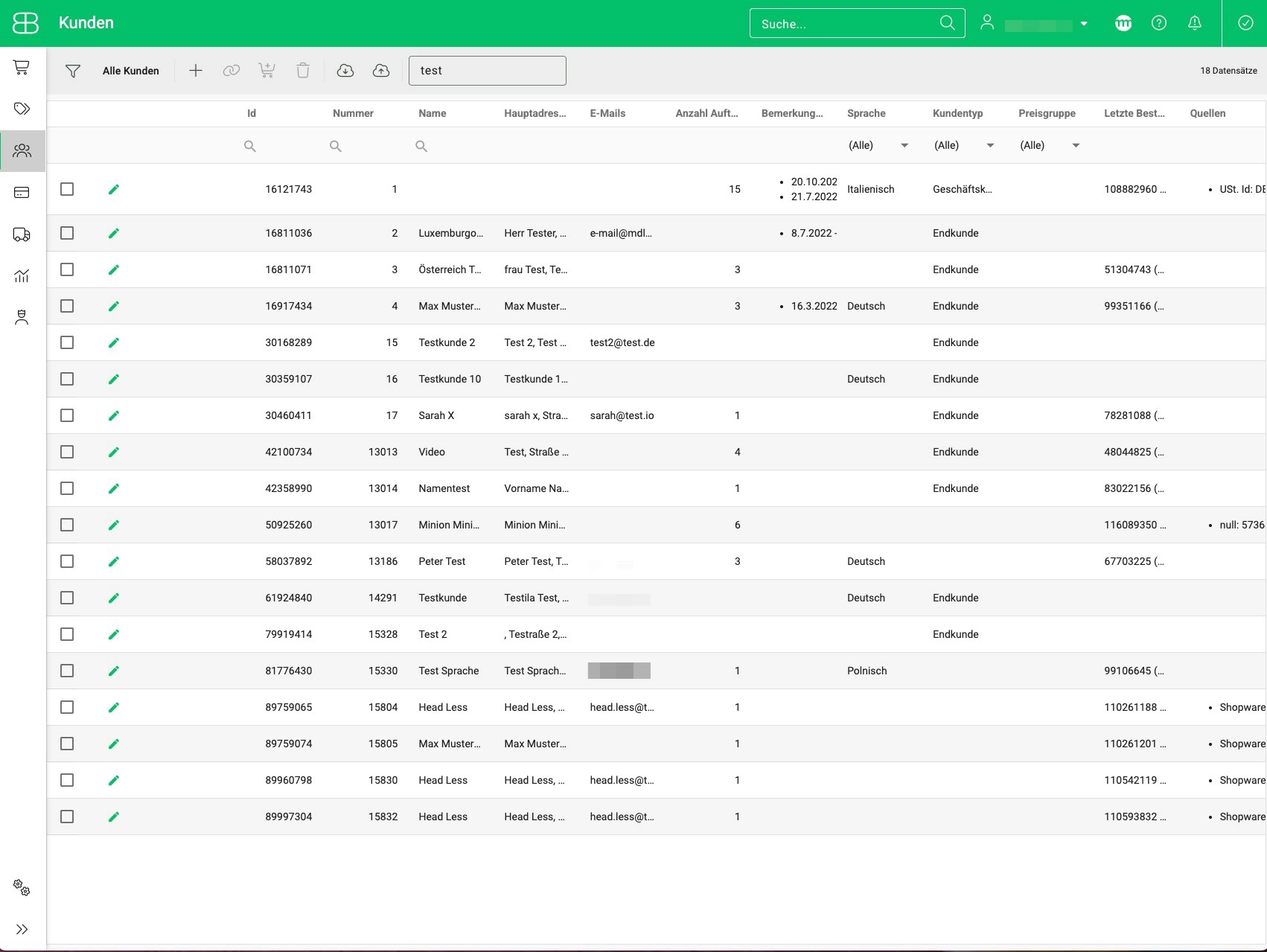
When a customer orders from your online shop and another buys an item on a marketplace, order information ends up in different places – and that leads to chaos. Because to ship those orders, you have to switch between systems. With Billbee, you avoid exactly that chaos: all customer records are clearly provided in Billbee. This allows you to manage and edit all your customer data in one place.
Manage and edit customer records
In Billbee, you manage all information in a single location. Simply store the following information and edit it directly in Billbee whenever needed:
- Name
- Shipping and billing address
- Custom notes
- Customer language
- Order documents, such as invoices
Assign custom tags to find customers faster
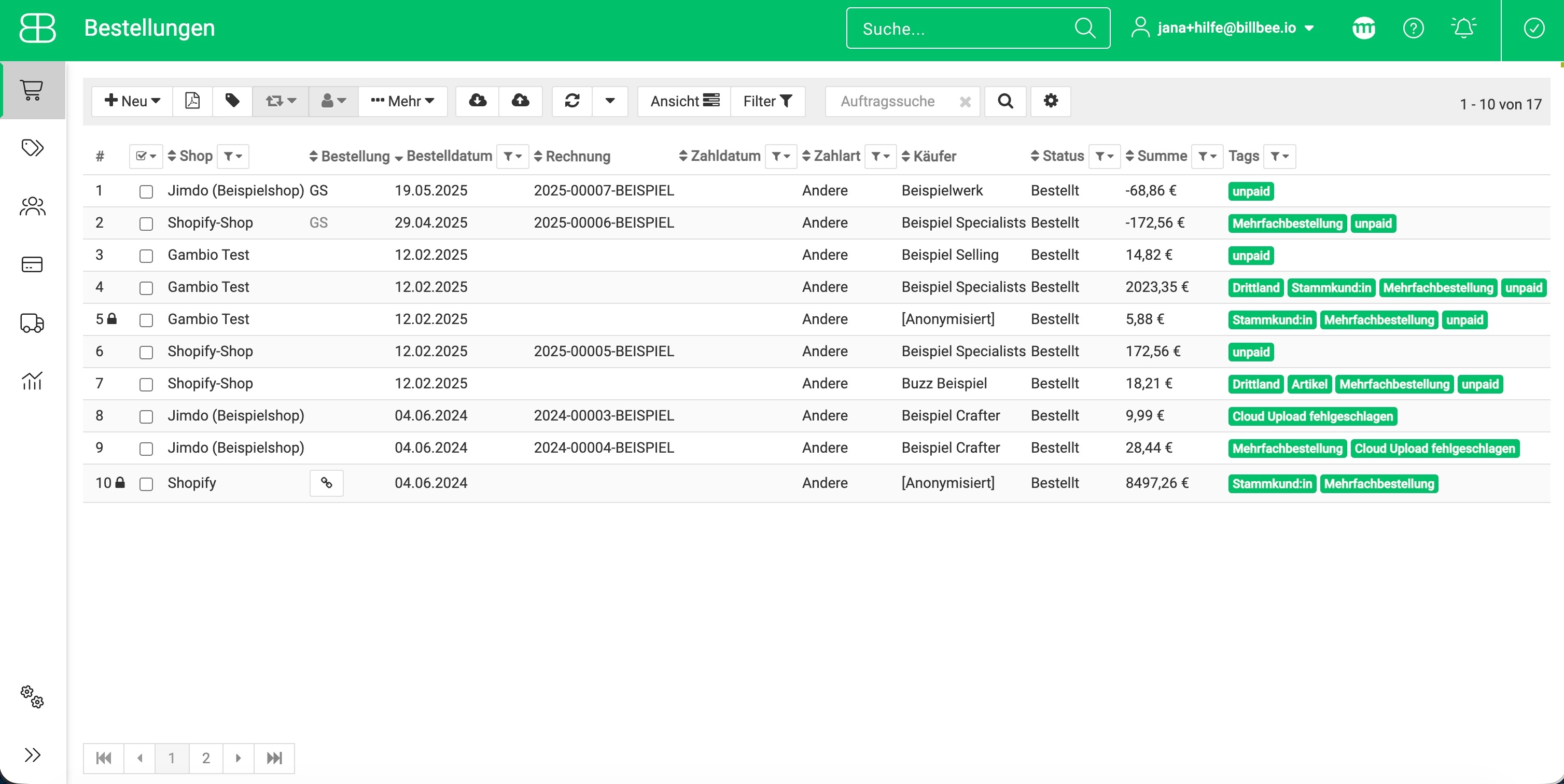
Tags are like labels that you can assign to specific orders to make them easier to find and sort later. Use them, for example, to mark orders based on specific criteria like "regular customers," "influencer orders," or "VIP customer." This way, you can easily filter by a specific tag later and export those orders.
Assign and automate tags individually
You can name your tags whatever you like and decide how many to assign. With Billbee's automation rules, you don't even have to assign tags manually; you can categorization tailored to your business automate.
Frequently Asked Questions about Customer Management
Are the data records updated automatically with every order?
Yes, as soon as a new customer places an order with you, a new customer record is automatically created.
Can I export my data records?
Yes, you can also export your records created in Billbee as a CSV file. For example, if you are planning a direct mail campaign and need all your customers' shipping addresses, you can simply export the records from Billbee and then process them further.
Can I import existing customer records?
Yes, if you are currently managing your customer database in another system or a spreadsheet, you can import it into Billbee using a CSV file.