

Colours
Highlight orders in color
Adjust the color of the background color of your orders in the overview of your orders so that you can identify orders at first glance that
- From a specific Shop system or from a specific marketplace were read
- a specific tag have or
- are in a specific status.
Of course, you can also combine the conditions so that, for example, only orders that have been read in from a specific shop and that are also in a specific status are highlighted in color.
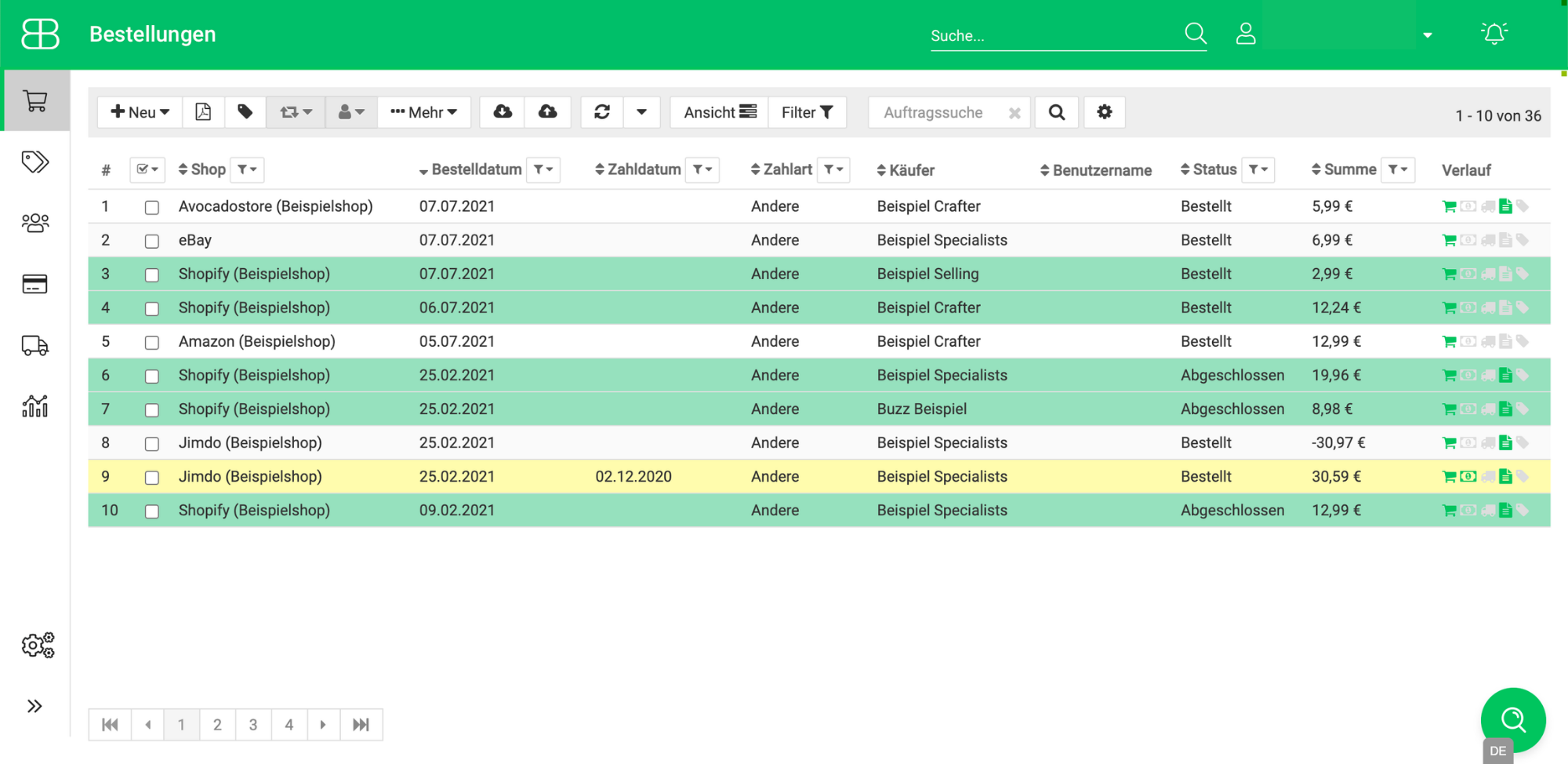
You can determine the color according to your wishes and with individual hexadecimal color codes (e.g. #00FF00 for the color green).
Try Billbee Today, Completely Risk-Free