

Automate Shipping Operations
Optimize your shipping with fully automated workflows. Save valuable time and eliminate manual errors—directly within Billbee.
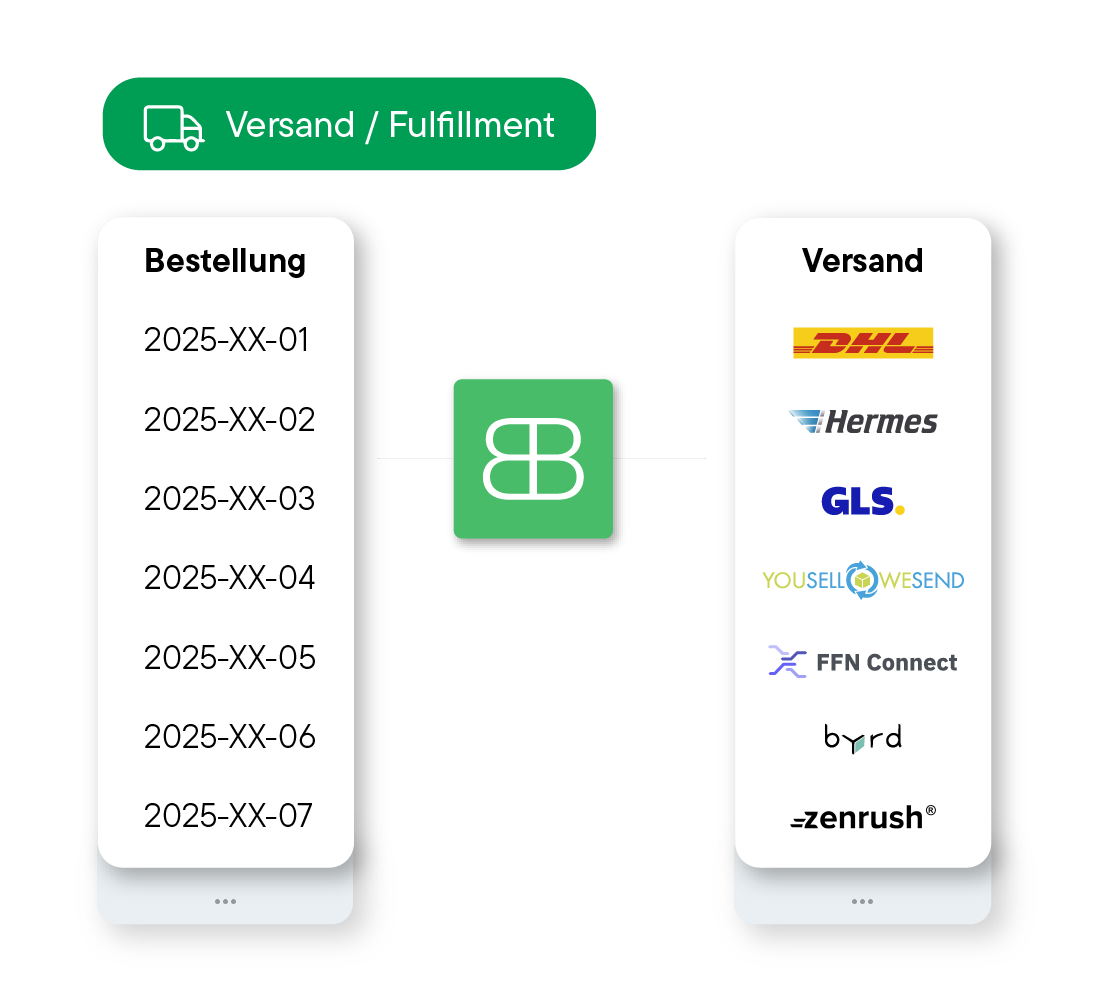
Connect All Your Shipping Carriers, Fulfillment Providers, and More
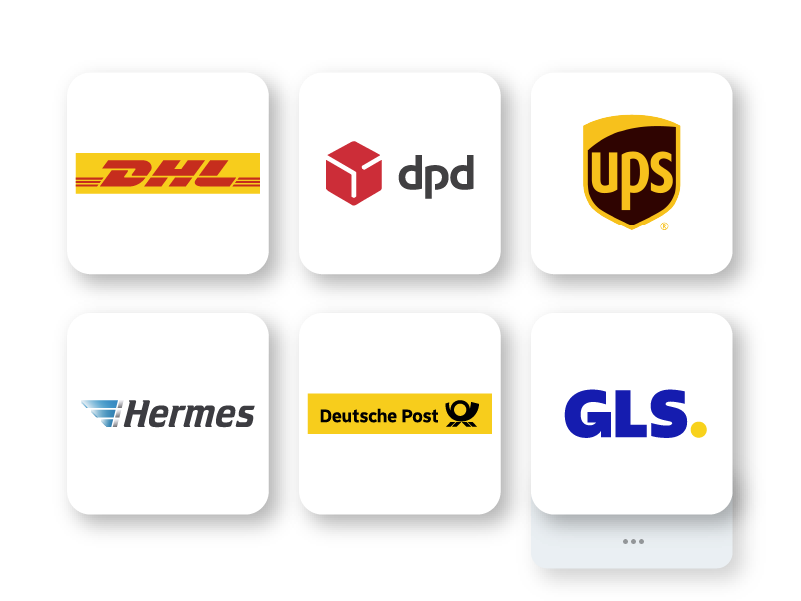
Whether it’s DHL, DPD, UPS, USPS, or others—connect them all centrally to Billbee and manage your entire label printing process from a single interface.
Maintain full control even if you don't ship yourself. Manage your fulfillment partners centrally from Billbee and automatically sync inventory levels and status updates.
Instead of connecting every carrier individually, simply link a multi-carrier system. This allows you to choose the best or most cost-effective shipping method from a vast pool of providers for every order.
Shipping Labels, Tracking & Returns Directly from Billbee
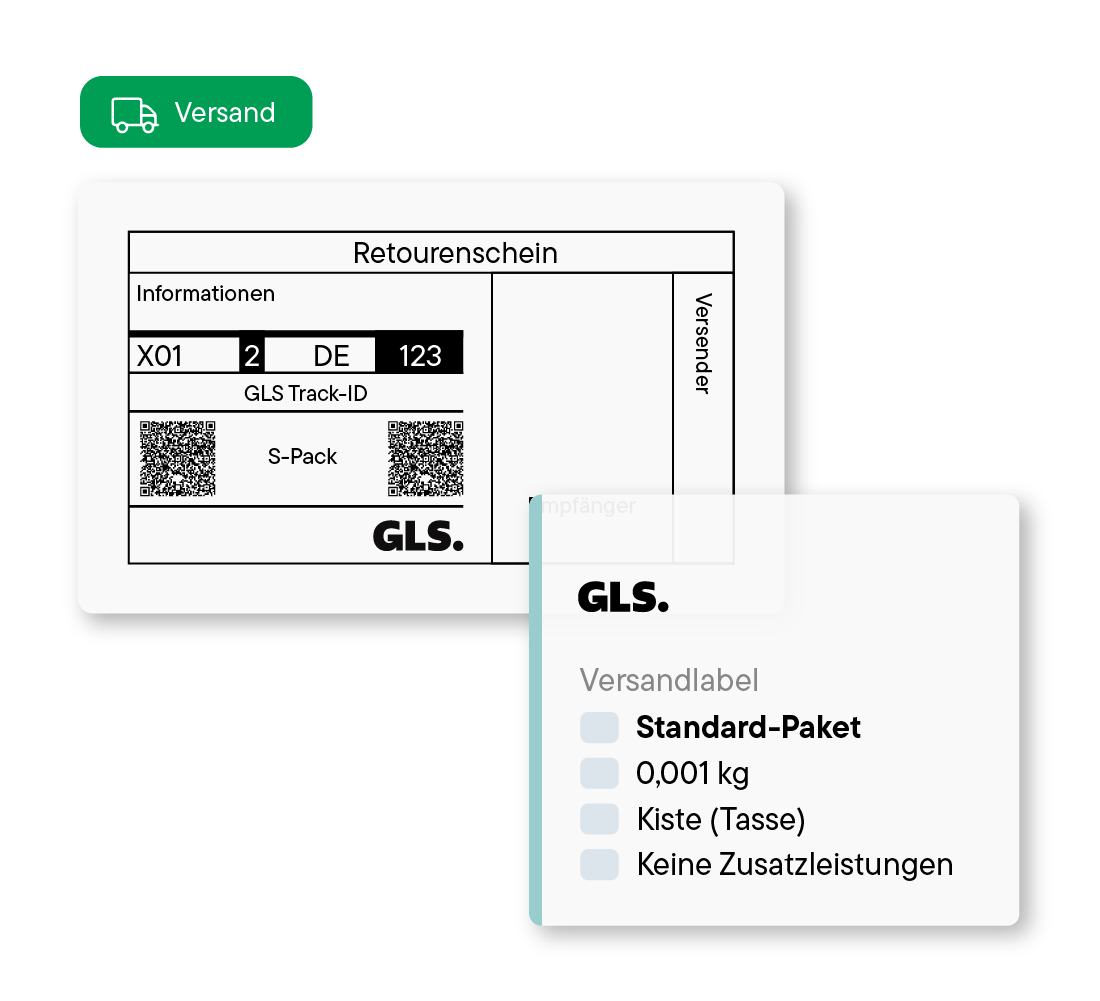
Save time and avoid mistakes with fully automated label generation. Billbee automatically assigns the correct shipping methods and creates all labels in seconds.
Inform your customers automatically about their shipment status. This saves time and increases customer satisfaction. Additionally, Billbee transmits tracking information directly to your marketplaces and online stores.
Meet marketplace requirements (e.g., Amazon) and create return labels with just a few clicks directly in Billbee—even for international shipments.
Shipping Features in Detail
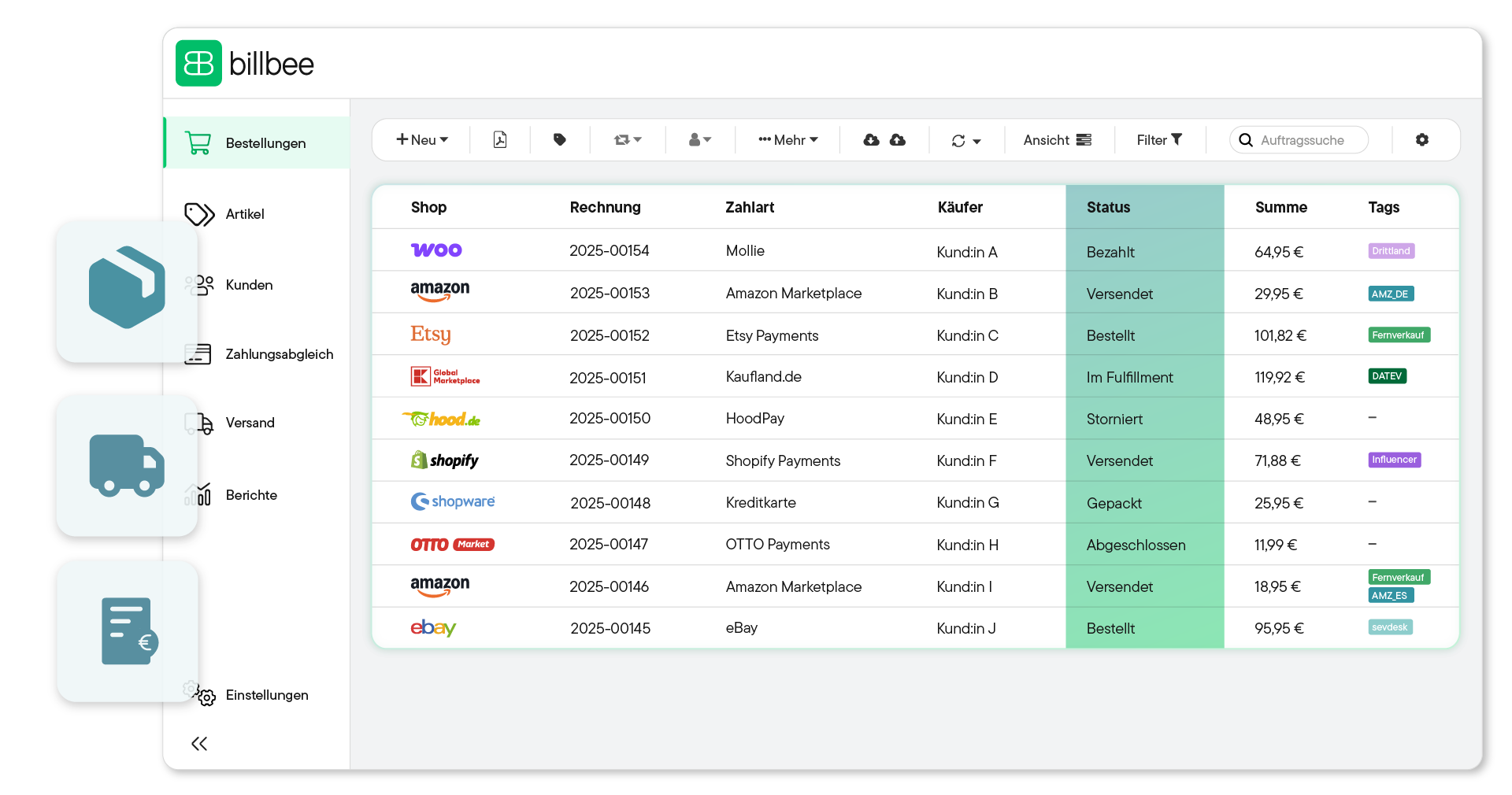
Setting Up Billbee Is a Breeze
You can get started with Billbee today, even without technical know-how. Our tutorials, extensive documentation, and more will help you with the setup.
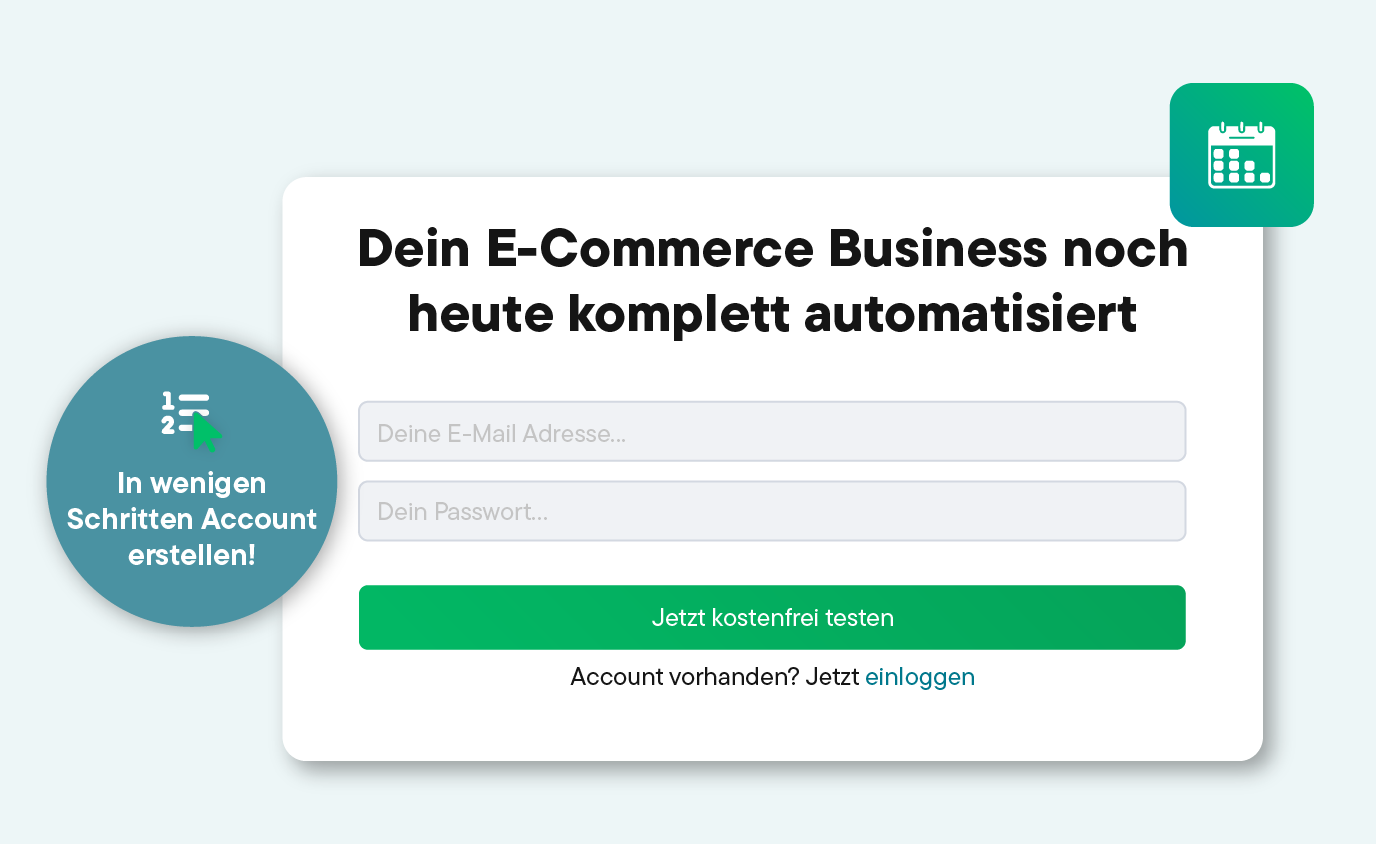
Register for your Billbee account and start your trial without entering payment details. The trial ends automatically without you having to cancel!
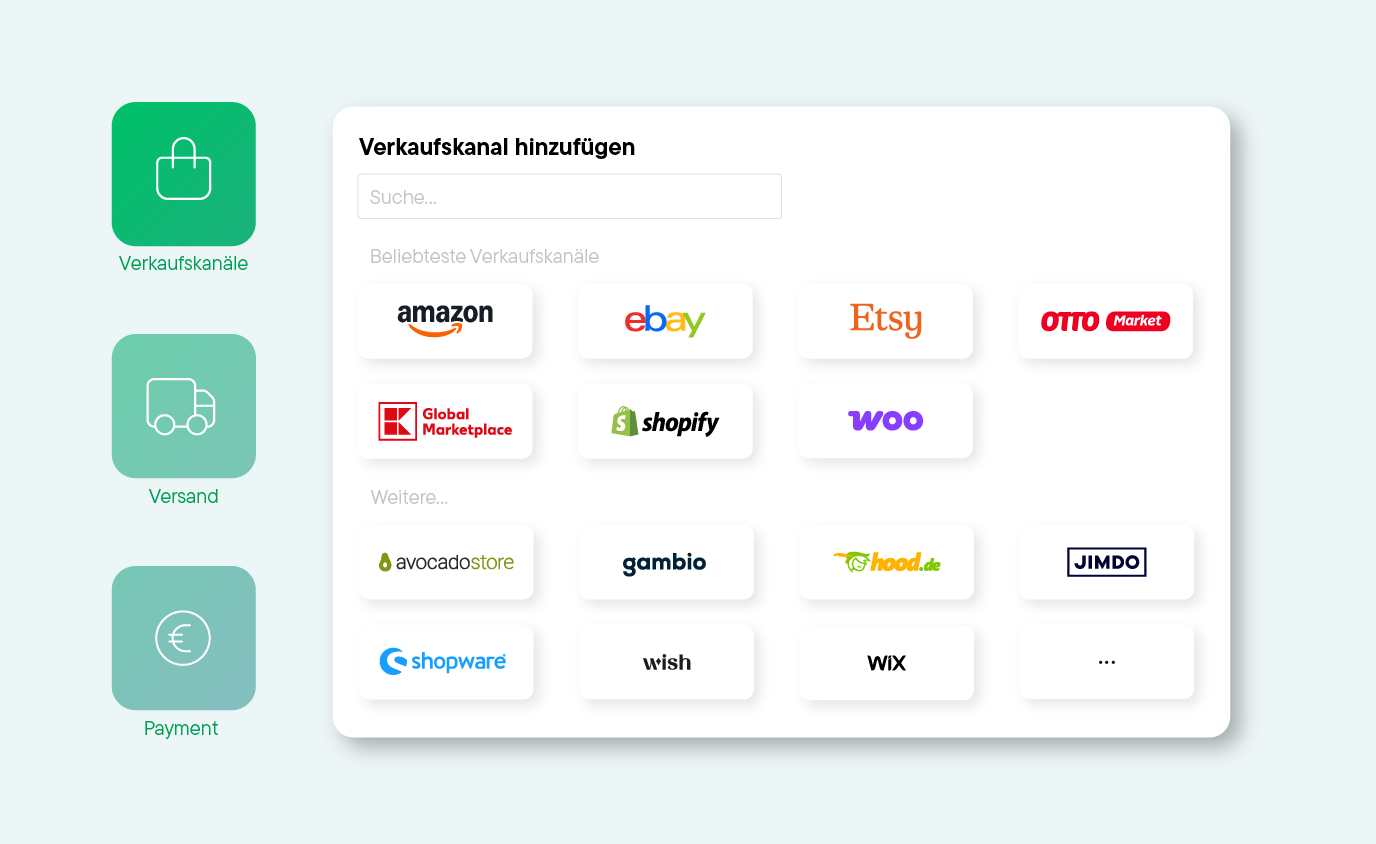
Connect your online stores, marketplaces, shipping carriers, and other tools to Billbee, and start importing your orders.
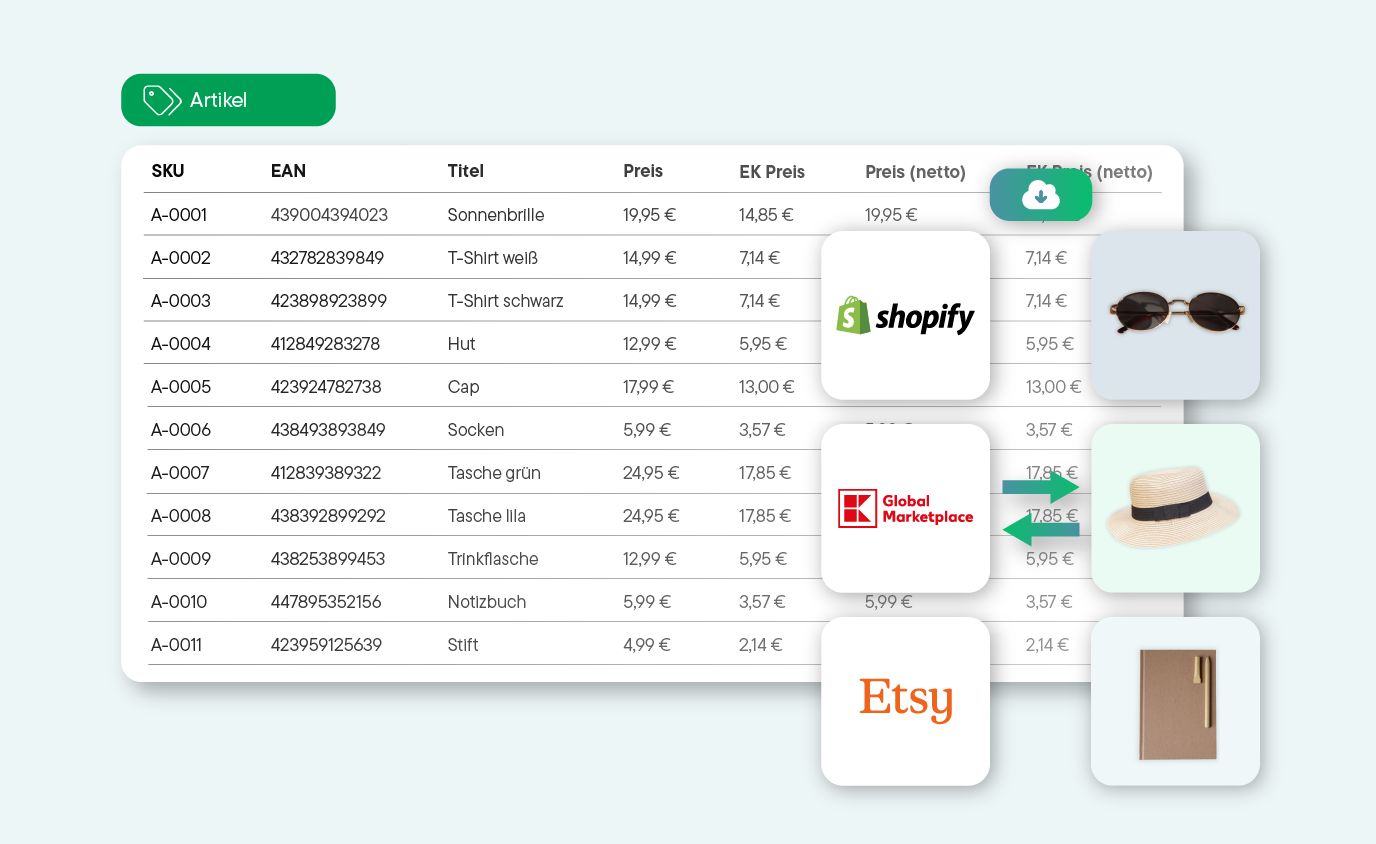
Whether manual or automated: Start managing your products and processing orders right away. See for yourself how much time you can save with Billbee!
Discover Our Network of Certified Partners!
We offer a broad network of certified, independent partners to help set up and optimize your Billbee account.
Find a Setup Partner
Frequently asked questions about shipping processing
Here you will find answers to the most important questions about shipping with Billbee. If anything remains unclear, our support team or our community will be happy to help.
What does shipping processing involve?
Shipping processing includes the following steps:
- Prepare order: Check items, determine weight and packaging.
- Select shipping method: Determine the shipping carrier and the appropriate shipping product
- Create shipping label: Generate the label and, if necessary, export or return documents.
- Hand over shipment: Pack the parcel and hand it over to the shipping carrier.
- Transmit shipment data: Save the tracking number and shipment status to the order and notify the customer.
- Update shipping status: Set the order to "Shipped" and document the shipment in a traceable way.
Many of these steps can be handled directly in Billbee—manually, via bulk shipping, or automatically using rules.
How does shipping work with Billbee?
With Billbee, you can manage the shipping of all your orders from every sales channel in one central system. Simply connect your shipping and fulfillment providers to Billbee and set up the appropriate shipping products (e.g., parcel, postal service, or international shipping for DHL). You can then decide for yourself whether you want to ship orders individually, send multiple orders at once, or fully automate your shipping.
Option 1: Ship orders one by one using the shipping station
To ship individual orders, use the shipping station. Simply open the order (by scanning the barcode or manually entering the invoice number), check the delivery address and shipping details, pack the order, and click "Ship." Then, download the generated shipping label, print it out, and attach it to the package.
Option 2: Ship multiple orders at once in batch mode (bulk shipping)
When you have many packages to send at once, you can use bulk shipping. Select the desired orders and generate the shipping labels as a single PDF file. You can then download the labels and any necessary export documents in one go. If you have also connected Cloudprint (e.g., comrce cloudprinting) to your account, you can even print the labels fully automatically.
Option 3: Automate your shipping
With smart automation rules, you can fully automate your shipping process. For example, Billbee can automatically assign the correct shipping product after an order is imported, trigger the shipment, and retry if an error occurs. The creation and printing of your shipping labels can also be fully automated. To ensure everything runs smoothly, you will need a specific rule for each step. Learn more about shipping automation with Billbee.
Which shipping carriers does Billbee support?
With Billbee, you can access a wide range of shipping carriers, including: Deutsche Post, DHL, DPD, GLS, Hermes, UPS, and many more. These direct interfaces enable smooth and efficient shipping for your orders.
Which fulfillment providers does Billbee support?
With Billbee, you can access a wide range of fulfillment providers, including: Alaiko, Amazon FBA, byrd, YouSellWeSend, Zenfulfillment, and many more.
How can I get started and manage my shipping with Billbee?
Getting started with Billbee is easier than you might think: Create your account, connect your sales channels and shipping providers using the available interfaces, and decide whether you want to handle shipping fully automatically or manually. If you want to automate your shipping, simply set up the corresponding automation rules. Our manual will guide you through the process step by step.