

Barcode
Use barcode scanners to work efficiently
You can use barcode scanners anywhere in Billbee where you need to enter numbers via a keyboard, as the connected barcode scanner emulates keyboard input. This can save you a lot of time! Instead of annoying and cumbersome entering numbers with the keyboard, you can simply and quickly scan a generated barcode.
Item labels make picking in the warehouse easier
You can create labels with individual barcodes for your items directly from Billbee. It is important that your articles have an EAN on file.
If you create item labels, you can use them in a variety of ways. The labels are most commonly used in the warehouse to make it easier to pick the items for each order.
Manual searching while shipping was a thing of the past!
In addition to item labels, you can also use barcodes on your Order documents, such as invoices or delivery notes, automatically generated and issued.
This feature makes it easier for you to Dispatch processingwhen you ship with the shipping station (one order at a time). Simply scan the barcode that was printed on the delivery note and Billbee will find the order for you at the shipping station - without the need to enter it manually.
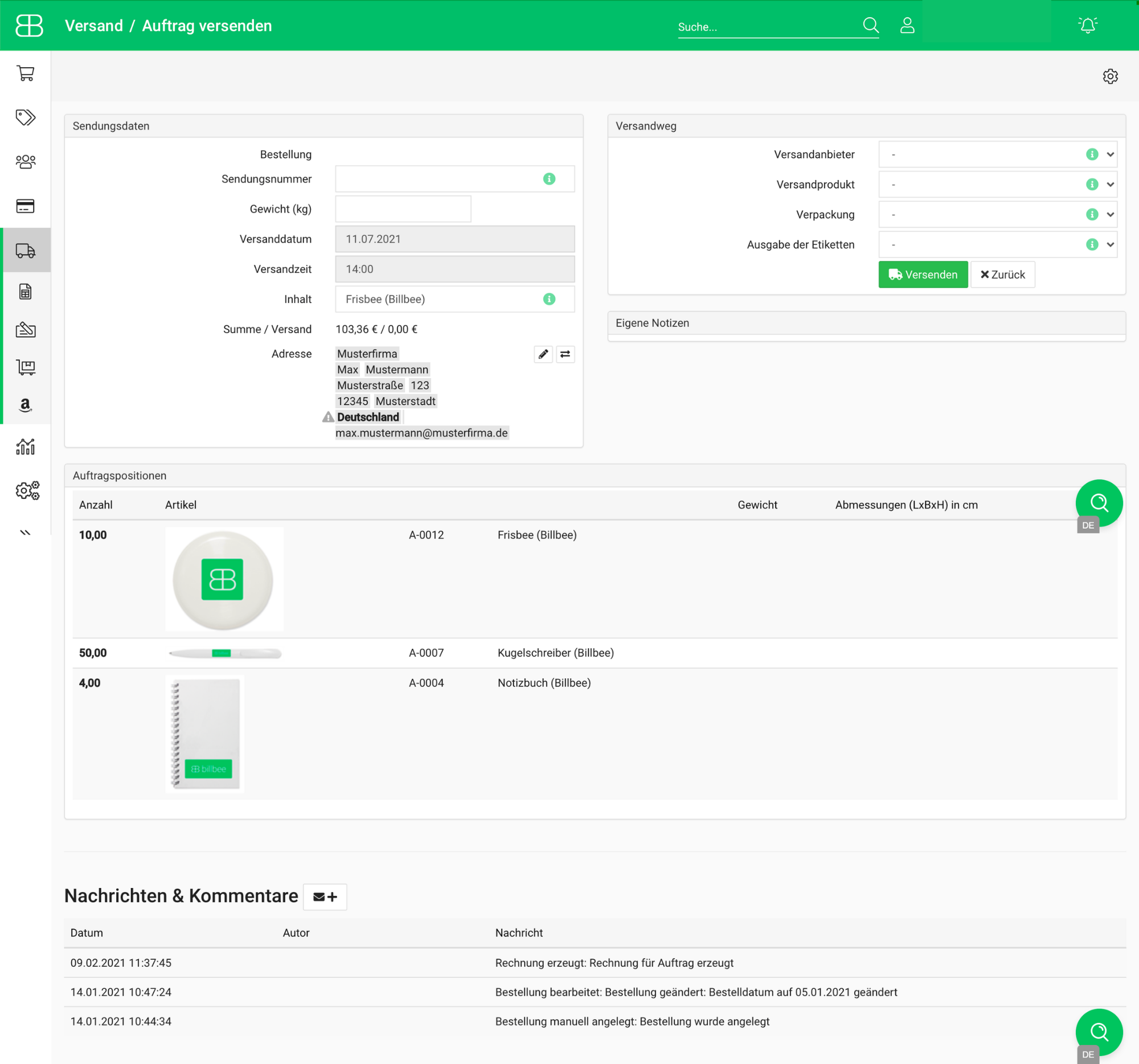
Nothing stands in the way of working efficiently with barcode scanners and Billbee and can save you a lot of time.