




Over 4,500 merchants simplify their accounting with the Lexware Office integration in Billbee
These and many other features await you
Benefit from all features and smart automations.
Exporting invoices to Lexware Office
Create invoices in no time at all, upload them simply and automatically to LexOffice as your accounting system, and process them there.
Multichannel with Billbee
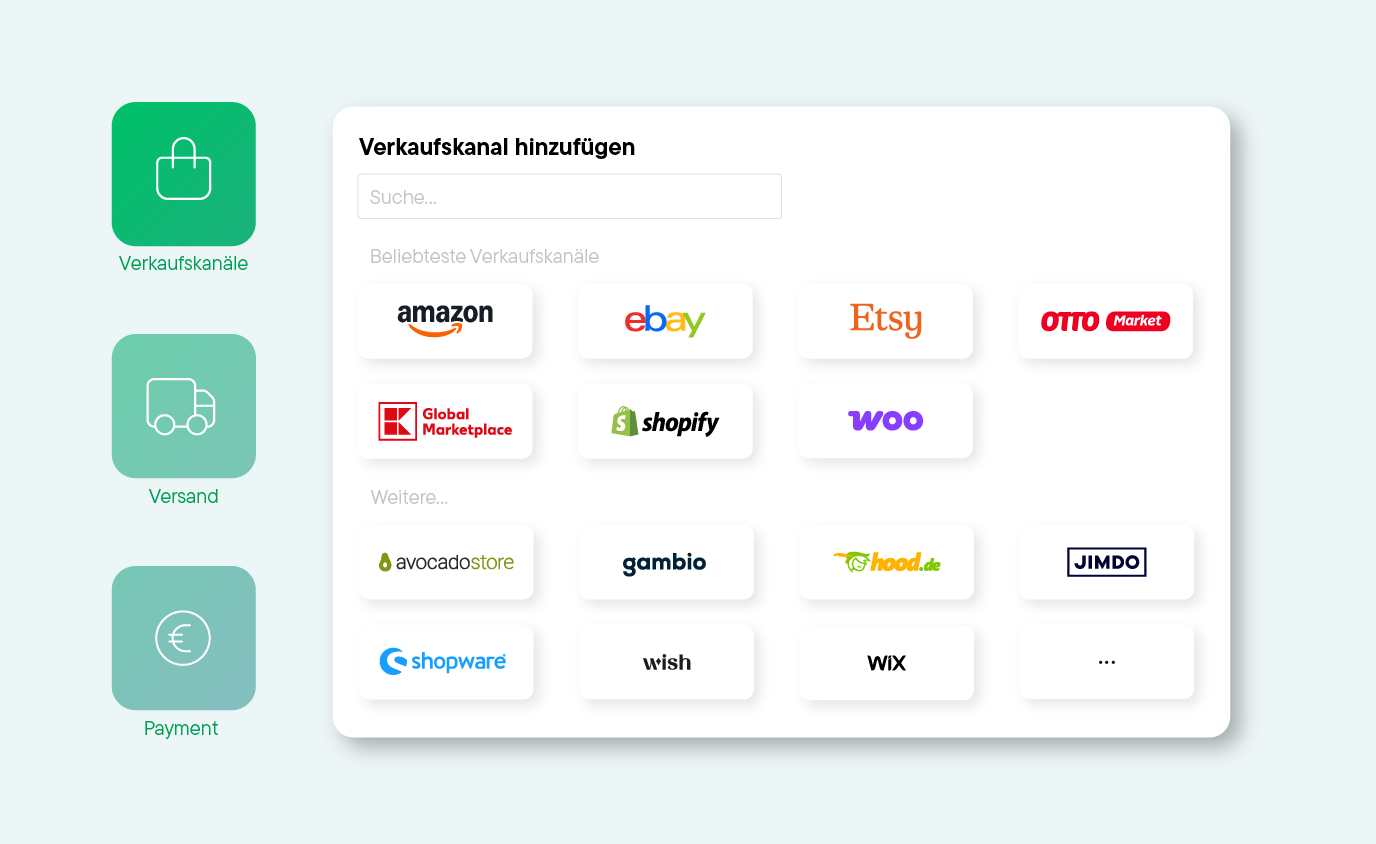
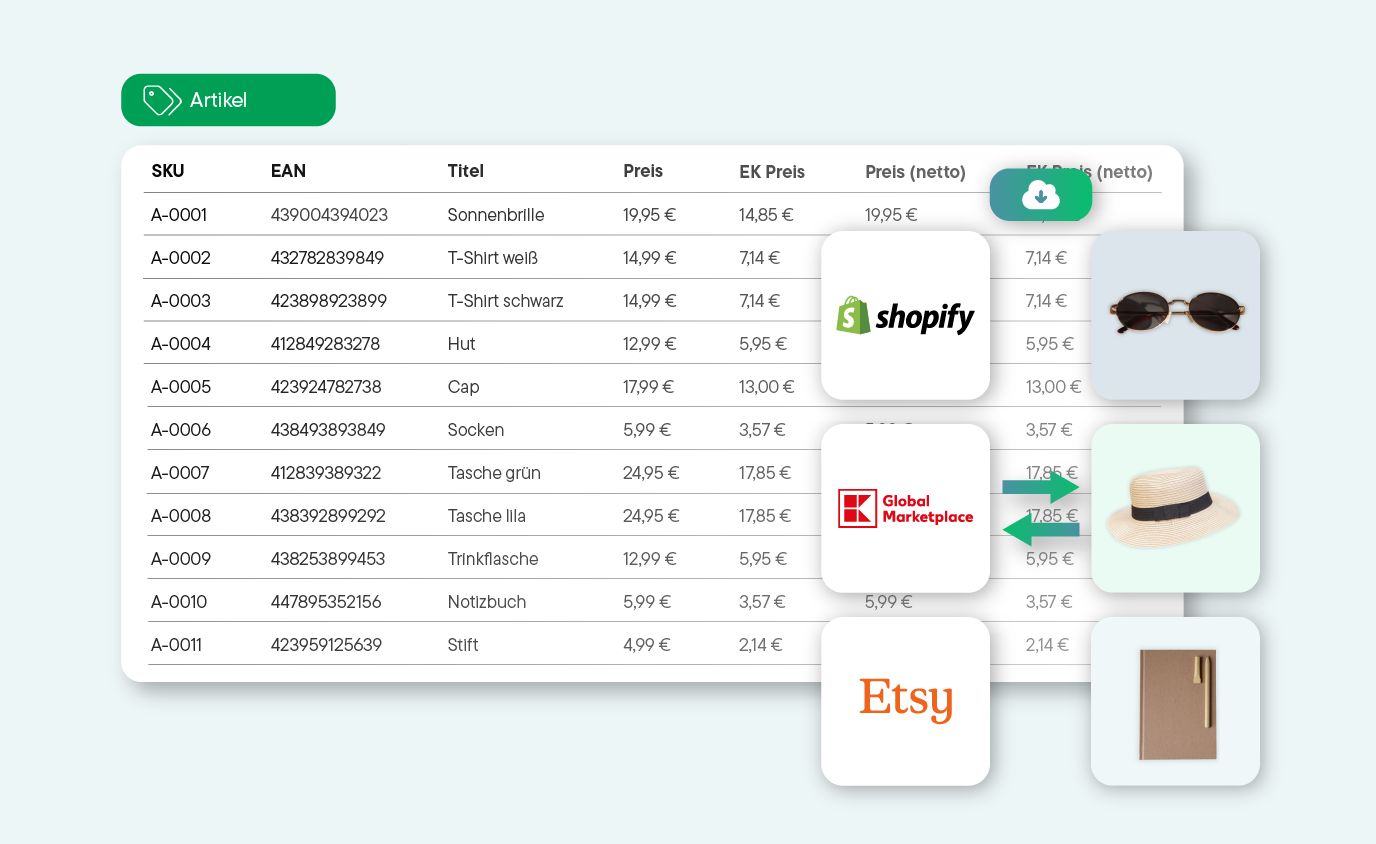
Regardless of which shop systems and marketplaces you use to sell: Import and manage your orders, products, and customer data centrally in Billbee.
Automate order documents
Automate the creation of your invoices, delivery notes, and more with ease using Billbee. Of course, you can also create documents manually, and generate invoices and other paperwork with different layouts either manually or automatically.
Handling sales tax correctly
Manage VAT IDs for different countries or export your revenue to participate in OSS for all your remote sales.
Payment reconciliation made easy
Automatically reconcile incoming payments from your accounts connected to Billbee and assign them to the corresponding orders.
Many more automations
From automating your order and invoice processing to automatic exports: flexible rules that adapt to your workflow.
Lexware Office

Lexware Office is your cloud-based partner for all your accounting and daily organizational needs. As the market leader with a quarter of a million self-employed customers, Lexware Office offers freelancers and small to medium-sized businesses maximum convenience in their daily work: location-independent and mobile access, legally compliant quotes, invoices and delivery notes, GoBD-compliant document archiving, integrated dunning, and many other features. Getting started with Lexware Office is easy – no installation required, automatic updates, and always up to date.
With Lexware Office, you can create quotes, write invoices, track expenses, scan receipts with your smartphone, handle your accounting automatically in a single system, and prepare your tax return, even without any prior knowledge.
.webp)
Learn more about how Billbee and Lexware Office work together in our eBook. Download it here!
Billbee & Lexware Office – what to expect
Connect Billbee with Lexware Office and get the best of both worlds: Billbee handles your entire multichannel order processing, while Lexware Office takes care of your bookkeeping. The interface ensures your invoices are transferred automatically, saving you time and keeping you in control.
Step 1: Create a new accounting interface
In Billbee, go to Settings → Accounting & Dunning and click the "+ New"button. In the dropdown menu, select "Add Lexware Office account" to start the setup process.
Step 2: Authorize with your Lexware Office account
You will be redirected directly to Lexware Office. If you are already logged in, the authorization request will appear immediately. If not, enter your login credentials. Then, click "Allow access"to grant Billbee permission to access your Lexware Office account.
Step 3: Configure general settings
In the first tab, "General settings" you define:
- Name: Assign an internal name for the connection (e.g., "Lexware Office Main Account").
- Start date: From which date should orders be transferred?
- Shops: Select which of your connected shops and marketplaces should be transferred. You must select at least one shop.
- Status: Determine the order status that should trigger the transfer. Tip: Select multiple final statuses (e.g., paid, shipped, completed) so that no order falls through the cracks.
Step 4: Configure API settings
In the "API Connection" tab, you can adjust further details:
- Days until due after invoice date: Default is 30 days – adjust this to match your payment terms.
- Create full customer records: Decide whether a record should also be created in Lexware Office for every Billbee customer record. Note: Lexware Office can process a maximum of 69,999 customers.
- Transfer internal notes: Enable this option if you want internal notes from the order details to be transferred to Lexware Office as well.
Step 5: Test & save connection
Click on "Test connection". Once successfully set up, you will receive a confirmation in the top right corner. Then click "Save" – you're all set!
What happens next?
As soon as you generate an invoice in Billbee, it will be automatically transferred to Lexware Office. Please note: It may take 3–4 hours for the invoice to appear in Lexware Office, as the export runs in the background. Alternatively, you can also trigger the export manually. You can do this under Export orders, where you select your Lexware Office connection as the export format.
Still have questions? You can find a detailed guide including all information on error codes, OSS, and payment reconciliation in our Help Center.
Exklusiv für Billbee-Nutzer:innen: 3 Monate Lexware Office zum halben Preis
Verbinde Billbee mit Lexware Office und lass deine Rechnungen automatisch als Einnahmenbeleg übertragen – inklusive OSS-Unterstützung für den Verkauf in mehrere Länder. Wer jetzt neu mit Lexware Office startet, sichert sich die ersten 3 Monate mit 50 % Rabatt.
Kein Code nötig – der Rabatt ist direkt im Link hinterlegt.
*Gilt für Neukund:innen von Lexware Office. Aktion dauerhaft gültig.



Setting Up Billbee Is a Breeze
You can get started with Billbee today, even without technical know-how. Our tutorials, extensive documentation, and more will help you with the setup.
Register for your Billbee account and start your trial without entering payment details. The trial ends automatically without you having to cancel!

Connect your online stores, marketplaces, shipping carriers, and other tools to Billbee, and start importing your orders.
Whether manual or automated: Start managing your products and processing orders right away. See for yourself how much time you can save with Billbee!
Discover Our Network of Certified Partners!
We offer a broad network of certified, independent partners to help set up and optimize your Billbee account.
Find a Setup Partner
Billbee - the solution for your multichannel business
Billbee is your single source of truth for multichannel selling