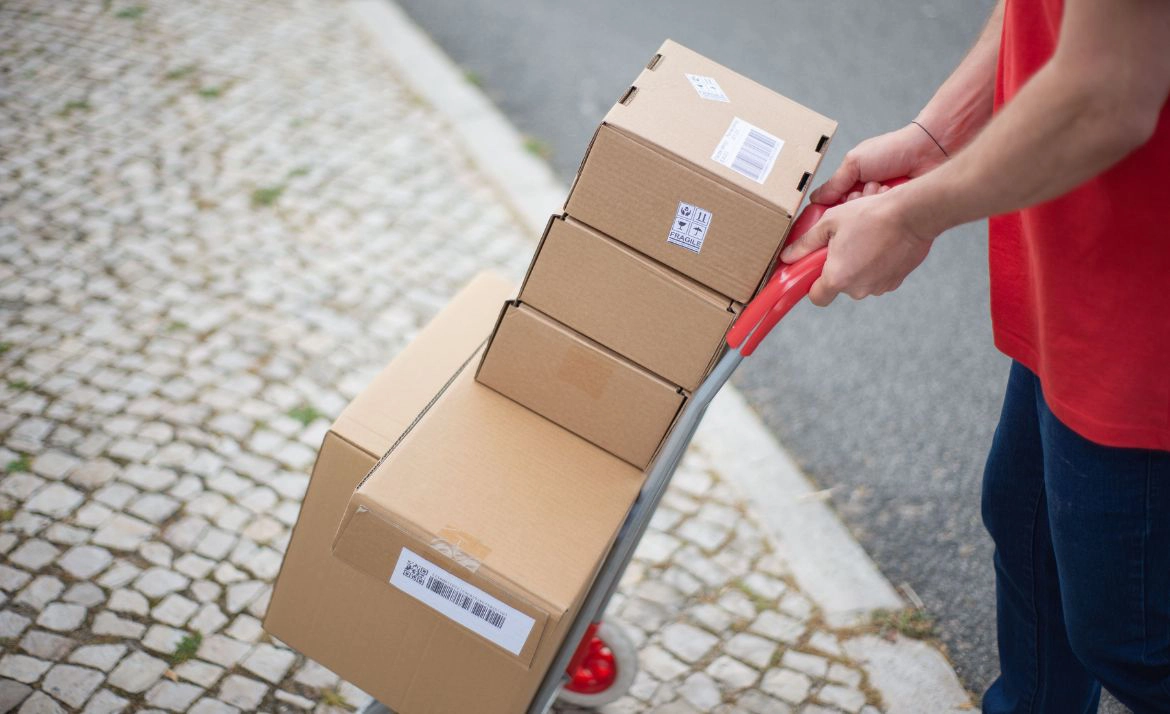
Your shop is actually running well. Orders are coming in, you’re packing, you’re shipping. Or so it seems. Because at some point, you realize: orders from three marketplaces are ending up in three different spreadsheets. Your inventory no longer matches what you actually have in stock. And your accounting department is asking for the third time where last month’s receipts are.
This is the moment when many merchants start thinking about implementing an ERP. But what does implementing an ERP actually mean – and how do you go about it without getting bogged down in a project for months?
ERP stands for Enterprise Resource Planning . It sounds clunky, but it refers to something practical: instead of hunting for orders, inventory, invoices, and shipping data across different tools, you manage them from one central system—your ERP.
In an e-commerce context, this means: you can see at a glance how many units you have left in stock, which orders are open, and which invoices haven't been sent yet—all across every channel. No more manual reconciliation between Amazon, your Shopify store, and your spreadsheets.
The term ERP is often used broadly in retail. Sometimes it refers to classic, complex enterprise software (like SAP or Microsoft Dynamics). But sometimes, a lean inventory management system or a multichannel platform like Billbeeis enough to cover the core ERP functions for online merchants without requiring months of implementation.
A poorly planned implementation is one of the most common reasons why ERP systems and their setup take unnecessarily long or fail to provide the desired relief in day-to-day operations.
The implementation phase is the moment you decide:
Anyone who doesn't clarify these questions beforehand will end up struggling with an expensive tool that still doesn't work properly.
An ERP implementation rarely fails because the software itself doesn't work. It becomes more difficult when processes, data, and responsibilities don't align.
You should therefore keep these five challenges in mind from the very beginning.
In the beginning, you can still transfer orders by hand, create invoices individually, and generate shipping labels one by one. However, with every additional sales channel, this creates more work and more room for error.
In multichannel business especially, merchants quickly find themselves jumping back and forth between their shop, marketplaces, shipping portals, and accounting software. This costs time and makes it difficult to keep track of everything.
The solution: centralized order processing and automation
With Billbee, your orders from various sales channels flow into one central location. You can map recurring tasks using automation rules, such as tagging orders, creating shipping labels, or notifying customers.
This leaves you more time for your actual business instead of pushing every order through your setup manually. Billbee bundles order processing, invoicing, shipping, and other e-commerce processes into one central solution.
Learn more about inventory management with Billbee.
An item is still available in your shop even though it has already been sold on a marketplace. A variant is listed twice. Or, while packing an order, you realize that the stock levels in your system are completely off.
Errors like these don't just create extra work. They can also lead to overselling, shipping delays, and unhappy customers.
The solution: Synchronize stock across all channels
A good ERP or inventory management solution ensures that your product and stock data doesn't drift apart across multiple isolated systems.
With Billbee, you can manage your products and stock centrally and synchronize them across all your connected shops and marketplaces. This helps you see at a glance which items are available and where orders need to be processed.
Before you get started, check which sales channels you actually use and which ones need to be connected. You can find an overview in the Billbee integrations. For your connected shops and marketplaces, you can also check the overview of sales channel integrations directly.
Implementing an ERP system is not the time to simply copy messy product data into a new system.
Missing EANs, inconsistent product names, duplicate variants, or incorrect prices will continue to cause problems in your new setup. The software cannot do all the cleaning up for you.
The solution: Clean up your data before migration
Before transferring your data, decide what you really need:
Don't automatically migrate everything that has accumulated over the years. Instead, check which data is necessary for your current processes and which information you simply need to archive.
Especially with items and inventory, it pays to establish standardized naming conventions and clear responsibilities before importing. This prevents old errors from carrying over directly into the new system.
A long list of features sounds impressive. However, it doesn't help much if the system cannot connect to your specific sales channels or if you need external IT support for every minor change.
For many online retailers, a classic full-scale ERP is also larger and more complex than necessary. The deciding factor isn't whether a tool theoretically covers every area of a business. What matters is whether it reliably streamlines your most important e-commerce processes.
The solution: Derive requirements from your processes
Before making a selection, write down how an order currently flows in your business – from receipt through processing and shipping to invoicing and accounting.
Use this to derive your must-have criteria:
Billbee is a cloud-based multichannel software with centralized inventory management and automation functions. The solution connects sales channels, shipping, and accounting interfaces, and is tailored to the daily operations of online retailers.
If, however, you require production, HR management, complex procurement processes, or a specialized warehouse management system with route optimization, you should evaluate whether you also need a classic ERP or a specialized system.
Switching directly to full operation sounds efficient at first. In practice, however, you often only discover errors in orders, inventory, invoices, or shipping rules once they are already impacting your day-to-day business.
Additionally, a new system can meet with resistance from the team if employees only find out how their workflows will change at the moment of go-live.
The solution: start with a limited pilot phase
Set up the system initially with just one sales channel or a limited order volume. Let your team test the most important workflows and document any outstanding questions.
In particular, check the following:
Once the pilot phase is running stably, you can add further channels and automations. This way, your ERP implementation becomes a controlled transition rather than a "big bang."
Billbee can be set up without any IT knowledge and tested for 30 days free of charge. This allows you to test your most important processes in your own setup before switching over completely.
For your preparation, you can take a look at the Billbee integrations and check if your shops, marketplaces, shipping providers, and accounting systems are included.
When it comes to invoices and accounting, you can find more information on automatic invoicing, on the Accounting with Billbee and for DATEV export.
How long does an ERP implementation take?
That depends heavily on the complexity of your setup. With lean, cloud-based solutions like Billbee, you can be up and running in just a few days. Traditional ERP projects with custom modifications often take several months.
How much does an ERP implementation cost?
Costs vary significantly. In addition to license fees, there are often setup, migration, and training costs. With cloud-based solutions that don't require an implementation project, the total costs are much more manageable. Billbee starts at €9 net per month, with no hidden extra costs.
Do I need IT skills for an ERP implementation?
Not necessarily. Modern, cloud-based solutions are designed so that you can set them up yourself without a developer or an IT department. Traditional on-premise ERP systems, on the other hand, often require technical resources.
What is the difference between ERP and inventory management?
An inventory management system typically covers stock, orders, and items. An ERP system goes further, integrating accounting, purchasing, human resources, and other business areas. In everyday e-commerce, the terms are often used interchangeably.
Can I keep my existing system running in parallel?
Yes – and that often makes sense. Running in parallel during the pilot phase helps identify errors before you switch over completely. However, plan for a clear cut-off date for the final transition so you don't end up maintaining two systems indefinitely.
What happens to my historical data?
That depends on the system and your requirements. For ongoing processes, you usually only need current master data and open orders. You can often archive or export historical documents from your old system.
An ERP implementation doesn't have to be a months-long project. If you know your processes, define clear requirements, and start with a lean, well-integrated multichannel inventory management system, you can be up and running with a cloud solution in just a few days or weeks, depending on your setup.
The decisive step isn't choosing the perfect system. It's getting started.
If you want to see how Billbee works as a multichannel inventory management system for online retailers, you can try it out for 30 days for free and with no obligation – no payment details required, no risk. The trial period ends automatically.
Das hängt stark von der Komplexität deines Setups ab. Bei schlanken, cloudbasierten Lösungen wie Billbee kannst du in wenigen Tagen produktiv sein. Klassische ERP-Projekte mit individueller Anpassung dauern oft mehrere Monate.
Nicht zwingend. Moderne, cloudbasierte Lösungen sind so aufgebaut, dass du sie selbst ohne Entwickler:in oder IT-Abteilung einrichten kannst. Klassische On-Premise-ERP-Systeme erfordern dagegen oft technische Ressourcen.
Ja – und das ist oft sinnvoll. Ein paralleler Betrieb in der Pilotphase hilft, Fehler zu erkennen, bevor du vollständig umstellst. Plane aber einen klaren Stichtag für die finale Umstellung, damit du nicht dauerhaft zwei Systeme pflegst.
Die Kosten variieren erheblich. Neben den Lizenzkosten fallen oft Einrichtungs-, Migrations- und Schulungskosten an. Bei cloudbasierten Lösungen ohne Implementierungsprojekt sind die Gesamtkosten deutlich überschaubarer. Billbee startet ab 9 € netto pro Monat, ohne versteckte Zusatzkosten.
Eine Warenwirtschaft deckt typischerweise Lager, Bestellungen und Artikel ab. Ein ERP-System geht weiter und integriert auch Buchhaltung, Einkauf, Personalwesen und weitere Unternehmensbereiche. Im E-Commerce-Alltag werden die Begriffe oft synonym verwendet.
Das hängt vom System und deinen Anforderungen ab. Für laufende Prozesse brauchst du in der Regel nur aktuelle Stammdaten und offene Bestellungen. Historische Belege kannst du oft im Altsystem archivieren oder exportieren.