




eBay connection: send invoices, compare inventories, automate shipping & many other functions
These and many other features await you
Benefit from all features and smart automations.
eBay interface with seamless connection
Whether you only sell on eBay or also on other channels: All threads come together in your Billbee control center. Manual reconciliation between many different platforms is no longer necessary.
eBay invoice in your design
Your eBay bill looks just like you want it to. Logos, colors, fonts, printing—you can customize everything. In this way, you ensure brand recognition and a consistent appearance.
Automatic delivery of your eBay bill
Master data, amounts, tax rates, invoice number — Billbee automatically extracts all information from eBay and also automatically creates a legally watertight invoice for you.
eBay inventory management →
Easy inventory management including inventory reconciliation between your eBay store and other channels to avoid overselling. Use Billbee as a simple Inventory management system for eBay.
Payment reconciliation
After receipt of orders, check payments, reconcile them with bank and PayPal and allocate them accordingly in order to process orders flawlessly.
Shipping
Automate your eBay shipping – from shipping labels and customer communication to status updates.
Billbee is the all-round talent for automated eBay invoices, shipping, inventory reconciliation and more.
Billbee's eBay interface is an all-round talent for online retailers. Thanks to this seamless integration, you can automatically import your orders to Billbee via the eBay interface in order to centrally integrate them with orders from other Sales platformven to edit. The eBay interface not only allows you to generate shipping labels or Order documents (e.g. invoices), but also Automatically reconcile stocks - and the whole thing across platforms as well. You can also benefit from numerous automation options that you can implement by connecting the eBay interface to Billbee.
Many retailers start on eBay, because hardly any other marketplace has such amazing dynamism. You just want to clean out the cellar and a few weeks later you find yourself as a power seller.
But from now on, things get stressful: posting items, packing parcels, maintaining contacts. And above all: create and send every eBay invoice. Because that is exactly what commercial retailers are also required to do on eBay. But luckily, there's Billbee, your tool for automatically creating and sending professional invoices. With our eBay billing program, we reduce your stress.
Why eBay
If you're already selling on eBay, we don't need to tell you much about the platform. For everyone else:
eBay is Germany's second-largest online marketplace and is absolutely unrivalled as an auction house in most countries around the world. However, only private individuals work on eBay for a long time. Many large shops use the platform as another sales channel in their multi-channel strategy.
On the one hand, there is an audience of millions waiting here who are used to browsing, discovering and trying out new things. On the other hand, the auction model can be worthwhile in order to sell individual items or remaining stock profitably.
Faster than you can tell: eBay invoice for commercial sales
As soon as you are listed as a commercial retailer on eBay, you must issue invoices for your business customers, private buyers can request invoice documents from you at any time and the tax office wants to see them anyway.
However, commercial selling is faster than most people are aware of. Because in order to avoid penalties, eBay is happy to report hard-working retailers to the tax authorities themselves. According to the statutes, this can happen from as little as 30 sales per year.
It is therefore better to prevent legal hassle and generally send invoices for your sales on eBay — even if you are still trading privately on the platform.
Create an eBay invoice: What must be on it?
It is therefore clear that you should definitely write an invoice. But before you can send your eBay invoice, the first question is what all you need to put on it. Because there are strict rules when it comes to invoices.
By law, your eBay invoice is valid if it includes the following information:
- Your company's name and address
- Name and address of the customer
- Your tax number or sales tax ID
- For customers from abroad, their sales tax ID
- The date the eBay invoice was issued
- Consecutive invoice number
- Quantity and type of products/Scope and type of services
- Time of delivery or service
- Net amount, the resulting tax amount, the tax rate and the gross amount
Of course, you can also include other, voluntary information on your eBay invoice. These include, for example:
- Provide your phone number or email address
- Payment deadline and details of bank details or payment options
As you can see, there is a lot to consider before you can send your finished eBay invoice. As a legal document, creating an invoice is a time-consuming task. No information should be missing; transmitting and verifying it manually often costs hours. Mistakes can have bad consequences — from dissatisfied customers to stress with the tax authorities.
To make the process easier for you, our invoicing program makes it easy for you to automatically generate and send your eBay invoice.
Work efficiently: eBay & automatic invoicing
The solution is called Billbee. Because our tool connects directly to your account via its own eBay interface. All information is automatically transferred as soon as a sale is made; the complete eBay invoice is then automatically sent to the buyers.
It couldn't be any easier to create and send your eBay invoice, and you'll have time and nerves again for the really important aspects of retailers' everyday life.

Setting Up Billbee Is a Breeze
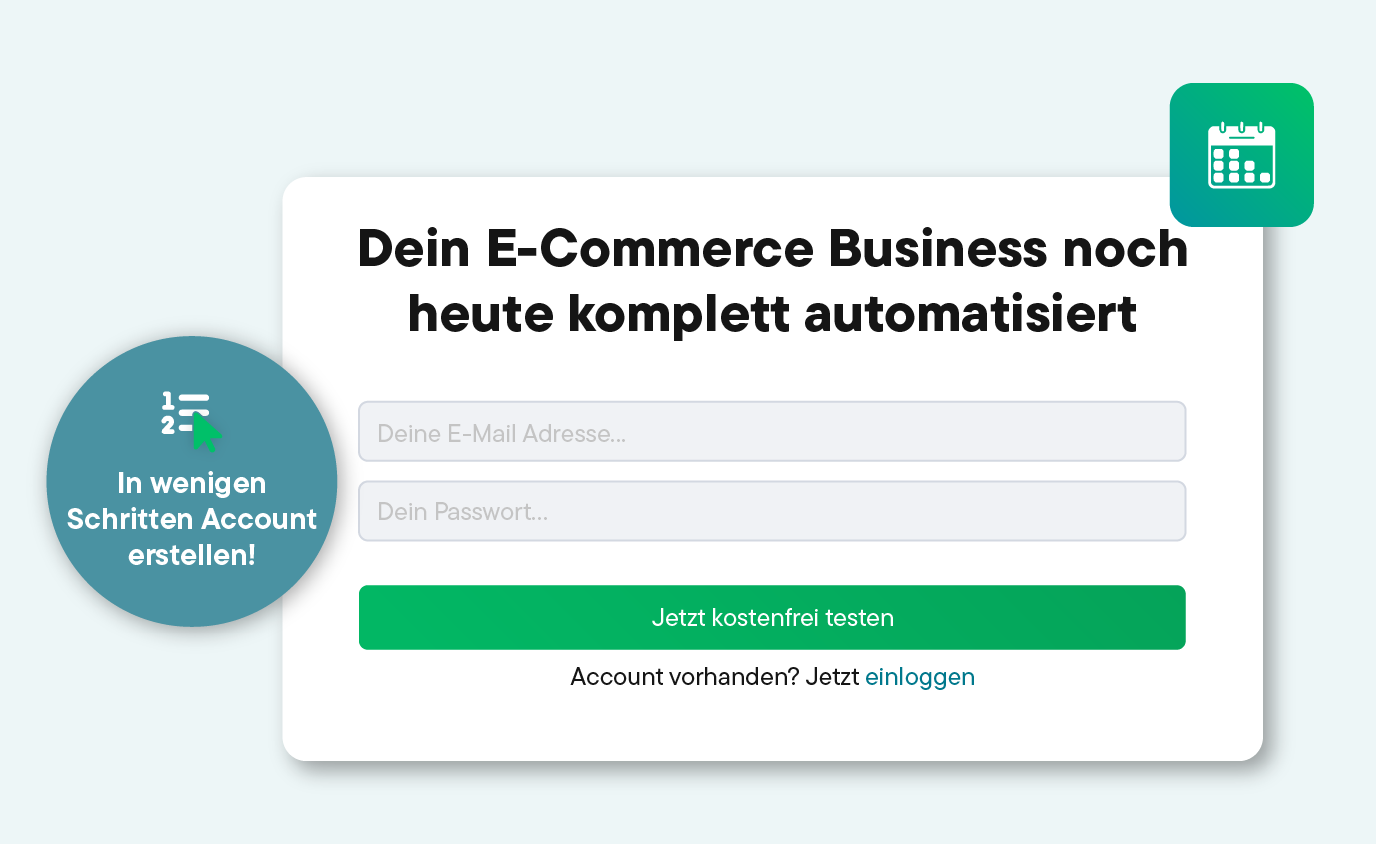
You can get started with Billbee today, even without technical know-how. Our tutorials, extensive documentation, and more will help you with the setup.
Register for your Billbee account and start your trial without entering payment details. The trial ends automatically without you having to cancel!
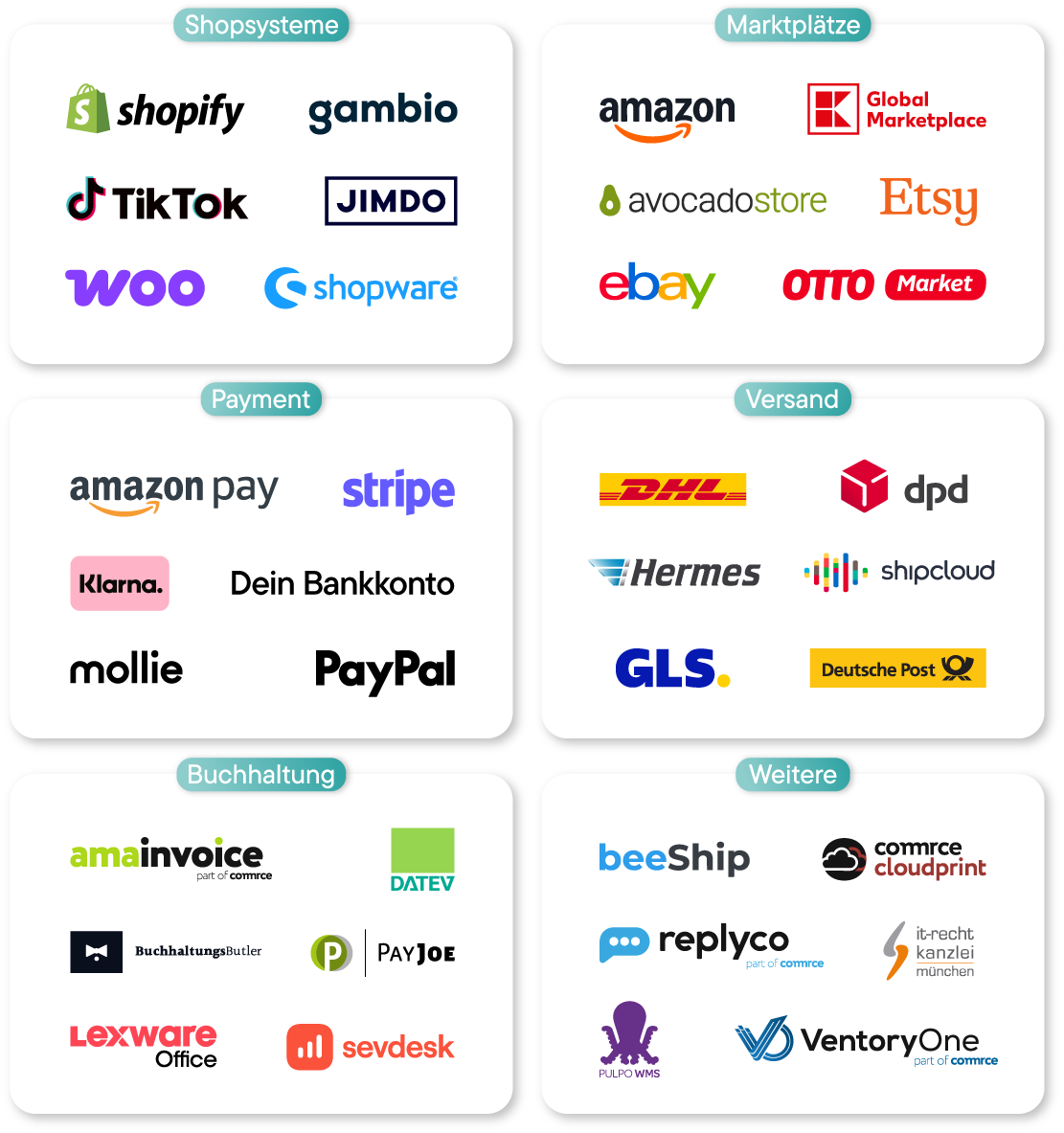
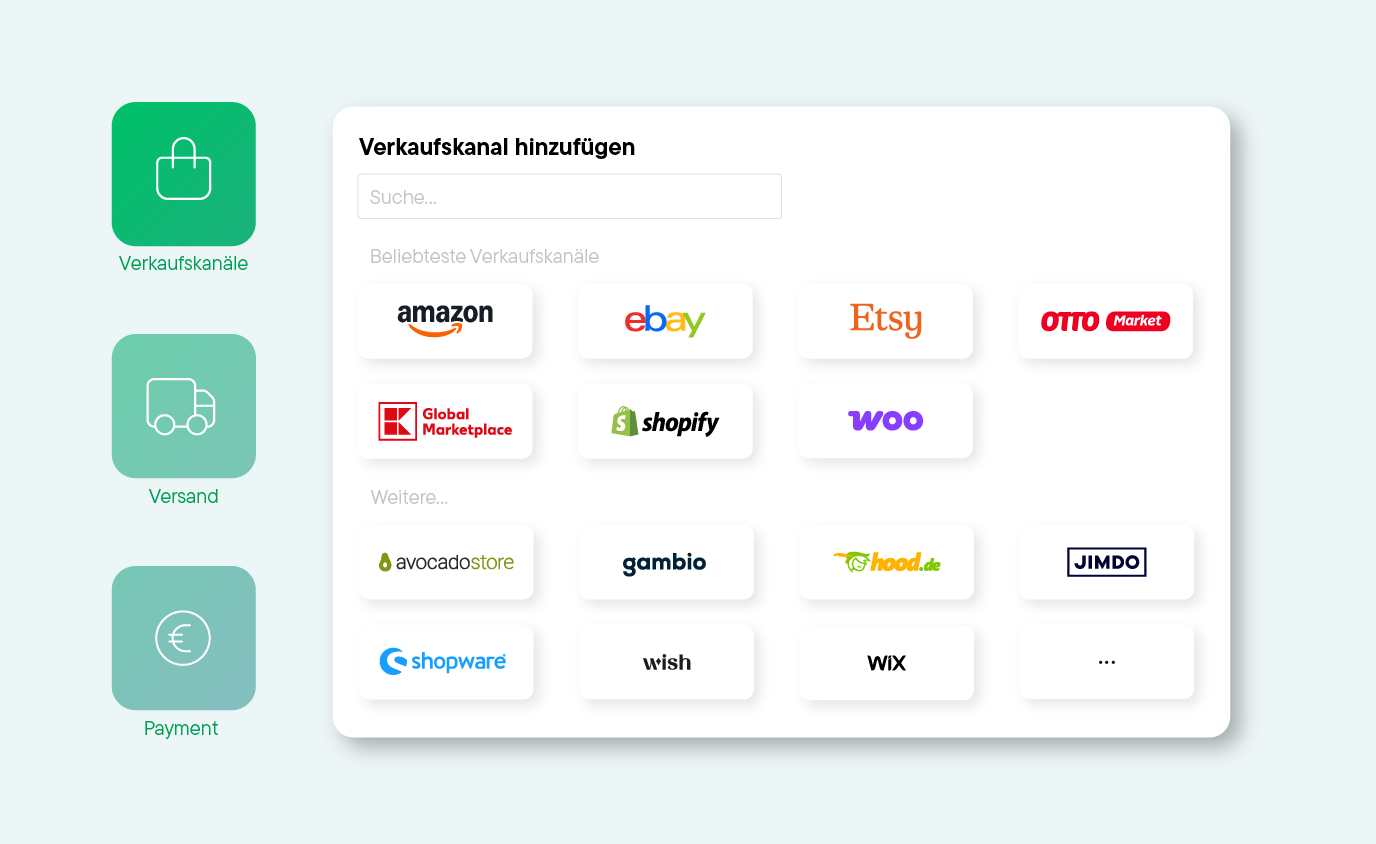
Connect your online stores, marketplaces, shipping carriers, and other tools to Billbee, and start importing your orders.
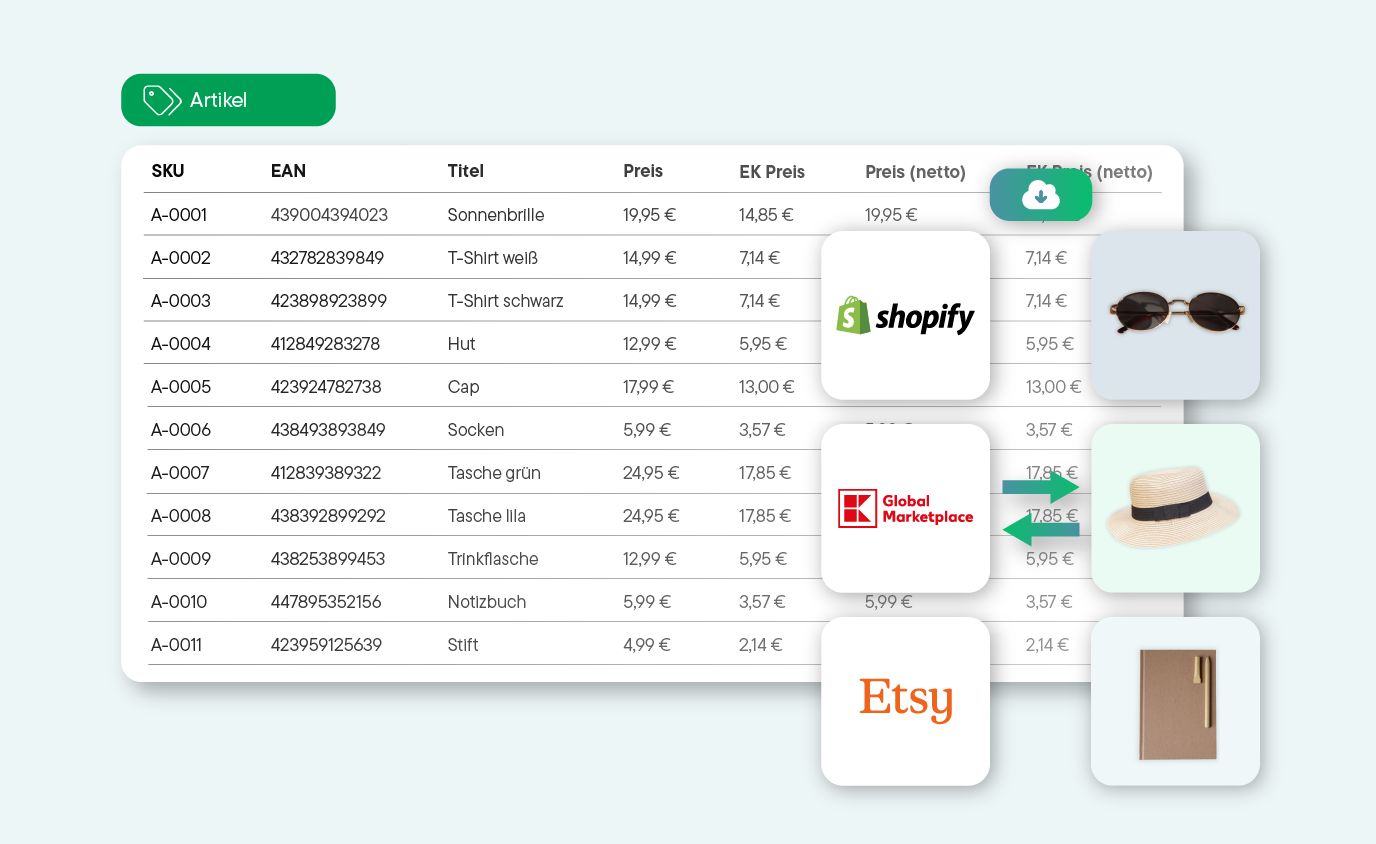
Whether manual or automated: Start managing your products and processing orders right away. See for yourself how much time you can save with Billbee!
Discover Our Network of Certified Partners!
We offer a broad network of certified, independent partners to help set up and optimize your Billbee account.
Find a Setup Partner
Billbee - the solution for your multichannel business
Billbee is your single source of truth for multichannel selling
eBay & Shopify
Verbinde eBay und Shopify über Billbee, um deine Bestellungen und Lagerbestände zentral zu synchronisieren.
eBay & WooCommerce
Verknüpfe eBay mit WooCommerce in Billbee und verwalte deine Aufträge bequem über beide Verkaufskanäle.